Moving a website to Whop should begin with a record of what the existing site does. Copying the visible pages is only one part of migration. Search URLs, product details, customer access, subscriptions, and the process for delivering orders all need an explicit handover.
Disclosure: AdsX owner Dennis Hegstad is employed at Whop. AdsX may earn a commission from qualifying businesses referred through our signup links. This article uses public sources reviewed October 4, 2026; examples are illustrative unless stated otherwise. Editorial policy.
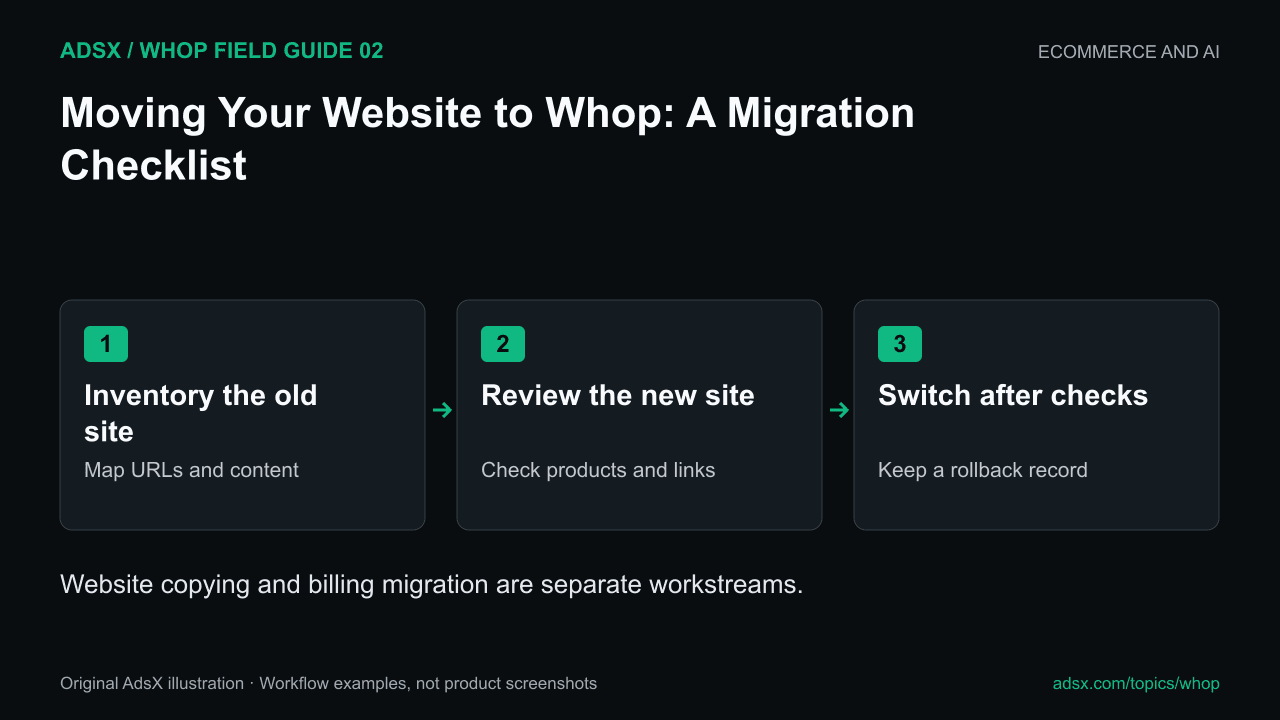
Original AdsX illustration.
Website migration and billing migration are different
Whop’s October 2 announcement describes website imports from Squarespace, WordPress, and GoDaddy. The Blueprints guide explains its website-cloning route. Whop also has a separate subscription migration guide, initially describing Stripe billing transfers.
Do not assume that importing a website moves active subscriptions, payment credentials, customer passwords, or every integration. Confirm the scope of each workflow before you begin. This article provides a migration plan; we have not migrated a live merchant site with the new importer.
Build a small inventory before copying anything
Start with your most important pages and business functions. A ten-page service website can hide dependencies in forms, booking links, analytics, and confirmation messages. A store adds catalog and order handling.
| Existing item | Record before migration | Check in the new site |
|---|---|---|
| Important URL | Address, title, purpose, incoming links | Correct destination and content |
| Product | Price, currency, variants, stock identity | Same intended offer and checkout |
| Form or booking | Required fields and recipient | Submission reaches the right workflow |
| Paid access | What the customer bought and its duration | Correct membership entitlement |
| Recurring billing | Provider, plan, renewal date | One provider owns the next charge |
| Measurement | Events and reporting definitions | Comparable data without duplicates |
Use actual traffic and revenue evidence to order the work. If a service page produces most inquiries, it deserves attention before an old announcement with no business role. Keep the complete URL inventory even when prioritizing only a subset for early review.
Review the imported site as a draft
The imported design should be reviewed against your current business. Remove outdated prices, old promises, obsolete team details, and content you do not have permission to reuse. A convincing visual copy can still contain an incorrect checkout link.
Check the navigation on a phone. Open product and service pages from the menu rather than pasting each URL directly. Follow the main action through to its next screen. Compare the visible price and currency with the intended offer.
If the new environment changes your URLs, prepare a redirect map. Confirm the hosting and domain controls available before promising a particular redirect behavior. Preserve your old site while you resolve gaps; do not switch the domain simply because the homepage looks ready.
A worked handover for a coaching business
Suppose a coach has a homepage, three service pages, a booking calendar, and twelve customers billed monthly elsewhere. There are two parallel projects:
- Rebuild and validate the public site, service descriptions, and booking journey.
- Decide whether the twelve subscriptions should remain with the old provider or move through a separately reviewed billing process.
The website can be ready while billing is still unresolved. Record each customer's next renewal and the intended billing owner. Do not improvise a payment-data transfer or treat a canceled old subscription as proof that the replacement is active.
Define a rollback before launch day
Write down who can restore the previous domain destination, where the original site remains available, and which changes would make rollback harder. Keep orders received during the transition in one reconciliation record. If two systems are temporarily live, assign ownership of each transaction rather than assuming that synchronization will sort it out.
After switching, check your important URLs, inquiry delivery, paid access, and order records again. Monitor real errors before making another large redesign.
Prepare your Whop migration
Read the ecommerce launch analysis and on-page launch checklist, then sign up for Whop through our partner link. Use the available import preview to compare the new site against your inventory before retiring anything customers still use.