A discount code can keep its familiar name while changing what customers receive. During a Shopify-to-Whop move, preserve the offer's meaning before deciding whether to reuse its text. A code that used to apply to one collection should not silently become a discount on every checkout.
This is a migration acceptance guide. For routine Whop setup and payment-duration examples, see our promo-code guide.
Disclosure: Dennis Hegstad works at Whop. AdsX may earn compensation from qualifying Whop referrals. Sources reviewed October 29, 2026. Examples and checks are illustrative, not reports of merchant migrations we tested.
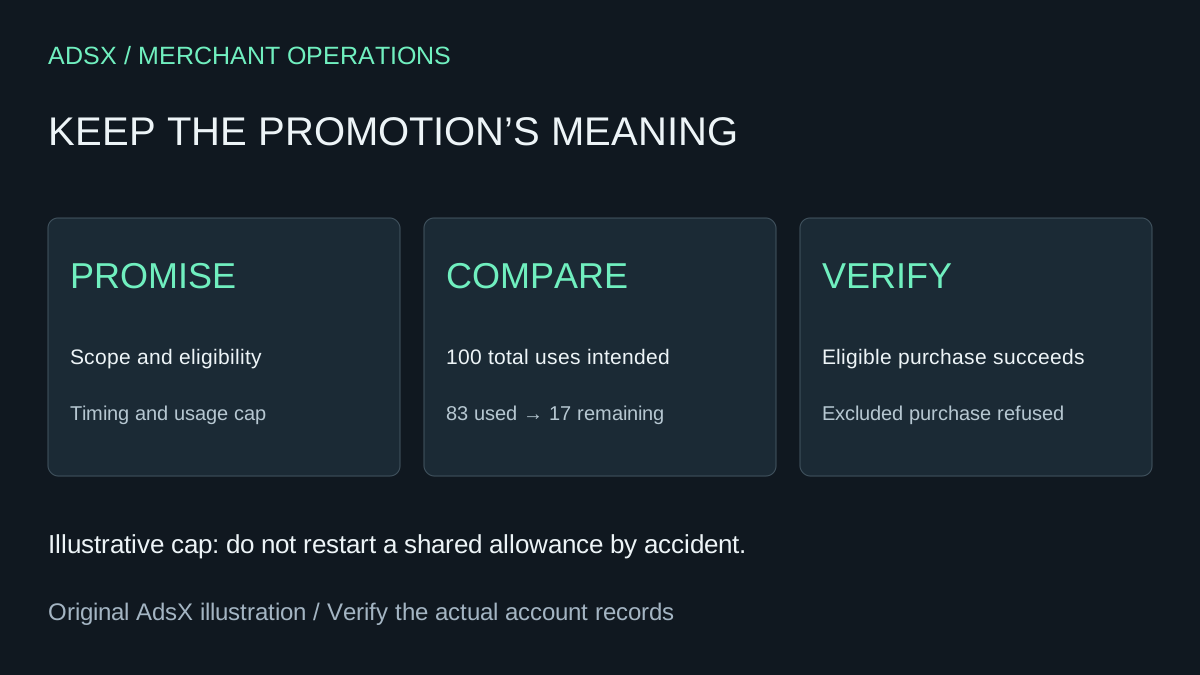
Original AdsX explanatory illustration.
Export the reference and write the promise
Shopify's discount export instructions let you export all discounts or a selected or filtered set. Keep an untouched reference, then review the settings and customer-facing promotion together. An export is evidence of the source configuration, not proof of a destination import route.
Write a short specification for each promotion you intend to retain: eligible purchase, eligible buyer, reduction, minimum requirements, valid period, usage limits, and combination behavior. Record any outstanding public promise separately from codes that are merely old or inactive.
Shopify's discount-code documentation describes controls including product scope, minimum purchase, dates, usage, and combinations. Do not assume a matching label exists for every rule elsewhere.
Compare behavior rather than field names
Whop's promo-code documentation describes fixed and percentage reductions, duration, eligible users, expiry, usage limits, and checkout-link restrictions. It does not establish automatic conversion of Shopify promotion rules or past redemption history.
| Source promise | Destination acceptance question |
|---|---|
| Selected products only | Can the intended checkout scope be enforced? |
| New customers only | How is eligibility determined after the move? |
| One use per customer | Does prior source usage affect eligibility? |
| Limited remaining redemptions | What counter starts at cutover? |
| Ends at a stated time | Which time zone governs the configured deadline? |
Treat unanswered rows as decisions to resolve. A destination's “new customer” setting might not know that someone previously bought from your source store. Do not describe cross-platform history recognition without verifying it.
Example: a nearly exhausted launch offer
Imagine a code with a 100-use limit and 83 successful source redemptions. If the intended total cap remains 100, there are 17 uses left. Creating a fresh 100-use destination code could permit 183 total uses across the transition.
That arithmetic assumes the source count is correct and no additional redemptions occur after the snapshot. If both checkouts remain active, define how you will avoid exceeding the shared promise. Do not rely on an unverified synchronization process.
Also compare the actual order. A 10% reduction on an eligible $80 purchase is $8 before other applicable amounts. Adding an ineligible $20 item should not change the promotion's intended scope. This is a proposed acceptance case, not a Whop checkout result we measured.
Test who should be refused
A successful eligible checkout is only half the review. Include an excluded purchase, a previously redeemed buyer where relevant, an expired code, and a code combination that should not work. Use supported testing methods and keep planned results separate from observed results.
If the old offer cannot be reproduced, choose an explicit resolution before publishing the replacement. That may mean a narrower new campaign with clearly different terms or keeping the old route available for an existing commitment. Avoid quietly changing the promise just to reuse a memorable code.
Update the route as well as the code
Review banners, landing pages, and other active placements for the destination they open. A visitor can see a correct new code and still land on an old checkout. Keep campaign attribution and promotion eligibility as separate checks.
Use the Shopify-to-Whop migration guide for the wider move. When ready to evaluate the destination, start a Whop account through AdsX's partner link. Launch the promotion after its wording, eligibility, and checkout behavior agree.