A Whop storefront can look ready while the links that bring customers to it still need work. Before switching, decide what happens when someone opens an old product link, bookmarked guide, or search result. The homepage alone is not a useful migration test.
This guide focuses on the search handoff after you have chosen the destination platform. For the wider project, start with the Whop website migration checklist.
Disclosure: Dennis Hegstad works at Whop. AdsX may earn compensation from qualifying Whop referrals. Sources reviewed October 28, 2026. Examples are illustrative; these are proposed checks, not migrations AdsX has tested.
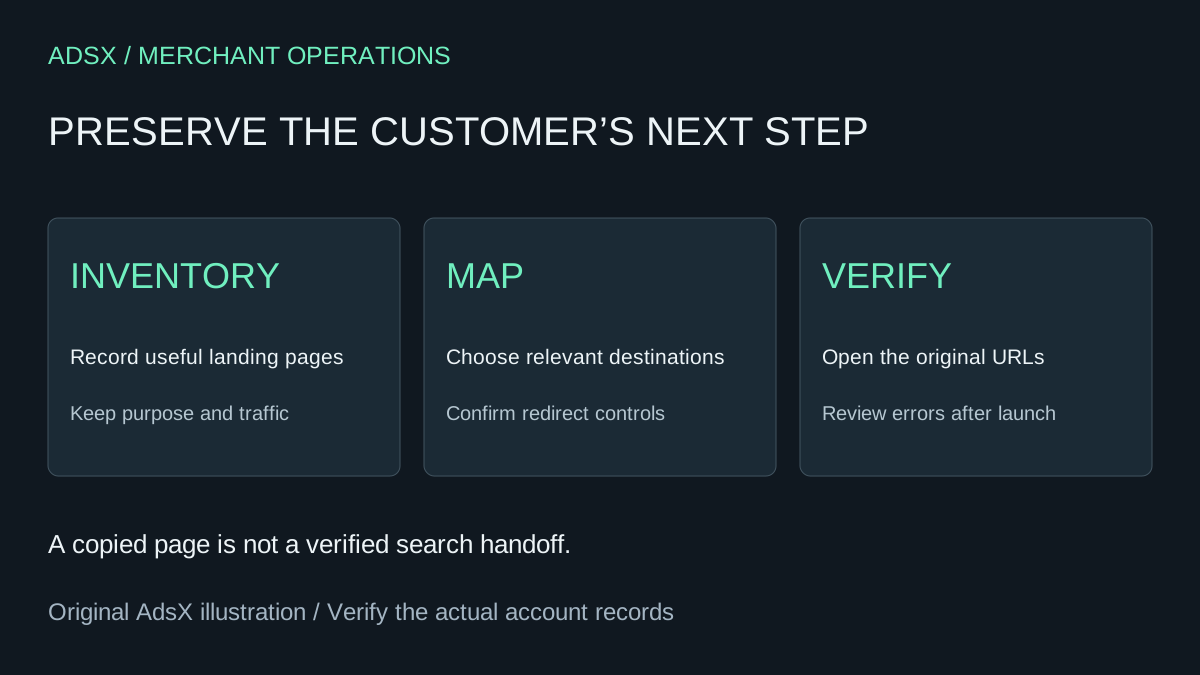
Original AdsX explanatory illustration.
Separate a copied page from a working address
Whop's website migration guide documents a URL-based website workflow. That does not establish which redirect controls will be available for your domain and every old path. Confirm those controls before committing to a switch.
Ask a precise question: can a request for this old address permanently redirect to this new address, and who will maintain that rule? A visual preview cannot answer it. If the required behavior is unavailable, resolve the hosting arrangement or reconsider the URL change before launch.
Build a map around actual customer journeys
Use your existing sitemap, Search Console landing-page data, analytics, and important external links to assemble the list. Include pages that support purchases even when they receive little search traffic: size guides, compatibility explanations, and delivery information can matter to conversion.
For each old URL, record its purpose, proposed destination, decision, and verification result. Do not choose a replacement solely because the slug contains a similar word.
| Old page purpose | Appropriate destination decision |
|---|---|
| Available product | Equivalent product with the same buying intent |
| Retired product with a true replacement | Replacement page that explains the difference |
| Useful educational guide | Retained guide or a genuinely equivalent resource |
| Obsolete page without a replacement | Explicit retirement decision rather than an irrelevant homepage redirect |
Google's site-move guidance recommends permanent server-side redirects where possible, avoiding unnecessary chains and irrelevant destinations. It also calls for checking canonical and indexing rules on the new pages. These are requirements to verify on the implemented site, not claims about Whop controls we tested.
Example: a store with discontinued accessories
Imagine a store moving 40 active products and ten discontinued accessories. Three retired accessories have compatible replacements. Four have installation guides that still help existing customers. Three have no useful successor.
A blanket redirect would hide these differences. Instead, keep the useful guides accessible, map genuine replacements deliberately, and decide how the remaining pages should communicate their retirement. The goal is to preserve the visitor's next useful step.
Add a note when compatibility changes. A visitor following a link for an older device should not land on a new accessory page that quietly suggests the wrong fit. This content review is as important as the HTTP response.
Test the old links, not just the new menu
Choose a representative set from the map: a top landing page, a deep product, a retired item, a guide, and a URL with an existing redirect. Open the original addresses on a phone and desktop. Record the final address, visible content, and purchase or support action.
Have the person responsible for hosting check status codes and redirect chains. A browser eventually displaying a page does not prove the response is configured as intended. Update your own internal links to the final destinations as part of the handoff.
Google notes that search visibility can fluctuate during a move. Keep a baseline and review errors and landing-page performance over time; neither a sitemap receipt nor a successful redirect guarantees unchanged rankings.
Make search readiness a launch decision
Keep the prior URL map and configuration available for recovery. Assign an owner to unresolved high-value routes and avoid combining the move with unrelated content deletion. See the Shopify-to-Whop preparation guide if that is your source platform.
When you are ready to evaluate the new storefront, start Whop through AdsX's partner link. Review the import and the search handoff together before pointing customers at the replacement.