For an eBay seller with one-of-a-kind stock, the central migration question is simple: which system is allowed to sell the item? A polished new Whop storefront is not ready if the same single unit remains available through another uncontrolled sales path.
Begin with item-level inventory and a small assortment. Decide how availability changes before inviting customers to buy.
Disclosure: Dennis Hegstad works at Whop. AdsX may earn compensation from qualifying Whop referrals. Sources reviewed October 27, 2026. Examples are illustrative; this is a planning guide, not a report of a migration we tested.
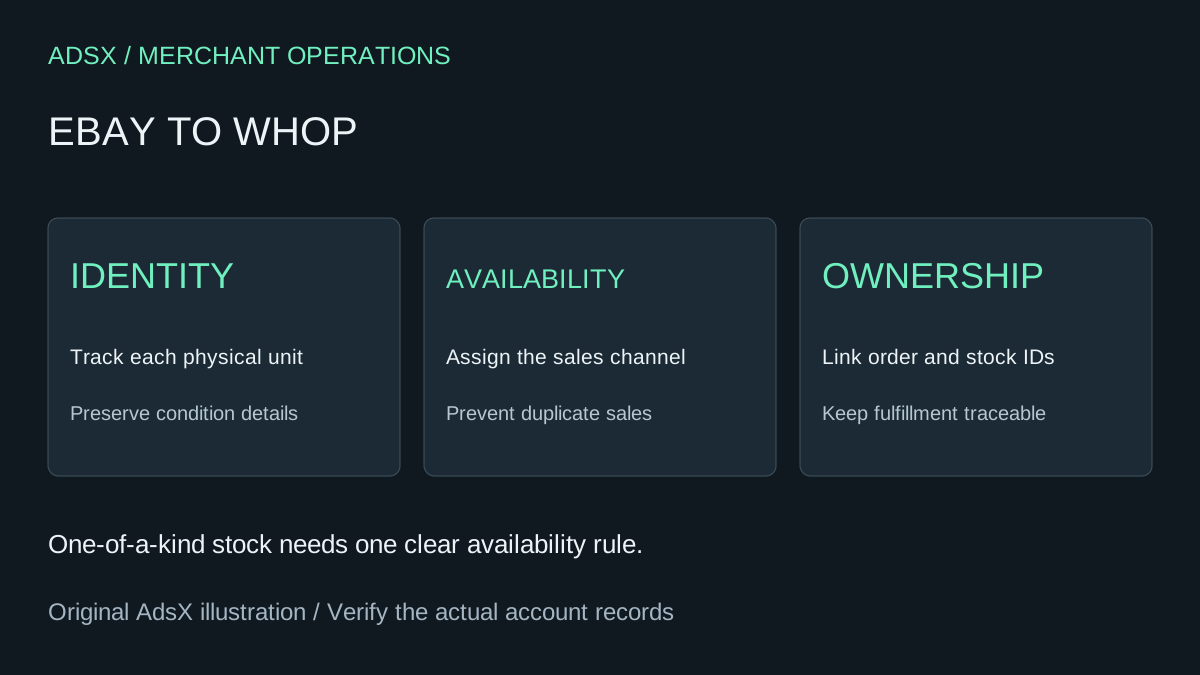
Original AdsX explanatory illustration.
Preserve a useful source record
The official Seller Hub Reports guide describes downloadable reports and bulk listing workflows. Select the report that serves your review, and record its date and scope. Keep source listing IDs alongside your own stock identifiers.
Reports are reference material, not proof of Whop import compatibility. Check the fields you actually receive and supplement missing condition details from records you own. Do not substitute a generic product description for the condition of a specific used item.
Build a ledger for unique stock
| Field | Why it matters during transition |
|---|---|
| Internal stock ID | Identifies the physical unit across systems |
| Current listing ID | Keeps the source record traceable |
| Condition and defects | Preserves the promise made to the buyer |
| Included accessories | Prevents a generic page from overstating the offer |
| Allowed sales channel | Defines where the unit can currently be purchased |
| Order owner | Identifies who fulfills and supports the accepted sale |
Use photographs and descriptions you own or are permitted to reuse. A marketplace catalog image may describe a model without documenting the scratches, missing cable, or other details of your unit.
Example: three used cameras of the same model
Imagine three cameras with different shutter counts and included accessories. They are not interchangeable inventory merely because the model name matches. Give each a separate internal identity and preserve the relevant condition record.
For a cautious pilot, allocate one camera to the new store and retain the other two in the current channel. Confirm the allocated unit is no longer purchasable through an unintended path before making it available elsewhere. Do not cancel a committed transaction to move it to the new store.
If you intend to sell shared inventory across channels, verify a supported synchronization process and test the last-unit case. A manual spreadsheet may work for a tiny pilot but becomes fragile when orders arrive faster than staff can reconcile them. No automatic eBay-to-Whop stock connection is established in this guide.
Keep marketplace transactions on their original path
Read eBay's outside-transactions policy. It prohibits facilitating off-eBay transactions with users on the site and using transaction contact information to offer sales elsewhere. Build an independent audience for the new store rather than redirecting eBay buyers through messages or listings.
Keep open orders, returns, and customer questions tied to their original records. A new checkout does not replace the obligations attached to an already accepted marketplace sale.
Evaluate the storefront separately
Whop's website migration documentation describes submitting an existing website URL. It is not evidence of a dedicated eBay connector or a transfer of feedback, buyer accounts, or private order history. Confirm support for your source and inspect the result before planning around automation.
The Whop migration checklist provides the broader site review. For resale inventory, add a condition check, a quantity-one test, and a traceable packing reference for each pilot item.
Give shoppers a reason to use the new store
An independent store needs its own useful buying experience. Original compatibility explanations, inspection criteria, and clear condition photography can help a shopper choose. Avoid assuming that marketplace traffic follows your catalog to a new address.
Measure qualified visits, completed orders, support effort, and inventory discrepancies. If the new channel adds reconciliation work without finding buyers, pause expansion and improve the offer or discovery plan.
Use the Whop launch checklist and create a Whop account through our partner link to evaluate one controlled assortment first. Expand only when item identity, availability, checkout, and fulfillment agree.