For a Shopware business, “the store” may mean several different customer experiences. A retail storefront, a wholesale channel, and a regional site can share catalog data while exposing different products and buying rules.
A move to Whop should begin with one clearly defined audience. Copying the main homepage is not enough to show that every sales channel has a suitable replacement.
Disclosure: Dennis Hegstad works at Whop. AdsX may earn compensation from qualifying Whop referrals. Sources reviewed October 26, 2026. Examples are illustrative; this is a planning guide, not a report of a migration we tested.
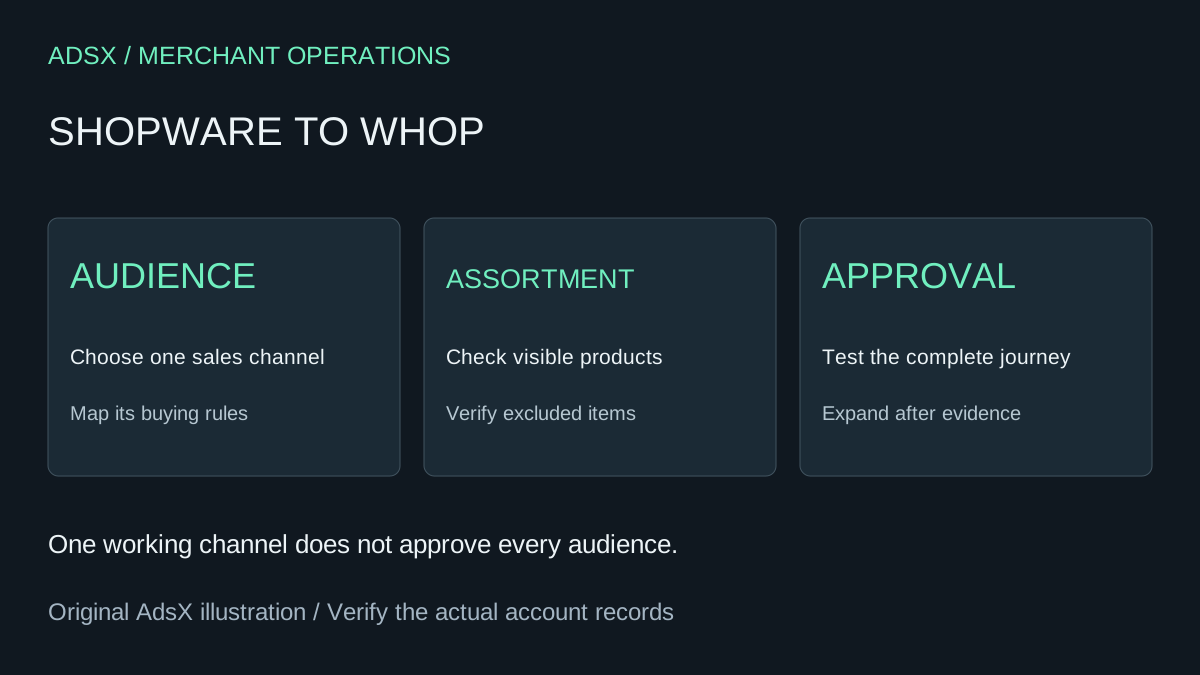
Original AdsX explanatory illustration.
Make a channel inventory
Shopware's sales-channel documentation explains that a channel controls audience defaults, domains, navigation, and product availability. Language, currency, and payment or shipping choices are part of that context.
Build a table from your actual configuration. Record the public entry point, intended audience, visible assortment, and important purchase requirements for each channel. Include channels that feed another application or sales destination; they may have no homepage to inspect.
| Channel question | Record from the current setup | Evidence required before moving |
|---|---|---|
| Who is the buyer? | Region, language, customer type | The destination serves that audience |
| What can they buy? | Available assortment and exclusions | Product visibility matches the plan |
| How do they buy? | Currency and required checkout options | A representative purchase path works |
| Who fulfills it? | Order-routing owner and process | The new order reaches the correct team |
Treat this as a requirements map. It does not establish that Whop has an equivalent native setting for every Shopware feature.
Export data with its context attached
Shopware's Import/Export documentation describes using profiles to work with store data. Preserve the profile and scope alongside an export so another reviewer understands what the file contains.
A product row alone may not explain which audience should see it or which rules govern its sale. Keep a separate reference for channel assignments and the behavior they produce. Verify the format accepted by the destination before transforming files or commissioning an integration.
Avoid changing prices, channel structure, and platform at the same time unless each change has a clear owner. Otherwise a difference in the new checkout can be difficult to trace back to the migration or to a deliberate business change.
Example: retail and wholesale share a catalog
Suppose a business has a retail channel selling single units and a wholesale channel selling approved assortments to trade buyers. The product photos overlap, but the intended buying experiences differ.
A sensible pilot might move one retail collection while leaving wholesale unchanged. The acceptance sheet should say which items belong in the pilot, which URLs lead to them, how orders are identified, and how stock availability is maintained across the remaining systems.
Test a product that should be visible and one that should remain excluded. Review a returning customer's likely entry point as well as the homepage. If the same physical stock is sold through both systems, assign an explicit synchronization or allocation process before accepting orders. This is a planning example, not a verified integration.
Review Whop against the chosen channel
Whop's website migration guide documents submitting a source URL. Use the resulting site to evaluate the selected public journey. Do not infer that the import recreates every Shopware channel, private customer rule, or downstream connection.
Follow the Whop migration checklist for the site-wide review, but give each proposed channel its own approval status. One working retail checkout does not approve a wholesale workflow.
Switch only the audience you have approved
Map the relevant old URLs to their intended destinations and verify domain and redirect options before launch. Keep the other channels' entry points intact. Review navigation and cross-links so customers are not accidentally sent into an unfinished experience.
Record which system owns open orders and which receives new ones after the switch. Staff should be able to identify an order's origin without guessing from the product name. Monitor the first orders and customer questions before expanding to another audience.
If the current Shopware setup depends on sophisticated channel rules, those requirements may justify staying. A smaller Whop pilot can still provide useful evidence without forcing a complete-platform decision.
Use the Whop launch checklist, then start a Whop account through our partner link. Compare the actual destination capabilities with one channel's requirements and expand only when that audience is fully served.