For a small Big Cartel shop, the hardest part of a move may be protecting the promises attached to a handful of products. A limited edition, a made-to-order piece, and a ready-to-ship item should not all inherit the same stock or delivery assumptions.
Before moving to Whop, make a product ledger and finish the open-order plan. Those two documents give you a reliable way to judge the imported storefront.
Disclosure: Dennis Hegstad works at Whop. AdsX may earn compensation from qualifying Whop referrals. Sources reviewed October 25, 2026. Examples are illustrative; this is a planning guide, not a report of a migration we tested.
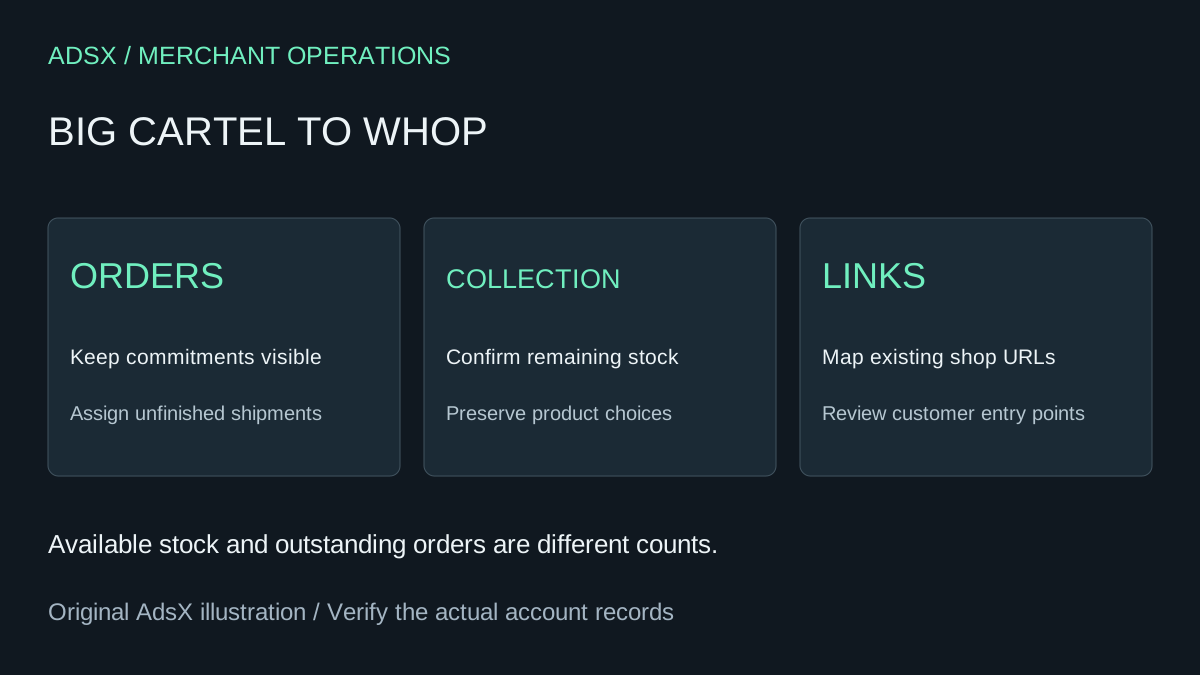
Original AdsX explanatory illustration.
Begin with orders you still owe
Big Cartel's order-download guide explains exporting CSV data from Orders, including All Orders or selected order views such as Unshipped and Partially Shipped. Keep an archive and a working list of outstanding commitments.
An order export is not a product export, and neither is proof that the destination will recreate your complete account. Keep the original order number and payment reference available to the person handling fulfillment and returns.
For each unfinished order, record the item, option, promised dispatch window, shipping status, and owner. If a customer requests a change during the move, update the working record rather than relying on memory or a new storefront notification.
Build a maker-friendly product ledger
Use your current catalog and your own source files to create a comparison sheet. Keep original images where you have them. Check the actual export tools available in your account; do not follow instructions for importing into Big Cartel as though they describe exporting from it.
| Offer type | Detail to preserve | What would fail the review? |
|---|---|---|
| Numbered edition | Quantity remaining and edition description | Previously sold units become available again |
| Made-to-order item | Production window and required choices | Checkout loses the buyer's necessary specification |
| Ready-to-ship item | Exact variant and available stock | A sold-out size can still be purchased |
| Mixed basket | Delivery expectations for each item | The customer is promised one timing that cannot be met |
These checks apply only where the destination supports the offer and workflow. If it does not, simplify the offer deliberately or keep that part of the business on its current system.
Use the website import as a draft to inspect
Whop's website migration guide documents URL submission. Whop says most website migrations finish within an hour; that is its estimate for the website process, not a commitment about your shop's complete move. Private order history, payment arrangements, and custom workflows still need explicit review.
Compare the draft against the product ledger, then use the Whop migration checklist for the wider launch review. Do not infer a dedicated Big Cartel connector from the general URL workflow.
Example: a twenty-piece drop with seven unshipped orders
Imagine an illustrator released twenty signed pieces. Thirteen have sold, seven remain available, and seven of the sold pieces still need shipping. These numbers describe different things: available stock and outstanding fulfillment.
The new storefront should offer seven pieces, not twenty. The old-order register should still show the seven shipments owed. A visually accurate product page can conceal both errors if the reviewer checks only the title and image.
Add one more test: a cancellation arrives before launch. Decide who approves it, where the refund is handled, and whether the returned allocation should become available. Update the ledger before changing the destination quantity. This example is illustrative; AdsX has not performed this merchant migration.
Preserve the route back to your shop
Big Cartel's custom-domain guide distinguishes an owned domain from the default Big Cartel shop address. List which one appears on social profiles, packaging, receipts, and older product links.
Do not assume that a platform-owned address can be redirected wherever you want. Verify the options available to you. For an owned domain, confirm the destination's connection instructions and keep a record of existing settings before changing them. Review important old product paths separately; moving the homepage does not prove deep links work.
Launch between commitments, not in the middle of a drop
Choose a quiet window where you can count stock and reconcile orders. Review the destination on a phone, check product options, delivery wording, customer support details, and the payment setup. Keep access to the source records while outstanding obligations remain.
If a simple Big Cartel shop already handles the business well, migration needs a specific benefit. Use the Whop launch checklist, then create a Whop account through our partner link to evaluate your next collection before moving the entire shop.