A Magento-to-Whop project should begin with the custom behavior your business depends on. Rebuilding the visible store can be quick relative to recreating years of pricing rules, integrations, and operational decisions. Use the URL import to explore the storefront while your team checks those dependencies separately.
Whop documents URL-based website migration. That is a useful entry point, but it is not evidence that an Adobe Commerce installation, extension set, or custom database will move automatically.
Disclosure: Dennis Hegstad works at Whop. AdsX may earn compensation from qualifying Whop referrals. Sources reviewed October 24, 2026. Examples are illustrative; AdsX has not performed these merchant migrations.
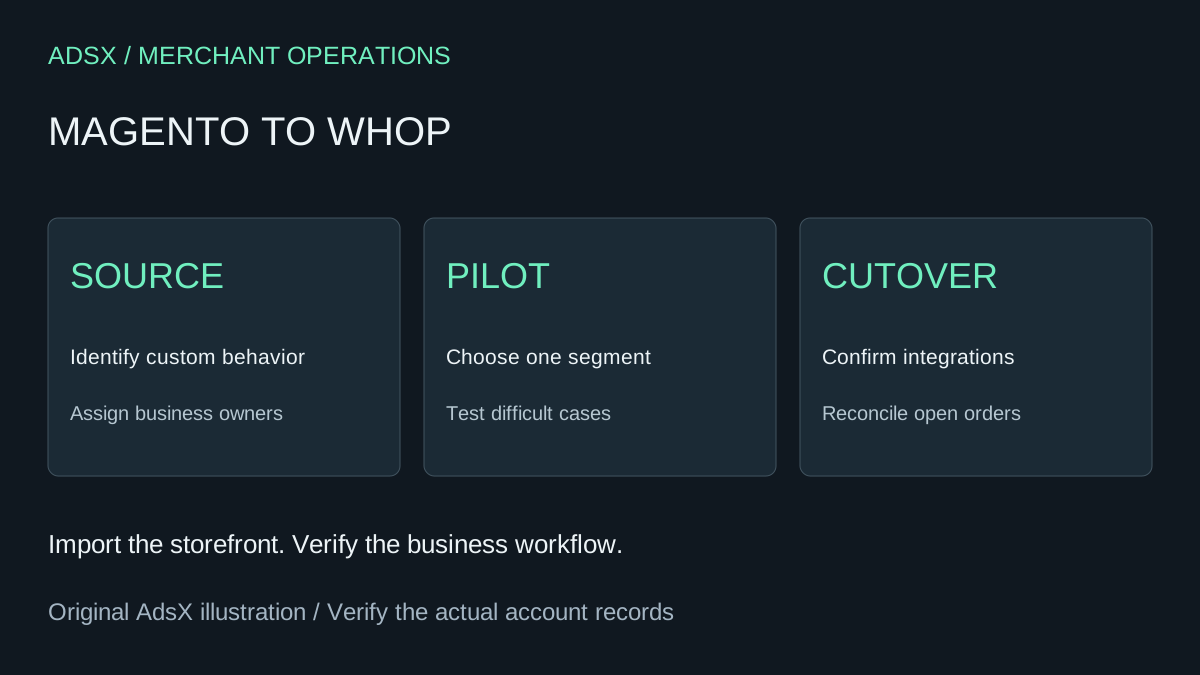
Original AdsX explanatory illustration.
Identify the installation and its owners
Record whether the source is Magento Open Source or Adobe Commerce, the version in use, and who maintains it. Then name the owners of catalog, pricing, inventory, orders, customer access, and deployment. A migration becomes difficult to review when every question is assigned vaguely to “the developer.”
Ask each owner for one ordinary case and one difficult case. For catalog, that might be a simple spare part and a configurable assembly. For pricing, it might be a public price and a negotiated customer price. These are examples to adapt, not claims about features every installation uses.
Export evidence, not just a list of names
Adobe’s data export documentation describes exports by entity and attribute filters. Use the relevant source records to establish what the new operation must preserve. A filtered export should be labeled clearly so a partial catalog is not mistaken for the complete one.
Keep customer data and private pricing in appropriately controlled storage. A public website URL does not contain all the information available in an authenticated admin or an internal integration.
| Area | Example question for the migration owner |
|---|---|
| Catalog | Which attributes determine what the customer can buy? |
| Pricing | Are prices different for specific customers or quantities? |
| Inventory | Which system decides whether an item can be sold? |
| Orders | Which system creates the fulfillment instruction? |
| Access | What can a signed-in customer see that a public visitor cannot? |
Use a narrow pilot to expose hidden work
Imagine an industrial supplier with a public spare-parts catalog and a separate negotiated-contract business. A useful pilot might review the public catalog first while keeping the contract workflow out of scope. Document that boundary so nobody interprets the pilot as proof that the whole business is ready.
Run the URL import, compare the resulting product journeys, and list every dependency that remains unresolved. If a customer-specific price cannot be reproduced through a confirmed supported approach, that is a launch blocker for that segment—not a cosmetic detail.
The Whop API and CLI store guide can help a technical team understand the development path. It should not be read as a promise that existing Magento extensions can execute unchanged.
Put integration ownership ahead of the calendar
For every external system, record the trigger, data sent, expected result, and failure owner. For example: payment recorded, order details sent to the warehouse, shipment confirmed, exception routed to operations. Verify each step using the actual proposed setup.
A merchant may be able to review a simple storefront within hours or days. A customized enterprise operation needs its own estimate based on those integrations. Avoid turning a fast website rebuild into a deadline the operational team cannot meet.
Decide on a controlled cutover
Use the website migration checklist to plan URLs, pending orders, and recovery. Keep the source available until responsible owners accept their workflows. If the project’s expected benefit does not justify replacing essential custom behavior, retaining the existing platform is a reasonable decision.
To evaluate a specific catalog or business segment, create a Whop business through AdsX’s partner link. Bring a requirements inventory with you; it makes a platform discussion much more useful than a homepage comparison.