A GoDaddy-to-Whop move should distinguish the website from the other services associated with the business. Replacing an online store does not necessarily require transferring the domain registration or changing business email. Make those separate decisions so a storefront improvement does not create an unrelated interruption.
Whop’s website migration workflow accepts an existing site URL. Use it to evaluate the storefront, then check the catalog and connected business services before making the new site public.
Disclosure: Dennis Hegstad works at Whop. AdsX may earn compensation from qualifying Whop referrals. Sources reviewed October 24, 2026. Examples are illustrative; AdsX has not performed these merchant migrations.
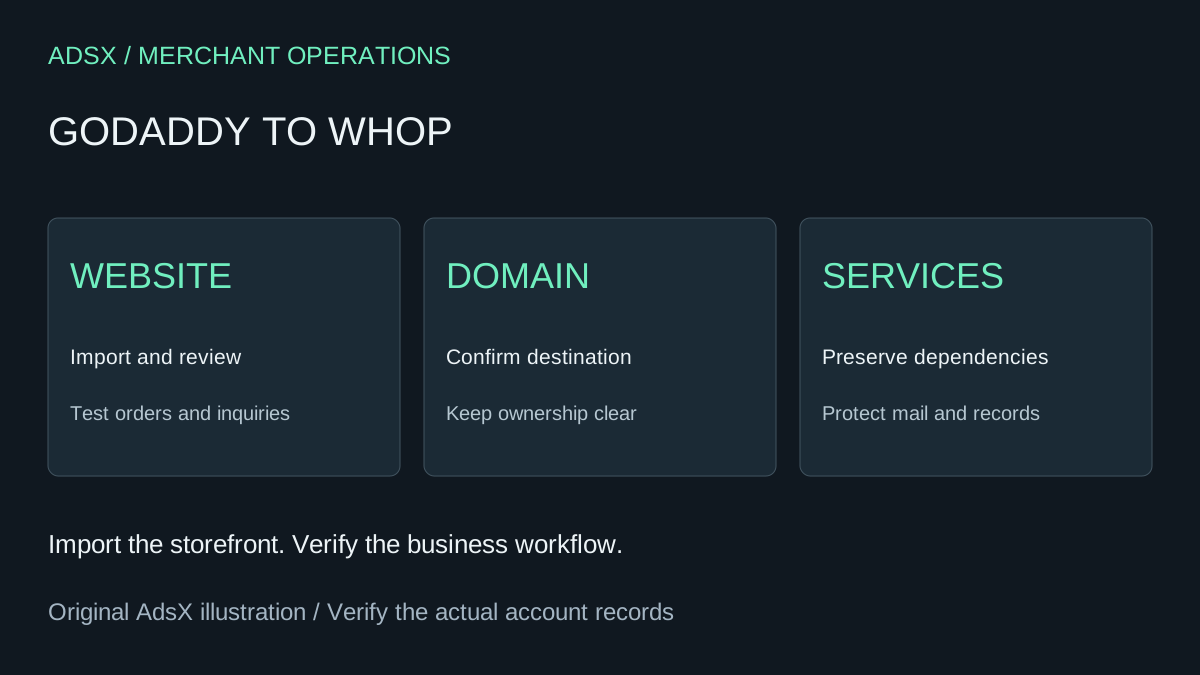
Original AdsX explanatory illustration.
Identify what GoDaddy is providing
Write down the products you actually use: Websites + Marketing, domain registration, DNS management, email, payments, or another hosting product. If the site is WordPress or WooCommerce hosted at GoDaddy, use the WooCommerce-to-Whop guide for the store-specific work.
This article focuses on a Websites + Marketing site or store. Do not assume the same export process applies to every product sold under the GoDaddy name.
Keep a product comparison record
GoDaddy’s product export guidance describes exporting Websites + Marketing products to CSV. Use an unchanged export as a reference for the migration review. Follow the controls shown in your current dashboard rather than assuming every account has identical menu labels.
Compare the intended products, prices, options, and availability against the resulting Whop store. If you also sell through another channel, decide which system will own inventory updates after the move.
Review a local-business example
Imagine an auto-detailing business selling service packages and car-care products. The website has two different jobs: explain a service and collect a product order. An imported package page can look correct while its inquiry goes nowhere, and a product can display correctly while its shipping setup remains unfinished.
| Business function | Review question |
|---|---|
| Service inquiry | Where does the requested package and vehicle information arrive? |
| Product purchase | Can the team identify and dispatch the purchased item? |
| Domain | Who controls the website destination? |
| Business email | Which records and provider keep mail working? |
| Existing orders | Who handles delivery and refunds after the switch? |
Use the Whop auto-detailing guide for offer design. Keep this migration review focused on whether the business can fulfill the promises already made.
Treat domain work as its own change
Record the current domain configuration before changing the website destination. Confirm the exact records required by the new hosting setup and preserve unrelated services. Do not delete all existing DNS records as a shortcut.
Assign this work to someone who can distinguish website records from email and verification records. If the person reviewing the site is not the person managing the domain, include both in the launch plan. Domain registration, DNS hosting, and website hosting are separate responsibilities even when one provider currently supplies them.
Switch after the critical tasks pass
Review product and service journeys on a phone. Confirm inquiry delivery, the intended checkout, and the operational handoff. Keep a record of orders received during the transition and retain access to the old records needed for support.
The website migration checklist provides a broader launch and recovery plan. A simple site may need relatively little review, while one connected to marketplaces or custom processes needs more. Use the actual outstanding tasks to estimate timing.
To evaluate the new storefront, sign up through AdsX’s Whop partner link. Move the website when it is ready, and change other business services only when there is a separate reason to do so.