An auto detailing business can evaluate Whop for selling a standard package or collecting an agreed booking payment. The hard part is defining “standard.” A compact car needing routine upkeep and a heavily soiled three-row SUV should not enter the same checkout with the same promise.
Disclosure: AdsX owner Dennis Hegstad works at Whop. AdsX may earn a commission from qualifying businesses referred through our signup links. Public sources were reviewed October 4, 2026. Package prices and scenarios below are illustrative, not platform quotes or customer results. Editorial policy.
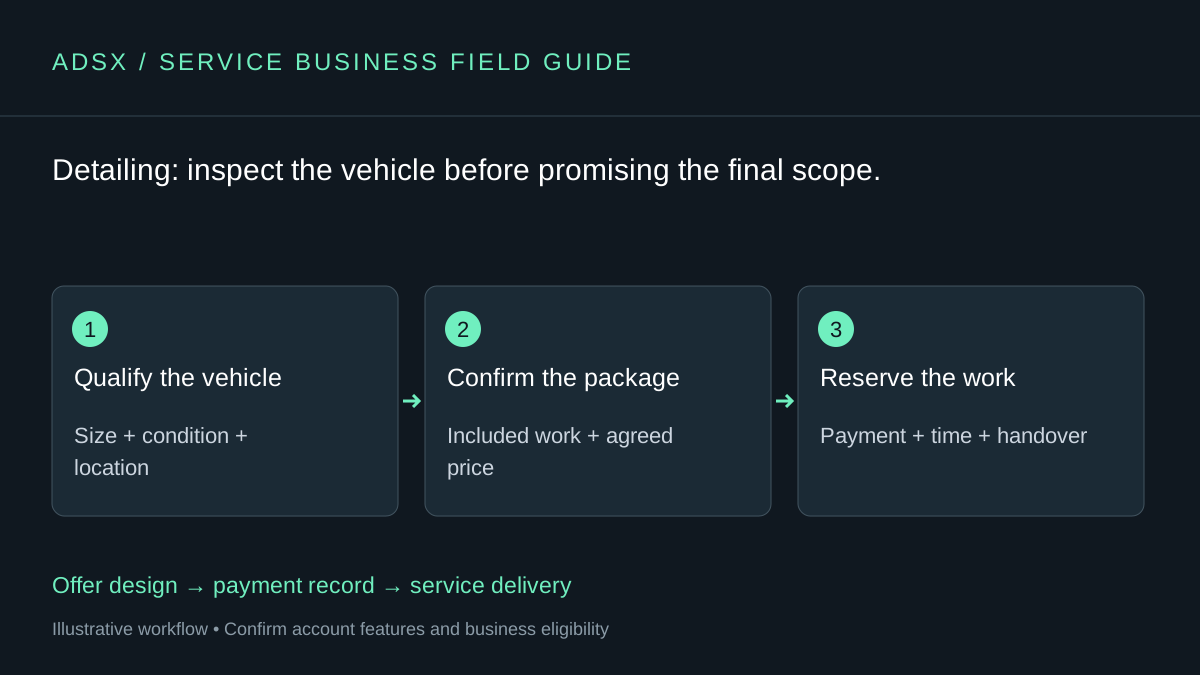
Original AdsX workflow illustration.
Let condition shape the offer
Begin with a package you can describe precisely: exterior wash, interior vacuum, specified surfaces, and an estimated appointment window. State whether pet hair, staining, odor treatment, paint correction, or unusual contamination needs a separate assessment. Customers should not discover the real price after you arrive.
Ask for vehicle type, service address, and a brief condition description before accepting a fixed-price job. If photos are necessary, collect them through a channel you already manage; do not imply that a particular upload field is available without checking your account.
| Offer | Good checkout approach | What still needs confirmation |
|---|---|---|
| Maintenance detail | Fixed one-time package | Vehicle size and acceptable condition |
| Deep interior detail | Quote after review | Materials, damage, and extra labor |
| Paint correction | Assessment before payment | Finish expectations and agreed scope |
| Regular upkeep | Defined recurring offer | Visit frequency and missed-visit handling |
A deposit is part of the job price
Suppose an illustrative detail costs $220 and the customer pays $50 to reserve the appointment. The remaining service balance is $170, before any applicable charges shown separately. Put both figures in the customer’s confirmation. Do not send a second $220 checkout at completion.
Whop’s checkout documentation explains one-time links and questions before checkout. A link can collect the agreed amount, but it does not by itself reconcile a deposit against a later balance. Keep a job record that connects the first payment to the final amount due.
Our checkout-links guide covers the payment setup. For custom invoices, preview the buyer’s total: Whop’s invoice documentation currently describes a 5% customer service fee. Do not silently assume the invoice total equals your quoted service price.
Book working time, including the unglamorous parts
A mobile detail needs travel, setup, cleanup, and a handover. A three-hour service with forty minutes of travel and twenty minutes of setup occupies four hours. Two such jobs can fill an eight-hour day before breaks or delays.
Whop documents a Calendar Bookings app, but route planning, weather moves, and equipment availability remain requirements to verify. If an existing detailing scheduler handles those well, retain it and make the payment confirmation point to the correct booking instructions.
Make repeat visits conditional on capacity
A maintenance membership can be useful when the included work stays predictable. Define the vehicle, visit interval, scheduling window, and what happens after a skipped month. Avoid “unlimited detailing” if a single busy customer could consume the capacity needed for everyone else.
Pilot one package and track estimated versus actual job hours. If condition surprises dominate, improve qualification before changing the payment platform. Read the service-business guide, then create a Whop business using our referral link if its payment flow fits your detailing operation.