For a BigCommerce merchant, the important migration question is often what happens to product choices after the buyer clicks Add to cart. A storefront can resemble the old site while losing the distinction between a stocked variant and a customization instruction.
Whop offers website migration by URL. Use that to start the storefront review, then verify the catalog and order behavior your BigCommerce business depends on. We have not tested a BigCommerce-specific connector or a live merchant migration.
Disclosure: Dennis Hegstad works at Whop. AdsX may earn compensation from qualifying Whop referrals. Sources reviewed October 24, 2026. Examples are illustrative; AdsX has not performed these merchant migrations.
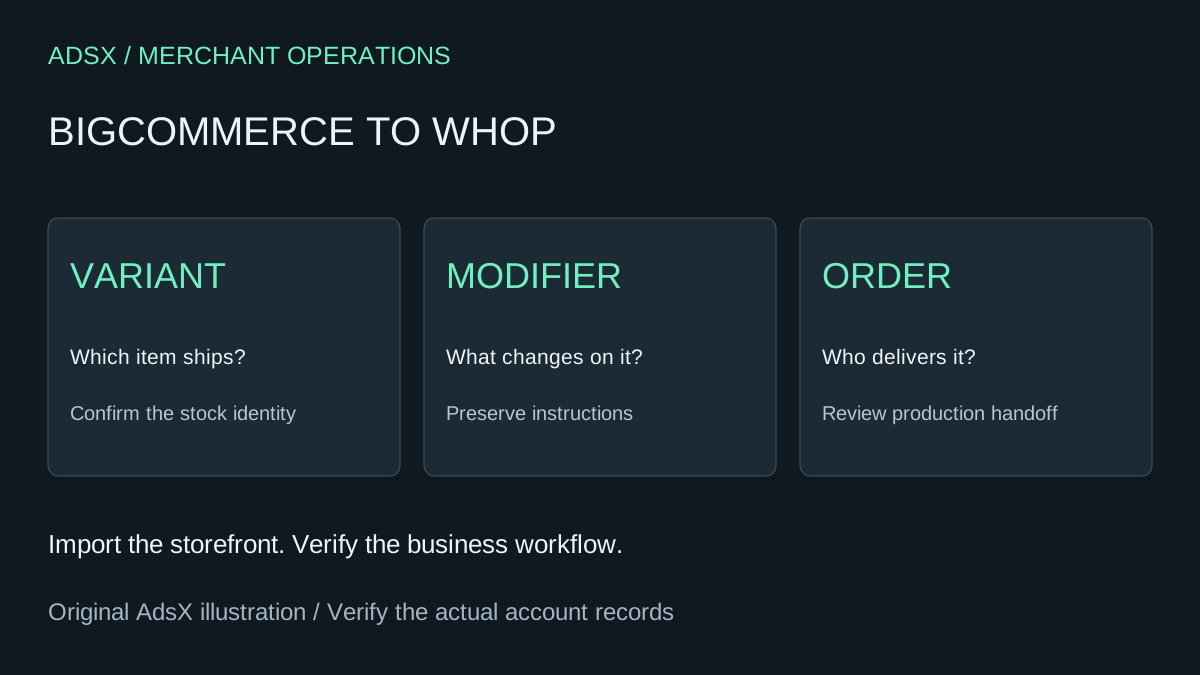
Original AdsX explanatory illustration.
Separate variants from modifiers
BigCommerce’s modifier documentation explains that modifiers customize a product without changing the variant fulfilled. It also states that inventory is not tracked for combinations of modifier values. That distinction should survive your migration planning, even if the destination uses different terminology.
Consider a hypothetical uniform supplier. Shirt size identifies a stocked item; an embroidered name tells the production team what to add. Converting both into a generic text field could make the store look functional while leaving inventory or production unclear.
| Choice | Example | What the review must establish |
|---|---|---|
| Stock selection | Medium navy shirt | Correct item and quantity |
| Personalization | Embroidered name | Exact instruction reaches production |
| Extra charge | Optional customization | Total agrees across page, cart, and order |
| Required input | Employee name | Incomplete purchases are handled intentionally |
Build the test basket first
Choose a plain product, one with several stock options, and one with customization. Add any offer that changes by customer or sales channel. Record the expected result before looking at the imported store, so the review is based on your business rules.
Do not treat a product count as the only success metric. A catalog of 500 items can import with 500 visible listings and still mishandle the ten items responsible for most support work. Prioritize those difficult cases early.
Review the generated store and remaining integrations
Submit the source URL through Whop’s available website migration flow, inspect the plan, and review the rebuilt pages before changing the public domain. Record missing behavior as an explicit task with an owner.
For the uniform supplier, that might mean checking whether the same personalization information appears on a customer confirmation and in the fulfillment process. If a connected production system requires a particular field, confirm how that field will be provided. Do not assume that a visual import installs an integration.
Our multi-product checkout guide is a useful companion for testing mixed baskets. The migration checklist covers the wider handoff.
Decide whether the move is worth it
A merchant with a simple direct-to-consumer catalog may have a smaller review than a business using custom price lists, account approval, or several storefronts. List the capabilities you actually use and confirm their destination before assigning a launch date.
Retaining BigCommerce can be the sensible choice when an essential workflow has no agreed replacement. Moving can be sensible when the new setup supports the required work and produces a clear operational benefit. Neither conclusion follows from the product names alone.
Launch with an order reconciliation window
Name the person responsible for orders placed before the switch and those placed afterward. Keep a short transition record containing order identifier, payment system, fulfillment owner, and refund owner. Review an actual authorized test workflow before opening sales broadly.
Start a Whop business through AdsX’s partner link when you are ready to assess your catalog. The practical goal is to preserve the meaning of each purchase while reducing unnecessary rebuilding.