Launching a Whop storefront does not complete the orders customers placed on your previous store. A migration needs a clear boundary between new sales and outstanding promises. Otherwise, a paid order can disappear from the team's daily view without disappearing from the customer's expectations.
Use one handoff record for unresolved work. It should connect each source order to the person and system responsible for its next action. This is an operating plan, not an assumption that Whop imports historical orders.
Disclosure: Dennis Hegstad works at Whop. AdsX may earn compensation from qualifying Whop referrals. Sources reviewed October 28, 2026. Examples are illustrative; these are proposed checks, not migrations AdsX has tested.
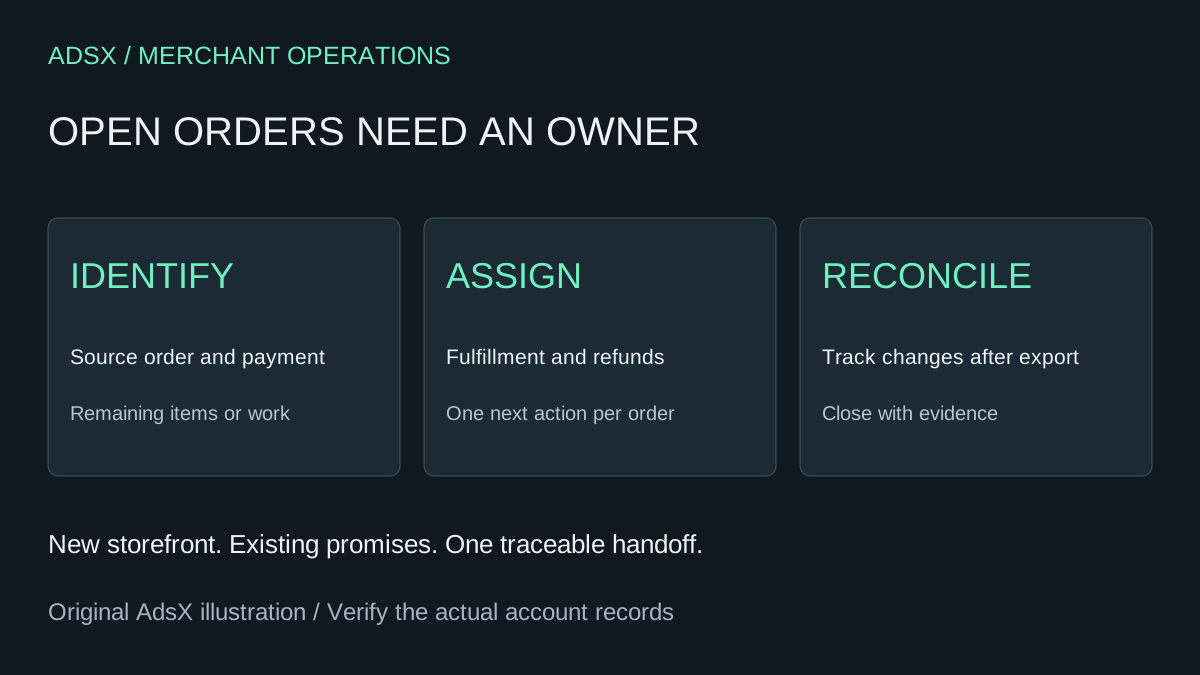
Original AdsX explanatory illustration.
Take a snapshot, then track changes
Export the source records you need and preserve an untouched copy in restricted storage. For Shopify merchants, the order export documentation describes order and transaction-history exports. It notes that exported transaction history covers captured payment data and excludes authorization data. A spreadsheet therefore needs to be checked against the relevant payment state before anyone treats an order as fully paid.
Whop's website migration instructions describe moving the public website. They do not establish an automatic handoff of private order records, payment authorizations, or fulfillment tasks. Keep the source system accessible until its outstanding obligations and required records have a confirmed home.
An export is a point-in-time reference. If orders continue arriving afterward, maintain a change list so the handoff does not stop at yesterday's snapshot.
Give every order one operational owner
The record can be a controlled table in your existing operations system. Avoid copying customer details into public documents or an unrestricted shared sheet. Record identifiers and only the information the assigned staff need.
| Field | What it prevents |
|---|---|
| Source platform and order ID | Confusing similar order numbers across systems |
| Payment state and provider reference | Treating an authorization as settled payment |
| Remaining items or service work | Marking a partly completed order finished |
| Fulfillment owner and next action | Assuming another team is handling delivery |
| Refund or return owner | Losing responsibility after storefront cutover |
| Completion evidence | Closing the row without a traceable result |
Use the original payment provider's supported process for any payment action. A copied order entry does not move the original charge or establish that a refund can be issued through the new checkout.
Example: a partly shipped order
Suppose order S-1042 contains a lamp and a shade. The lamp has shipped; the shade is awaiting stock. Your new storefront goes live tomorrow.
The handoff row should say which item remains, where its stock is allocated, who sends it, and where the tracking reference will be recorded. It should not simply say “order migrated.” If the customer instead requests a refund for the shade, the assigned owner must be able to find the original charge and the amount still owed.
Do not create a new payable checkout just to make the old purchase appear in the new system. That can confuse staff and customers about whether another payment is due. If a destination record is needed for operations, confirm its supported purpose and ensure it cannot trigger an unintended charge or fulfillment.
Define the cutover boundary
Write the launch time with a time zone and identify where each sales channel will send orders. During a transition, two storefronts might temporarily accept purchases. Give those orders explicit ownership rather than assuming they synchronize.
At the end of the first operating day, reconcile source orders still open, new destination orders, shipments, cancellations, and unresolved payment exceptions. Repeat until the old queue is complete. Someone should be able to explain every remaining row without searching several inboxes.
Close the old workflow deliberately
Completion means the remaining obligations are resolved, records are retained appropriately, and staff know where to handle later support. It does not mean the old homepage is no longer visible.
Use the general migration checklist alongside the Whop launch checklist. Then create your Whop account through our partner link to evaluate the new purchase flow while preserving responsibility for existing customers.