Whop announced support for ecommerce stores from storefront to checkout on October 1, 2026. For merchants, the important change is a native shopping flow: multiple products in a cart, product variants, inventory, and itemized sales tax. This goes beyond using a standalone Whop payment link alongside a separate website.
Disclosure: AdsX owner Dennis Hegstad is employed at Whop. AdsX may earn a commission from qualifying businesses referred through our signup links. This article uses public sources reviewed October 4, 2026; examples are illustrative unless stated otherwise. Editorial policy.
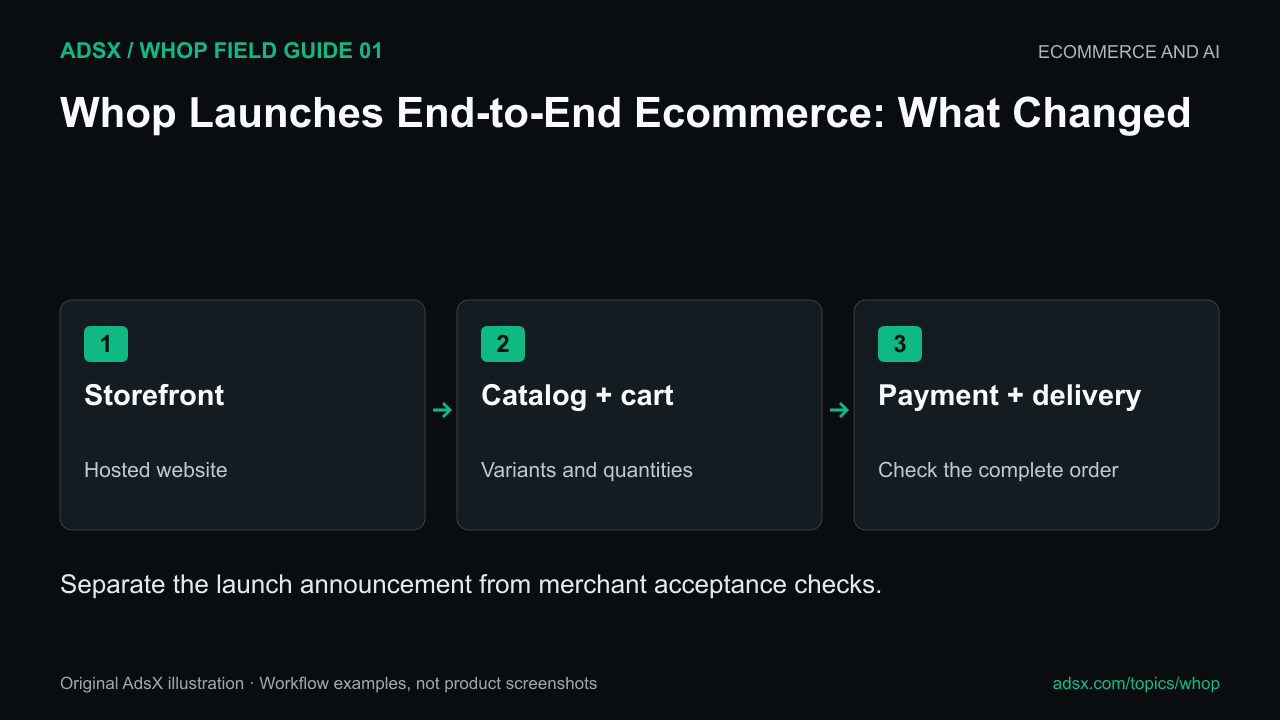
Original AdsX illustration.
What the announcement actually says
The official launch post links to a live merchandise store. Its feature follow-up names the cart, variant, inventory, and tax capabilities. A further post says merchants can start from scratch or a Blueprint, with free Whop hosting.
Whop’s Head of Ecommerce, Derek, also announced the release publicly. These are product announcements, not evidence that every merchant has completed the same setup or achieved better sales.
We inspected the public merchandise storefront. It displays product categories, prices, size choices, and a cart interface. We did not place an order, inspect its administration, or verify warehouse fulfillment. The distinction matters: a visible storefront demonstrates the shopping interface, while a real merchant still needs to validate the order lifecycle.
How the pieces fit together
| Layer | What is now publicly described | Your implementation question |
|---|---|---|
| Website | A hosted store built directly or from a Blueprint | Does the site explain your actual offer and policies? |
| Catalog | Products with variants and inventory | Can every sellable combination be identified correctly? |
| Cart | Multiple products in one checkout | Are quantities and totals preserved through payment? |
| Tax | Itemized sales tax in the announced checkout | Which tax service and obligations apply to your account? |
| Delivery | Your configured fulfillment process | Who ships, handles exceptions, and records the outcome? |
Whop’s Blueprints guide describes hosted websites with products and pricing connected to checkout. Its physical-products page separately describes a Shopify fulfillment connection. A merchant should choose the operating arrangement deliberately; an existing Shopify connection and a newly built native store are different starting points.
Free hosting also does not mean every transaction or optional service is free. Use the Whop fee guide to build an account-specific cost estimate.
A sensible first launch
Imagine an illustrator selling two shirts and a tote. A useful pilot includes one shirt with several sizes and one item without variants. That small assortment exercises more of the system than ten products that all behave identically.
Write down what must happen when someone buys a medium shirt and two totes. The order should identify the exact items, show understandable charges, and reach the person responsible for delivery. Then consider the exceptions: the shirt sells out, the buyer enters an incomplete address, or only the tote needs refunding.
Those are proposed checks, not results from our test store. Work through the multi-product checkout plan and variant inventory guide before sending meaningful traffic.
Who should evaluate it now?
The release is relevant to merchants who want a hosted storefront connected to Whop’s broader business tools. It also gives existing Whop sellers a reason to consider physical merchandise alongside a community, course, or service.
For an established store, evaluate the jobs you already rely on: catalog management, search visibility, shipping, returns, reporting, and integrations. An announcement is a reason to investigate those requirements, not a reason to discard a working setup overnight. Our Whop versus Shopify comparison covers that broader choice.
Start with one representative order
Create your Whop business through our partner link, inspect the website options available in your account, and build a small catalog that reflects what you actually sell. Expand after the product, payment, and delivery records agree.