A first AI-generated website can look convincing and still be hard to buy from. The product may appear below a long introduction, the price may be separated from the purchase action, or the mobile layout may hide a useful detail. The next prompt should fix the specific problem you see.
This guide covers revising an existing Whop website. For a first build, start with the Whop AI ecommerce walkthrough. Here, the goal is to improve one page while keeping the product, price, billing terms, and delivery promise consistent.
Disclosure: AdsX owner Dennis Hegstad is employed at Whop. AdsX may earn a commission from qualifying referrals through our signup links. These are original, untested prompt examples based on public documentation reviewed November 1, 2026. They are not before-and-after customer results. Editorial policy.
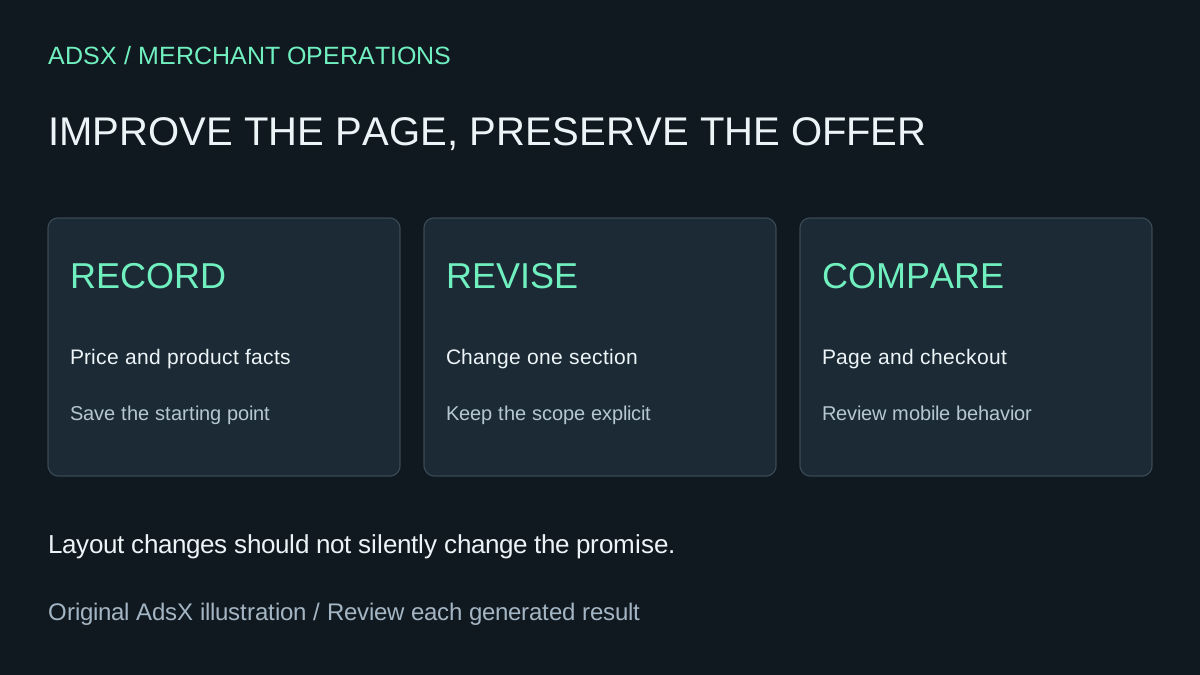
Original AdsX illustration.
Keep a record of the offer before editing
Write down the product name, currency, amount, payment frequency, included items, delivery expectations, and checkout destination. Take a screenshot of the current page and note the specific problem. This gives you something stable to compare with the revision.
Whop's Blueprints guide describes opening a website's Edit action and continuing changes through its AI chat. Its product documentation separately describes product and pricing settings. A request to rearrange text should not be treated as approval to alter those settings.
Prompt 1: make the mobile opening useful
Imagine a fictional workshop page where several paragraphs appear before visitors see the date or price. A focused prompt could be:
Revise the mobile opening of this workshop page. Show the supplied workshop title, date, time zone, one-time price, and purchase action together. Shorten the introduction to two sentences. Preserve the existing product, checkout destination, price, billing terms, and refund wording. Do not add reviews or urgency claims. Describe any requested change you cannot make.
Inspect the resulting page at a narrow width. Check that the button label is readable, the date is complete, and the price has not become a recurring amount. A shorter opening is a design decision; it is not evidence of a higher conversion rate.
Prompt 2: replace vague copy with supplied facts
Suppose a product description says “premium quality” but omits the actual dimensions. Give the editor the facts you want customers to see:
Rewrite only this product's description using the supplied material, dimensions, care instructions, and included items. Organize it into a short introduction and a scannable details list. Preserve the measurements and units exactly. Put unanswered questions in a separate review note instead of filling gaps with guesses. Keep checkout and pricing unchanged.
Read the output against the source facts, one by one. Pay particular attention to units, compatibility, quantities, and whether an accessory is included. Fluent copy can conceal a changed promise.
Prompt 3: simplify a confusing purchase section
A page can have several actions that sound equally important. Ask for a clearer hierarchy without inventing new products:
Review this product section for competing actions. Make the existing purchase action the primary action and the product-details link secondary. Keep their current destinations. Preserve all product choices and explain any choice that remains required before purchase. Do not create a new offer or change payment settings.
Then follow each action yourself. Check that selecting an option still sends the intended product or configuration into the buying flow. A cleaner layout is not a reason to skip that step.
Review the revision as a customer journey
| Compare | Evidence to keep |
|---|---|
| Original offer versus revised copy | Matching facts, inclusions and conditions |
| Product page versus checkout | Matching price, currency and payment frequency |
| Desktop versus mobile | Usable controls and readable required details |
| Purchase action versus expected destination | The intended offer opens |
| Confirmation versus delivery promise | The buyer knows what happens next |
If the revision changes something outside the brief, stop and identify the change before publishing it. Keep the previous working version or source available through whatever recovery method your setup supports; do not assume an undocumented undo feature exists.
Change one hypothesis at a time
Start with an observable problem such as “the price is below three long paragraphs.” Record the revision and its date. If you change the offer, layout, acquisition channel, and pricing together, later sales differences will not tell you which change mattered.
Use the Whop launch checklist for the final buying-path review and the fee guide when the offer's economics change. If you are starting a new site, create a Whop business through our referral link and begin with one clearly specified offer. Good revision prompts make that offer easier to understand without silently turning it into a different promise.