For a Shift4Shop merchant, a product may depend on more than its name and base price. Options can change what the customer buys, what it costs, and which stock record the team uses. A migration to Whop needs to preserve that meaning, not just recreate the main product page.
Start with the products that are hardest to describe in a single row. If the destination handles those correctly, you have a stronger basis for reviewing the rest of the catalog.
Disclosure: Dennis Hegstad works at Whop. AdsX may earn compensation from qualifying Whop referrals. Sources reviewed October 31, 2026. Examples are illustrative; AdsX has not tested these merchant migrations.
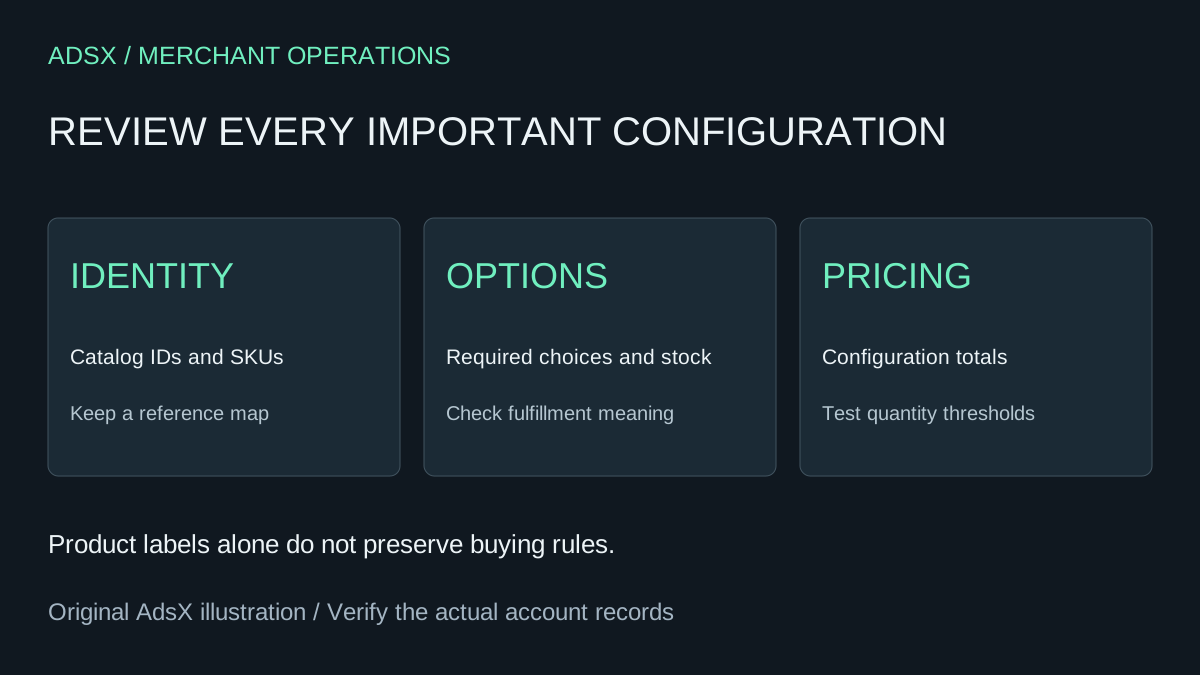
Original AdsX explanatory illustration.
Keep the source identifiers distinct
Shift4Shop's product export guide distinguishes the internal catalog ID from the product ID used as a SKU or part number. It also documents separate exports for product options, advanced options, bulk pricing, inventory, and the image gallery.
Preserve those references before cleaning or reformatting files. A readable product name is useful to people, but it is a poor substitute for a stable reference when two products have similar names.
Build a private mapping sheet with a source reference, the destination item or option, and a short explanation of what the customer receives. Leave unmapped records visible as exceptions. Do not assign a plausible-looking match simply to reduce the exception count.
Review option behavior, not only option labels
The export guide documents required option selections, option prices, and advanced-option stock and weight fields. Those details give you useful questions to ask of the proposed destination. They do not prove an automatic mapping to Whop.
| Requirement to examine | Example check before launch |
|---|---|
| Required selection | A shopper cannot accidentally buy an incomplete configuration |
| Additional option price | The selected configuration has the intended total |
| Variant availability | An unavailable combination cannot be purchased as available |
| Shipping-relevant details | The configuration reaches the correct shipping workflow |
| Quantity price breaks | The approved price applies at the intended quantity |
Keep the source files and the acceptance sheet separate. One describes what exists; the other describes the behavior the replacement must demonstrate.
Worked example: a configurable equipment case
Imagine a case sold in two sizes with optional custom foam. A customer can also buy six cases at an agreed quantity price. This is a planning example, not a store we migrated or a statement that Whop natively reproduces all these rules.
Review four scenarios: one standard case, one large case, one case with foam, and an order of six. For each, record the selected configuration, expected price, stock reference, and fulfillment description. If foam requires additional instructions, verify where the team receives those instructions.
The six-case order deserves its own check. Do not assume that copying a displayed discount creates the corresponding quantity rule at checkout. If the destination needs a different offer structure, make that a deliberate commercial decision with clear customer-facing terms.
A mismatch should have a concrete outcome: correct the setup, approve a documented alternative, or keep the affected offer off the new storefront until it is ready. Avoid replacing a complex option with free text unless the resulting fulfillment process is acceptable to the business.
Evaluate Whop's import against this test set
Whop's website migration guide explains submitting the existing website URL to recreate the storefront. Use it to prepare a destination preview, then compare the important product configurations with your acceptance sheet. No dedicated Shift4Shop connector or automatic option-rule transfer is established by that guide.
Whop says most website migrations finish within an hour. That is its estimate for website migration, not a deadline for checking a configurable catalog, resolving pricing differences, or completing the business handoff.
Read the Whop product variants guide alongside the actual controls available in your account. For promotional behavior, use the discount migration checks as a testing framework; its Shopify-specific source details are not Shift4Shop export instructions.
Finish with a fulfillment review
Have the person who picks or prepares the order review the destination's item description and selected options. A checkout that the customer understands can still produce an ambiguous instruction for staff.
Keep existing orders assigned to their original operating process until their handling is explicitly transferred. Check important incoming URLs with the migration checklist, then review the first destination orders before expanding the moved assortment.
Start a Whop account through our partner link to evaluate a representative catalog. If the business depends on option or quantity-pricing behavior that cannot be demonstrated in the proposed setup, resolve that requirement before committing to a full move.