Before moving subscription billing to Whop, establish which subscriptions are actually in scope. The number of customers in your current system is not necessarily the number that can move through the supported workflow. Exceptions need an owner before you confirm the migration.
This guide focuses on preparation and reconciliation. It does not ask you to transfer raw card data, grant account access, or run a live billing change as a casual test.
Disclosure: Dennis Hegstad works at Whop. AdsX may earn compensation from qualifying Whop referrals. Sources reviewed October 30, 2026. Examples and acceptance checks are illustrative; AdsX has not tested these merchant migrations.
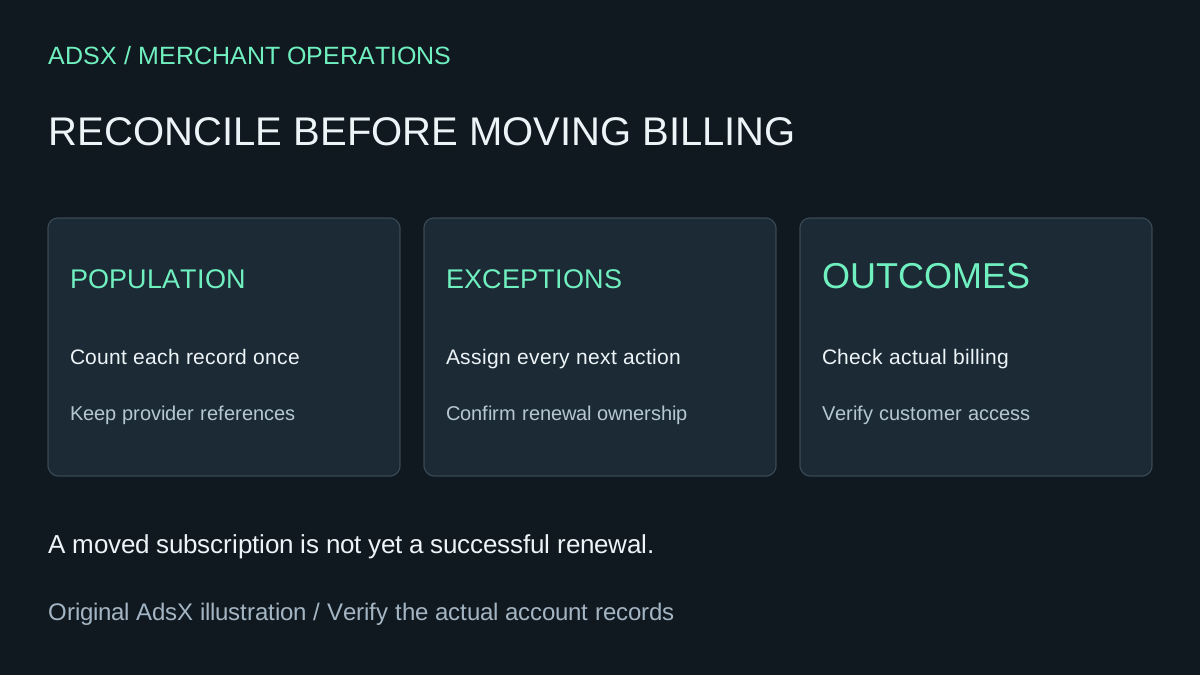
Original AdsX explanatory illustration.
Start with Whop's documented scope
Whop's subscription migration announcement and FAQ describe moving subscriptions and payment tokens from Stripe. The documented eligibility includes active or trialing subscriptions paid by credit or debit card. The FAQ excludes non-card methods such as ACH, SEPA, and Stripe Link, and says records without a customer email or subscriptions below $1 cannot migrate through that workflow.
Review the current preview for your actual account. A public eligibility summary is useful preparation, but it is not proof that every record in your business will be accepted. Keep records that need a different resolution visible rather than quietly dropping them from the project.
This billing process is separate from Whop's website migration workflow. A rebuilt storefront is not evidence that renewal ownership has changed.
Reconcile the population without double-counting exceptions
Create a restricted working register using provider identifiers, current status, next renewal, intended destination, and decision. Limit customer details to what the reviewers need. Each subscription should have one final classification even if it has several reasons for requiring review.
For an illustrative group of 60 subscriptions, your review might end with 44 ready for the supported preview, eight using a different payment method, five outside the supported status, and three awaiting record correction. Those categories total 60 only if they are mutually exclusive.
Do not add exception counts from separate filters and assume they represent different customers. A single record might have both an unsupported payment method and missing information. Resolve that overlap before reporting readiness.
Give every exception a next action
| Review outcome | Required next decision |
|---|---|
| Included in the intended migration | Confirm destination and renewal responsibility |
| Deliberately excluded | Identify the system that continues billing |
| Needs correction | Assign who verifies the corrected record |
| Unsupported workflow | Agree on a separate supported resolution |
| No longer intended to continue | Follow the business's approved lifecycle process |
Do not cancel source subscriptions simply to make the register look clean. The point is to preserve a clear operating decision, not to force every customer into the same route.
Whop describes a preview before confirmation, an exclusion mechanism, and source cancellation scheduled at the current period's end for migrated subscriptions. Treat that as the documented workflow to review against the actual results, not a reason to skip reconciliation.
Separate billing from access
A customer can have a valid subscription while still being unable to find the purchased experience. Whop's product documentation connects products with apps or content access, while off-platform fulfillment can use a separate delivery process.
Map each existing offer to the experience the customer should receive. Include different tiers, trialing customers, and any time-limited access. Do not infer password transfer, external-community membership, or content permissions from the movement of a payment token.
Use a representative access review alongside the billing register. Our member onboarding guide covers finding the purchased experience and reaching support; existing customers also need that path to remain understandable.
Verify the first renewal period
Keep the source and destination references linked. Compare actual migration outcomes with the intended set, then review the next renewal owner and unresolved exceptions. Whop notes that payment-method updates after the transfer starts are not included in that transfer, so changes during the transition deserve explicit review.
A completed migration operation and a successful later payment are different events. Record them separately, along with access issues and support cases. Do not count a moved record as retained revenue before the relevant payment outcome exists.
To evaluate the available workflow, create your Whop business through AdsX's partner link. Review the documented scope and your account's preview before making the billing handoff.
Use the website migration checklist alongside this billing register so site readiness and subscription readiness remain separate launch decisions.