Whop now offers hosted ecommerce stores alongside its payment, content, community, and service tools. Its October 1, 2026 announcement includes multi-product checkout, variants, inventory, and itemized sales tax. Merchants can evaluate a native storefront or connect Whop to an existing operation, with delivery and support planned for either route.
This guide maps Whop’s ecommerce offering using public product pages and documentation reviewed on October 4, 2026. It includes the public October 1 launch announcement and is a documentation-based assessment, not a hands-on performance review. AdsX may earn a commission from qualifying businesses referred through our Whop signup links.
Disclosure: AdsX owner Dennis Hegstad is employed at Whop. This article is published by AdsX. See our editorial policy for our relationships and research standards.
What Whop brings together
The official ecommerce announcement and feature follow-up establish the native store release. Whop’s Blueprints guide explains hosted websites with products, pricing, and checkout. Read our launch analysis for the evidence and a small-store evaluation plan.
Whop’s product setup documentation describes a product with a name, headline, banner, description, pricing, and optional apps or experiences. One-time, subscription, and free pricing serve different offers. A customer buying a workshop, for example, can receive access to the experiences attached to that product.
The payment flow can also stand alone. Whop’s business launch guide distinguishes building and selling digital products on Whop from using it for payment processing while hosting and delivering the product elsewhere. That distinction matters if you already have a website or an established fulfillment operation.
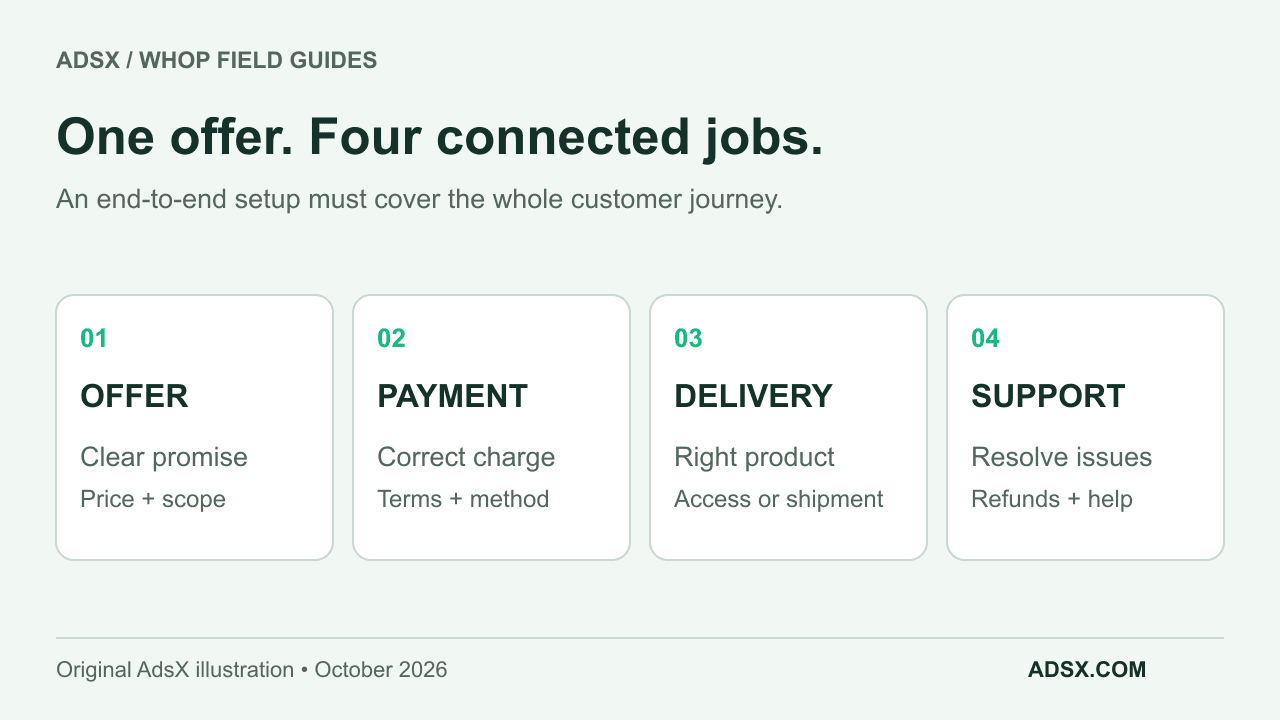
Think about your offer in four parts:
| Part of the sale | Decision to make | Evidence to collect before launch |
|---|---|---|
| Offer | What exactly does the customer buy? | Product page, price, delivery promise, exclusions |
| Payment | How and when is the customer charged? | Checkout amount, currency, billing interval, available methods |
| Delivery | What happens after a successful payment? | Access permission or a correctly routed fulfillment order |
| Support | Who handles a problem? | Support route, refund process, order or access record |
Calling a setup “end to end” is useful only when you can follow one customer through all four parts. It does not tell you which tasks are native, integrated, or manual.
What changes for physical products
Whop’s physical-products page advertises branded checkout, local payment methods, merchant-of-record services, and a Shopify connection that syncs orders and triggers fulfillment after payment. That makes Whop relevant to merchants who want to evaluate a payment layer alongside an existing store.
The newly announced native storefront is another route. The DTC ecommerce setup guide also describes an external-fulfillment workflow using custom fields, webhooks, and automation. That older workflow should not be treated as the limit of the new store product. Choose the route available for your business, then verify its complete order lifecycle.
For your account, confirm which connection is available, what it costs, where stock is maintained, how product options map, and how a refund or canceled order is communicated. For a native catalog, use our variant and inventory planning guide. For an external handoff, confirm that the selected variant reaches the fulfillment system with a reliable stock identity.
Our physical-product setup guide turns those questions into an order handoff checklist. If you are comparing a complete store setup, read Whop vs Shopify.
Three businesses that should evaluate it differently
A teacher selling a sewing course with a discussion group should start with the learning experience. Can a buyer find the lessons, join the right group, and get help? The delivery step is mostly about access.
A creator selling a limited run of sewing kits has a different concern. Each purchase must identify the right kit and delivery address, reach the fulfillment team once, and stop accepting orders when the sellable quantity is exhausted. A community can improve the experience, but it cannot replace those controls.
A larger sewing-supply retailer may already have a catalog, stock records, shipping rules, and returns process in Shopify. Its evaluation should ask whether adding Whop improves a specific payment or customer workflow enough to justify operating another integration. There is no reason to rebuild a working catalog merely to test a payment method.
These are hypothetical examples, not Whop customer case studies. Their purpose is to show why “Can I sell here?” and “Does this fit my operation?” are different questions.
Reasons to consider Whop
Whop is worth evaluating when the product includes ongoing access, when a direct checkout link suits the sales process, or when you want to investigate its supported payment options. It can also be a candidate for physical-product offers if the delivery connection works for your requirements.
Keep the comparison grounded. Payment acceptance does not guarantee product demand. A public listing does not guarantee marketplace traffic. A merchant-of-record offering does not establish that every product, country, or business obligation is covered by the same arrangement. Check the scope that applies to your account and product.
Your first evaluation should be small
Choose one representative offer. Write down the price, what the customer receives, how it is delivered, and who handles exceptions. Then use the Whop launch checklist to document the complete journey before expanding the catalog.
Budget with our Whop fee guide, which separates processing, optional services, and operating costs. If the workflow fits, start exploring Whop through our referral link. Keep your first evaluation focused on a sale you can actually deliver well.