Whop Ads lets a business manage advertising from its Whop account. It is worth evaluating when campaign work, payment reporting, and business operations are scattered across tools. The decision still starts with your offer, margins, and ability to measure a sale.
Disclosure: AdsX owner Dennis Hegstad is employed at Whop. AdsX may earn a commission from qualifying businesses referred through our signup links. This guide is based on public documentation reviewed October 4, 2026, not an AdsX advertising test. Worked examples are illustrative. Editorial policy.
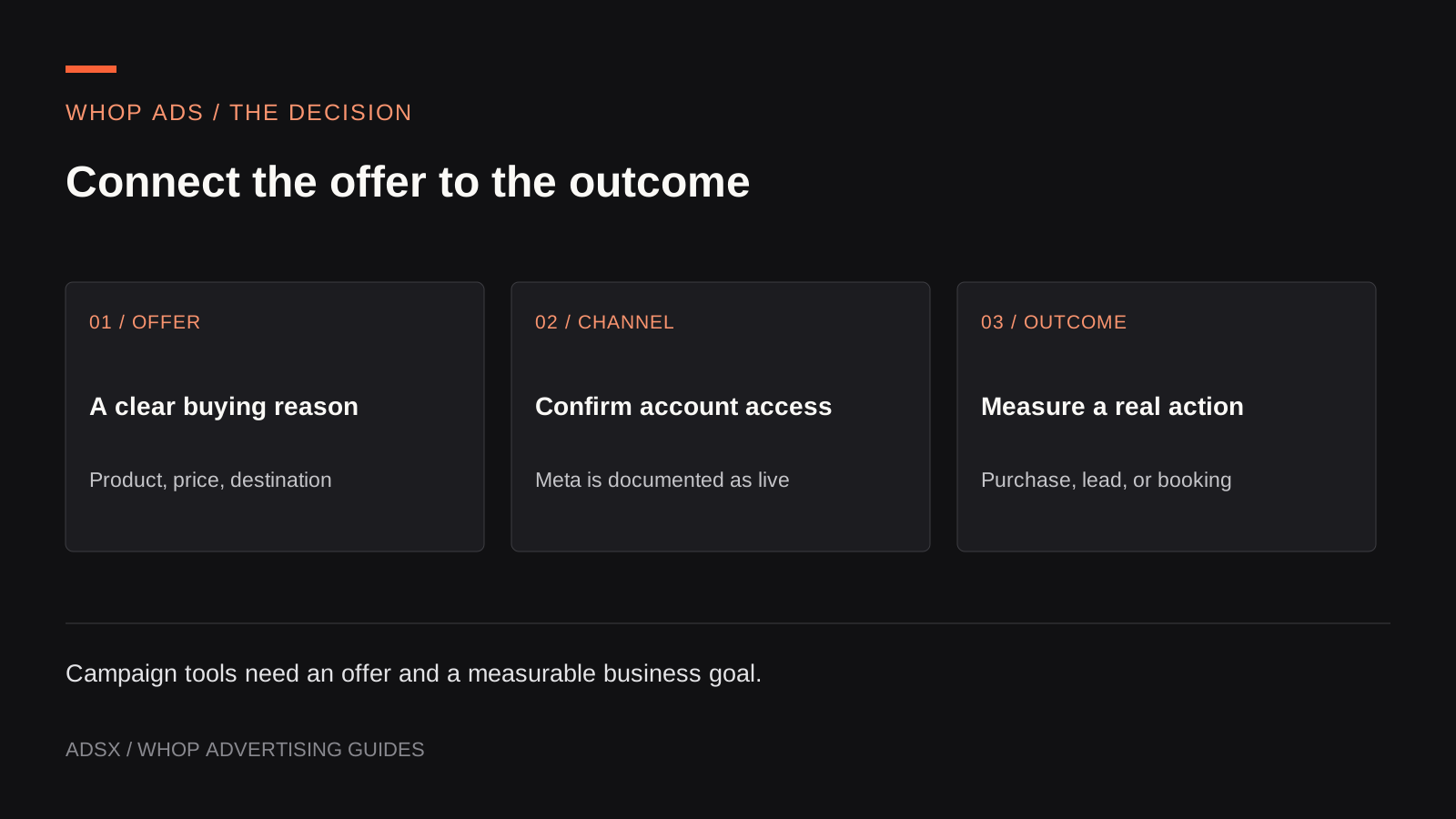
Original AdsX illustration.
What Whop Ads does
Whop’s May 2026 Meta launch announcement describes running campaigns from the Whop dashboard through its advertising infrastructure. You still need someone to choose the audience, prepare accurate creative, and decide what a customer is worth. Signing up does not create a profitable campaign automatically.
Think of three separate jobs. The merchant owns the offer and customer experience. Whop supplies campaign infrastructure and its interface. The advertising network delivers eligible ads under its own requirements. That division helps you identify where a problem belongs: unclear product positioning, a tracking gap, or campaign delivery.
Which advertising channels are available?
As of October 4, Whop’s public sources are not fully aligned:
| Network | Public evidence | How to plan |
|---|---|---|
| Meta: Facebook and Instagram | Listed as live in the merchant guide | Start here for a documented setup path |
| TikTok and Google | Named in the API and marketing page; merchant guide says coming soon | Confirm access and supported campaign types in your account |
| Snapchat | Merchant guide says coming soon | Keep it out of a launch commitment until verified |
| YouTube | No separate placement confirmation found | Do not infer availability from the Google label |
The sources are Whop’s merchant Ads guide, Ads product page, and campaign API reference. An API platform value establishes a documented interface; it does not tell us which accounts have access to every campaign type.
Choose a channel because your audience and offer suit it. A creator teaching product photography might show a short lighting demonstration. A store selling a replacement part needs to explain compatibility. Those creative decisions remain important whichever dashboard you use.
What does it cost?
The merchant guide currently lists no setup fee, platform subscription, or minimum spend. Advertising itself costs money. Budget separately for media, creative production, any contractor, and the cost of serving new customers. Optional AI media generation can also carry a charge, as described in Whop’s Ads API overview.
For example, a hypothetical $500 media test plus $150 of creative work costs $650 before fulfillment or support. If it produces ten new customers, media-only acquisition cost is $50; the combined figure is $65. Neither figure says whether those customers were profitable.
Our break-even CPA guide shows how to compare that cost with contribution from each sale.
Watch the official introduction
This short Whop launch video introduces its Meta advertising product. It is a product overview, not an account setup tutorial or a demonstration of every channel in the table above.
Watch the original Whop Ads introduction. The central idea is managing Meta campaigns alongside the business’s Whop operations.
Who should evaluate Whop Ads?
A Whop course seller may value having acquisition work near the product and payments. A Shopify merchant has a different question: can the campaign send shoppers through the existing store while preserving useful measurement? Start with our Whop Ads for Shopify guide for that arrangement.
For a team already comfortable in Meta’s tools, the threshold should be practical. List the reports, access controls, campaign settings, and operational routines you rely on. Compare those requirements with the available Whop account rather than assuming that a shorter setup means a better business result.
A useful evaluation record has four lines: the offer you will advertise, the conversion you will count, the amount you can afford to risk, and the person who can stop the campaign. If one is missing, resolve it before launch.
A sensible first step
Create a Whop business through AdsX’s referral link, inspect the Ads options available to you, and prepare one campaign brief. Then use the Facebook and Instagram setup guide to turn that brief into a reviewed campaign. Keep the first objective narrow enough that the result teaches you something useful.