A Shopify merchant can evaluate Whop Ads without moving the store’s checkout to Whop. Whop documents external website destinations and a Shopify-specific pixel integration. Campaign access, tracking behavior, and reporting still need to be verified for the merchant’s account and storefront.
Disclosure: AdsX owner Dennis Hegstad is employed at Whop. AdsX may earn a commission from qualifying businesses referred through our signup links. This guide is based on public documentation reviewed October 4, 2026, not an AdsX advertising test. Worked examples are illustrative. Editorial policy.
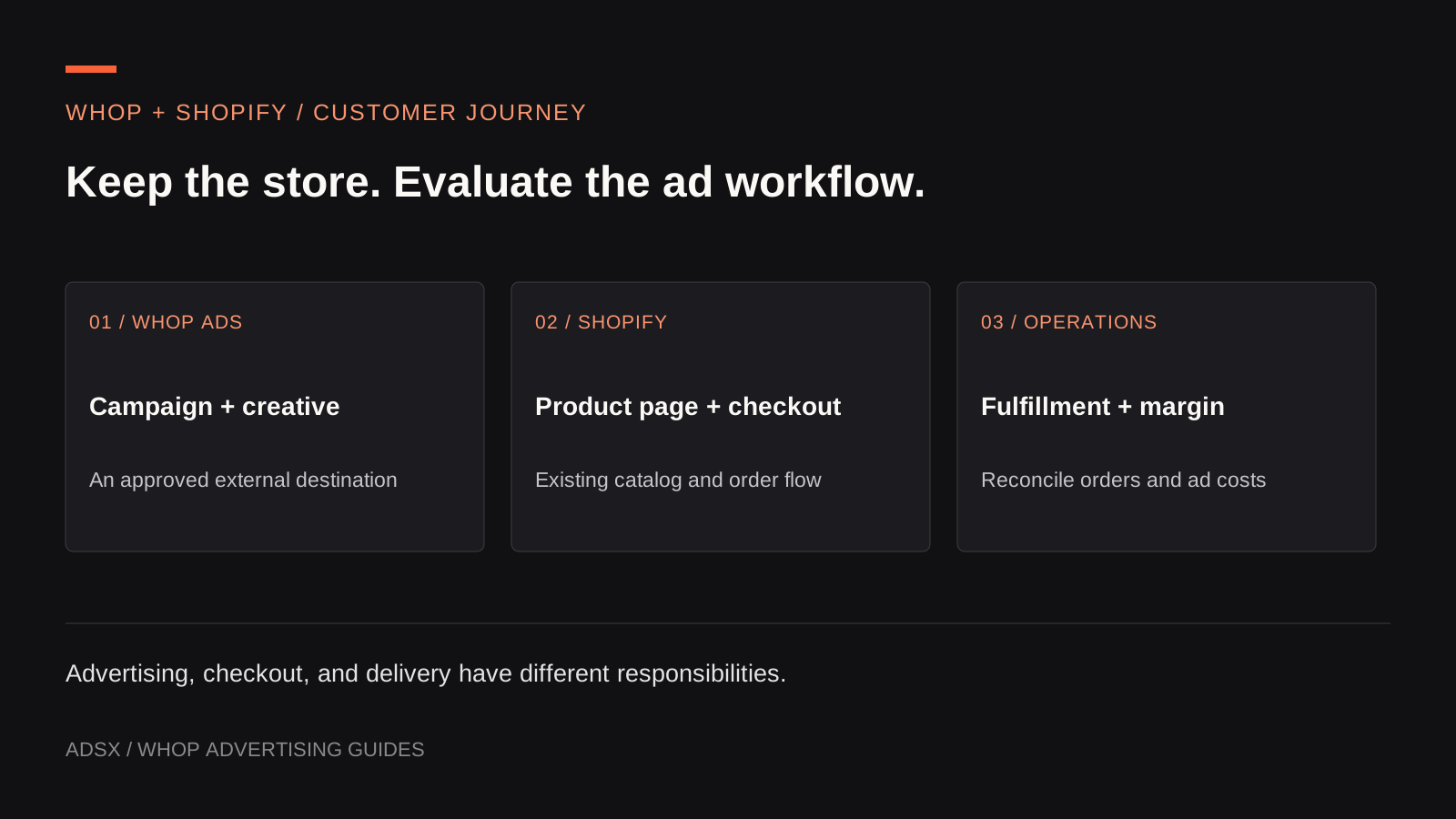
Original AdsX illustration.
Keep the store and the advertising tool separate
The proposed arrangement is straightforward: a customer sees an ad, visits a Shopify product page, buys through Shopify, and receives the order through the store’s existing fulfillment process. Whop is the advertising and measurement layer in this arrangement.
Whop’s Ads API overview permits external destinations with the Whop pixel installed. Its Shopify integration guide describes tracking both storefront activity and checkout events. These documents establish a supported integration path; we have not launched an AdsX campaign or placed a Shopify order through it.
This differs from using Whop checkout or rebuilding a store on Whop. The broader Whop versus Shopify comparison addresses platform selection. This guide concerns adding an advertising workflow to a Shopify store you intend to keep.
Map the responsibilities
For an illustrative home-goods store, the operating plan could look like this:
| Job | Proposed owner | Evidence to check |
|---|---|---|
| Product page and current price | Shopify merchandising team | The advertised item and landing page agree |
| Order and payment record | Shopify store operations | A completed order is recorded once |
| Stock and shipping | Existing fulfillment process | The exact purchased variant reaches fulfillment |
| Campaign configuration | Merchant or media buyer using Whop Ads | Approved objective, destination, and budget |
| Measurement connection | Developer or analytics owner | Expected storefront and checkout events arrive |
| Profit review | Business owner | Ad spend is compared with sales, returns, and variable costs |
That map protects against an easy assumption: adding an ad tool does not automatically transfer responsibility for shipping, refunds, customer support, or the accuracy of the catalog.
Check fit before changing a working account
Write a list of the settings your current campaign operation depends on. Include destination types, placements, targeting, exclusion rules, reporting exports, team access, and how billing is reconciled. Demonstrate each necessary item in the Whop account before planning a migration of campaign work.
Channel availability is especially important. Our Whop Ads overview explains the current differences between merchant documentation and developer references. A platform mentioned in an API should not become a promise that your team can launch every corresponding format today.
An established merchant should also retain a reference period from its existing reporting. Save the definitions, dates, currency, and campaign scope used for that baseline. Otherwise, a changed attribution view can look like a changed business result.
Plan the tracking work as its own task
A storefront visit and a completed checkout happen on different Shopify surfaces. Assign one person to review the complete installation and one business owner to confirm that the resulting report answers the right question.
Before adding another pixel, inventory what already sends purchase events. Note which provider receives each event and whether the same order is already transmitted through another integration. Do not remove a working integration indiscriminately; find the specific duplicate path, if one exists.
Use the installation walkthrough for the technical sequence. Budget time for consent behavior, duplicate checks, and a complete test purchase. The installation is unfinished if only the homepage has been observed.
Decide what a successful evaluation means
Imagine the store sells an $80 desk organizer. After merchandise, packaging, payment costs, shipping subsidy, and expected returns, it has $32 left before acquisition and overhead. A $45 customer acquisition cost would consume more than that first-order contribution. A cleaner dashboard cannot change that arithmetic.
The evaluation should therefore answer two questions: can the team operate and measure the campaign reliably, and can it acquire customers at a cost the business can sustain? The first can be checked through configuration and test events. The second requires real campaign evidence over a suitable period.
Whop’s pixel documentation distinguishes externally processed sales from its own payment reporting. Agree on the report you will use before comparing ROAS figures. Our Whop Ads measurement guide shows a reconciliation approach.
Start with one representative journey
Create a Whop business through AdsX’s referral link, confirm the Ads workflow available to your account, and select one product with a clear margin model. Document its path from ad to Shopify order before expanding to a larger catalog. Keep the existing store operations stable while you evaluate the added advertising workflow.