A Whop refund changes a payment. Canceling a membership changes future renewal behavior. Terminating it changes access immediately. If physical goods or scheduled services are involved, delivery needs its own decision too.
Disclosure: AdsX owner Dennis Hegstad is employed at Whop. AdsX may earn a commission from qualifying businesses referred through our signup links. This article uses public sources reviewed October 4, 2026; examples are illustrative unless stated otherwise. Editorial policy.
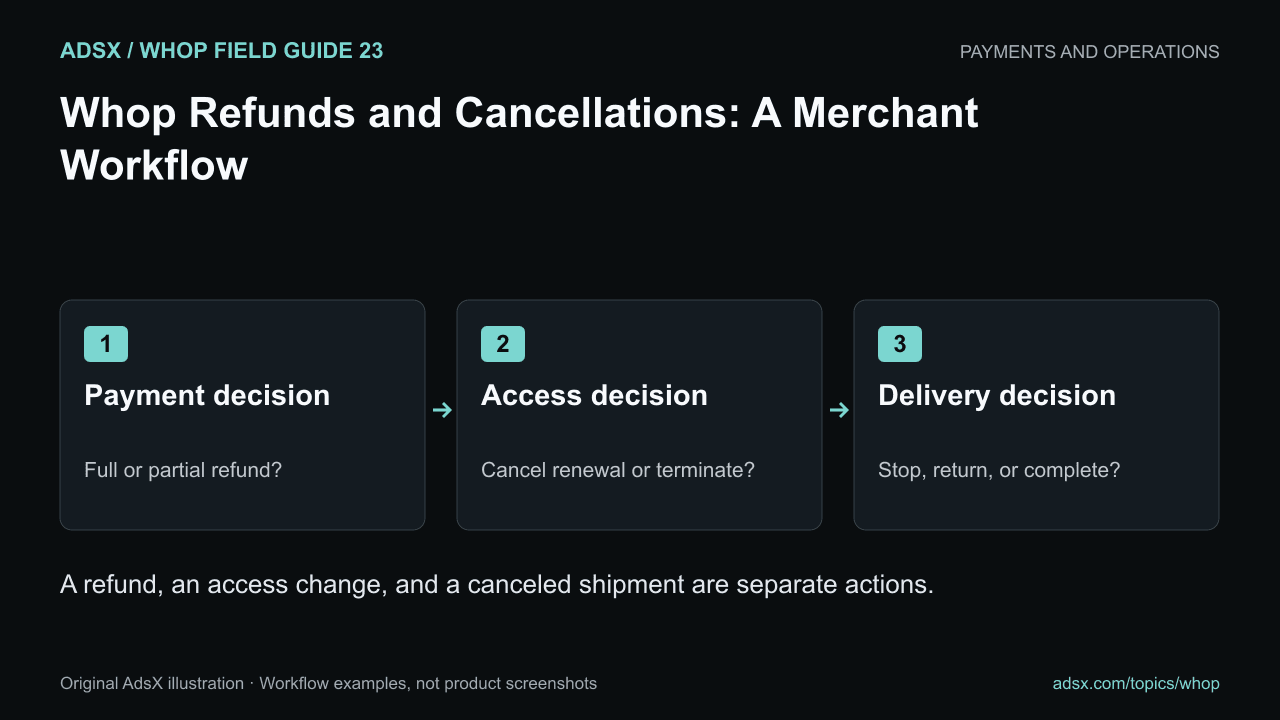
Original AdsX illustration.
Identify the action the customer needs
Whop’s refund documentation describes full and partial refunds through customer profiles, Payments, and the Resolution Center. Its member-management documentation distinguishes cancellation from immediate termination.
Start with the request and the actual account state. A customer asking to stop next month’s charge is not necessarily asking for a refund of the current month. A customer receiving a partial refund may still need access to the rest of the purchase.
| Situation | Payment decision | Access or delivery decision |
|---|---|---|
| Stop the next membership renewal | Review and cancel future renewal as appropriate | Preserve the paid period according to the applicable terms |
| Refund a duplicate payment | Refund the verified duplicate | Keep the valid purchase’s access intact |
| End access immediately | Decide separately whether any refund is due | Use the appropriate termination action |
| Return one item from a multi-item order | Determine the eligible partial amount | Handle the specific return and stock adjustment |
This is an operational example, not a substitute for the terms and consumer requirements that apply to the transaction.
Verify the payment before refunding
Match the customer, payment, product, currency, and amount. Check whether a refund has already been processed or a dispute or Resolution Center case is open. Record the reason and the intended amount before confirming the action.
The documentation describes partial refunds as well as full refunds. For a multi-item purchase, reconcile the selected items, discounts, taxes, and any relevant shipping amount rather than dividing the total arbitrarily. The multi-product checkout guide includes a worked cart example.
Review the refund preview and available balance. Whop’s documentation notes that the amount refunded can exceed the net proceeds originally received because fees reduced those proceeds. Do not assume that refunding a sale restores all costs to zero.
Keep access decisions explicit
For memberships, cancellation generally preserves access until the next billing boundary described in the documentation, while termination removes access immediately. Confirm the actual membership and product involved before acting.
A customer may hold several purchases that grant overlapping access. Refunding one payment should not lead to an improvised removal of every role or product. Check the resulting entitlement, especially for Discord access or a course-community bundle.
Handle work outside the payment system
If a shipment has not left the warehouse, a refund alone may not stop the fulfillment process. If a consulting session remains booked, a canceled subscription may not remove the appointment. Assign someone to confirm the operational follow-through.
For digital downloads, access removal cannot recall files already saved by the customer. For service work, record what was delivered and what remains owed or canceled.
Confirm completion accurately
Record the payment action, access action, delivery action, and any remaining follow-up. Tell the customer what was actually completed and avoid promising an exact bank-posting time you cannot control.
Review repeated reasons for refunds. Confusing access instructions, duplicate charges, or a mismatch between the sales page and delivery may be fixable causes. A lower refund count is useful only if customers still receive fair handling.
Start your Whop business through AdsX’s referral link and define this workflow before the first exception arrives. Clear ownership makes both the customer experience and the financial record easier to manage.