Whop tracking links help compare the traffic and purchases associated with different campaigns. Use them alongside payment and refund records, and keep merchant sales reporting separate from partner referral commissions. A click is evidence of interest, not earned revenue.
Disclosure: AdsX owner Dennis Hegstad is employed at Whop. AdsX may earn a commission from qualifying businesses referred through our signup links. This article uses public sources reviewed October 4, 2026; examples are illustrative unless stated otherwise. Editorial policy.
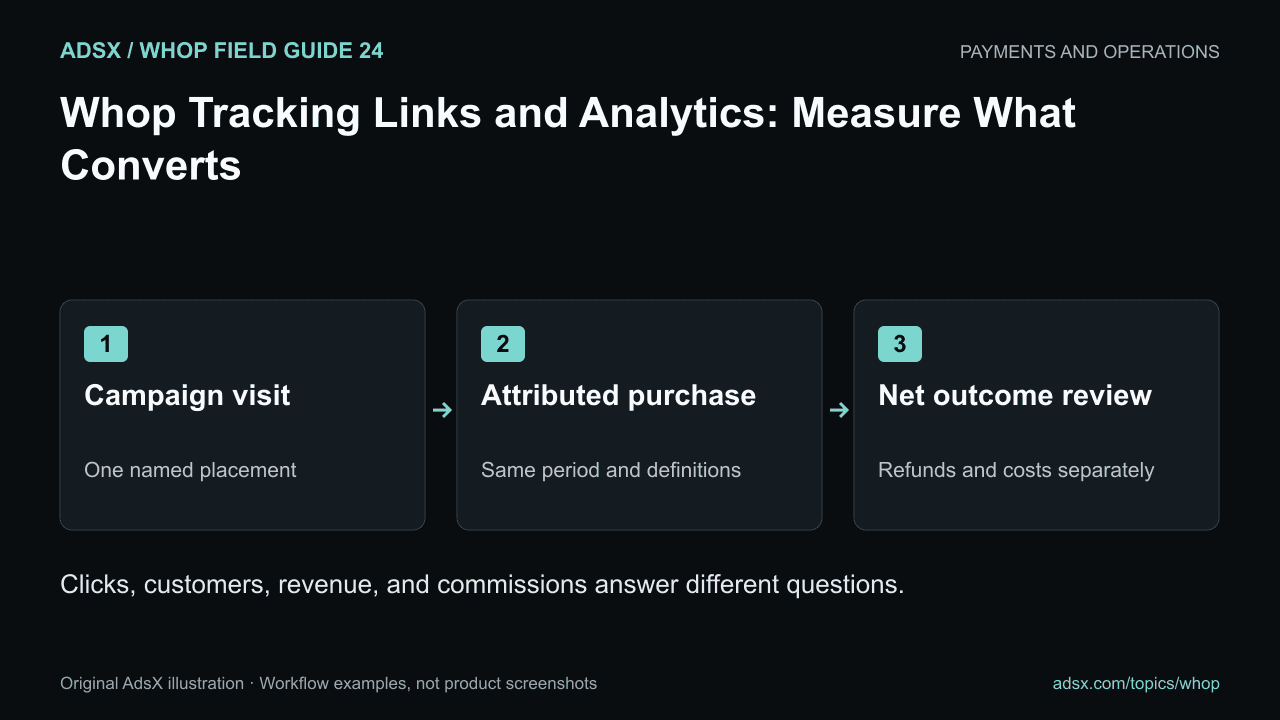
Original AdsX illustration.
Give each link one identifiable purpose
Whop’s tracking-link documentation describes creating links under Dashboard, Marketing, and Tracking links. You choose an internal name, the whop, a store or checkout destination, a pricing plan, and a custom link URL.
Use a consistent naming scheme, such as video-course-intro-oct2026 or resource-library-course-oct2026. The name should tell you where the link was placed and what it promotes without requiring a separate investigation.
Keep a small register of the destination, product, placement, and start date. If you later change the destination, record it so a performance shift is not incorrectly attributed to the traffic source alone.
Compare like with like
Here is an illustrative campaign table, not AdsX or Whop account data:
| Placement | Reported clicks | Converted users | Reported revenue |
|---|---|---|---|
| Tutorial description | 400 | 12 | $1,200 |
| Resource page | 150 | 9 | $900 |
| General profile link | 600 | 6 | $600 |
Using these counts, converted users divided by clicks equals 3%, 6%, and 1%, respectively. That simple calculation is useful only when the counts cover the same reporting period and compatible definitions. It does not establish incremental revenue caused by the placement.
The resource page has fewer clicks but a higher observed conversion rate in this example. That is a reason to investigate audience intent, not proof that moving every link there would improve total sales.
Reconcile revenue with the business outcome
Whop’s analytics documentation describes dashboard metrics, including revenue and membership measures. Read the metric definitions before combining reports. For example, a recurring-revenue measure is not the same as cash already received, and revenue after platform fees is not business profit.
Review successful payments, refunds, repeat purchases, and fulfillment costs separately. A campaign with a large order followed by a full refund should not be celebrated on the original sales amount alone.
Use the refund workflow to keep payment adjustments and operational actions traceable. For memberships, compare acquisition with continued participation rather than treating the first payment as the entire customer relationship.
Keep partner referrals separate
Merchant tracking links promote a merchant’s products. A Whop partner referral link refers businesses to Whop under the partner program. Those are different destinations and reporting systems.
AdsX uses the dashboard-issued signup link shown below. We do not invent extra partner tracking parameters or claim that a recorded outbound click proves a qualifying referred business or a commission. Partner outcomes must be confirmed in the authorized partner reporting.
This distinction also matters when comparing platforms: Shopify merchant referrals, app affiliate referrals, and Whop partner referrals can have different qualifying events and payment rules.
Review at a sensible cadence
Check links when they are created and after meaningful destination changes. Then compare complete reporting periods with enough time for the relevant outcomes to appear. Keep the offer stable while measuring a change, and note unusual events such as a one-off large purchase.
The member onboarding guide covers what happens after purchase. Create your Whop business through AdsX’s referral link to configure your own campaign links, then evaluate clicks, purchases, and net outcomes as separate measures.
For paid acquisition, the Whop Ads reporting guide explains purchase populations, ROAS, and reconciliation with actual orders.