To sell a digital download on Whop, package a useful file set, connect it to the purchased product, and verify that the buyer can open and use it. Access control protects the delivery area; it does not make a downloaded file impossible to copy.
Disclosure: AdsX owner Dennis Hegstad is employed at Whop. AdsX may earn a commission from qualifying businesses referred through our signup links. This article uses public sources reviewed October 4, 2026; examples are illustrative unless stated otherwise. Editorial policy.
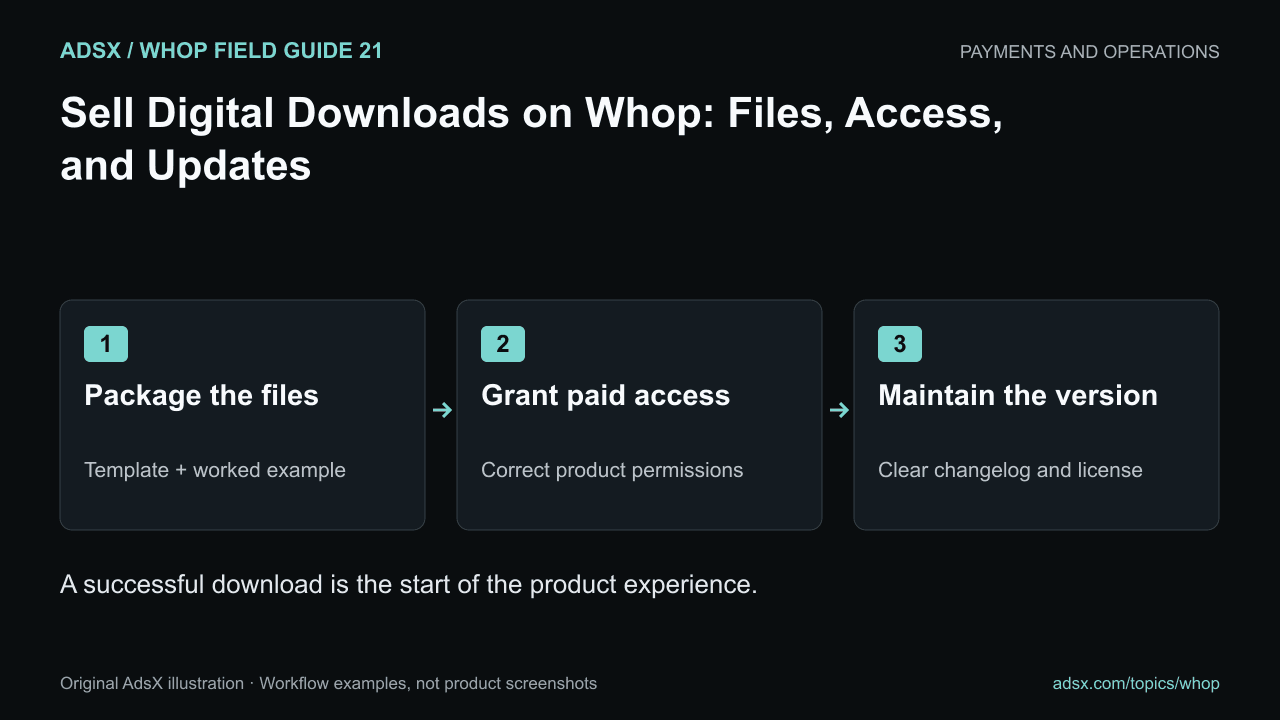
Original AdsX illustration.
Package a complete product
A template is more useful when it includes enough context to work without a support conversation. For an illustrative product-photography kit, the package might contain a shot-list spreadsheet, a lighting checklist, a sample completed brief, and a short setup guide.
Use readable filenames and a clear folder structure. A buyer should not need to decide which of six files named “final” is current.
| File | Purpose | Useful label |
|---|---|---|
| Start-here guide | Explains the workflow and requirements | An accessible start-here web guide |
| Editable template | The resource the buyer will use | product-shot-list-v1.xlsx |
| Completed example | Shows how to fill it in | sample-shot-list-v1.xlsx |
| Usage terms | Explains permitted use and support | license-and-support-v1.txt |
The filenames are examples, not required Whop formats. Choose formats your audience can open, and describe any software requirements before purchase.
Configure files and product access
Whop’s Files app guide explains uploading files, choosing product access, and preview or download settings. Its product documentation describes connecting an offer to the apps it includes.
Create the product with the correct price and delivery promise. Add the files, set the intended access, and review whether buyers can preview or download them. A preview-only setting may be inappropriate for an editable template that must be opened in another application.
If you sell several products, verify that buying a single template does not grant access to your entire library unless that is the stated offer. Use the membership-tier guide when different products unlock different resources.
Explain the license in plain language
State whether the buyer can use the files for their own business, for client projects, or for resale. Make the limits visible before purchase and keep them consistent with the terms included in the package.
Do not promise technical protection that the product does not provide. Removing portal access cannot recall copies already downloaded. Watermarks, access settings, and a license serve different purposes.
Use only material you created or have permission to distribute. A collection of third-party examples is not automatically a product you can resell.
Test usability, not just the download button
Check that a normal buyer can find the files, download the intended version, and open them with the software you named. Review spreadsheet formulas, editable fields, links, and image resolution where relevant.
Try the example instructions from the beginning. If the buyer needs a font, plugin, paid application, or another account, disclose that dependency. A successful download with an undocumented requirement is still a poor product experience.
Decide how updates work
Define whether the purchase includes future versions and for how long. Keep a version note explaining what changed. If a new version replaces a file, consider whether existing customers need the older format for compatibility.
Separate bug fixes from personal customization. A template business can become an unpriced consulting service if every buyer expects bespoke changes. The service-business guide helps package that extra work separately.
Start your digital-product business on Whop through AdsX’s referral link. Launch one complete, well-documented file set before expanding the library.