Whop’s Calendar Bookings app can put a paid session inside the same customer experience as your product. The setup succeeds when the buyer understands what they booked, when it happens, and how to join—without accidentally paying twice.
Disclosure: AdsX owner Dennis Hegstad is employed at Whop. AdsX may earn a commission from qualifying businesses referred through our signup links. This article uses public sources reviewed October 4, 2026; examples are illustrative unless stated otherwise. Editorial policy.
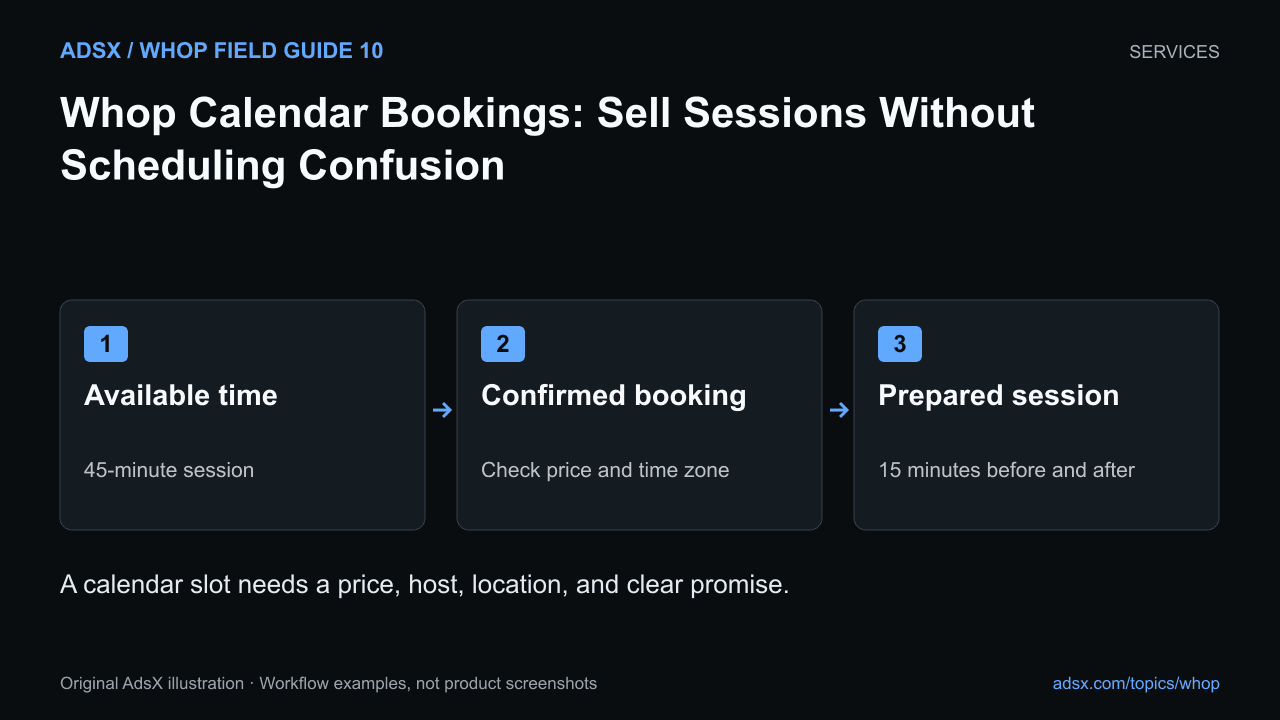
Original AdsX illustration.
Define the session before opening the calendar
Whop’s Calendar Bookings walkthrough covers session details, availability, pricing, hosts, and meeting links. Its agency documentation also includes bookings as part of a service workflow.
Start with a specific session: for example, a 45-minute product-page review for a merchant with up to three pages. Describe what the customer should prepare and what they receive afterward. “Strategy call” can mean almost anything.
Decide whether the booking itself carries the price or is included in a product the customer already purchased. Review the actual account setup so a buyer who paid for a coaching package does not encounter an unexpected second charge just to schedule a session.
Calculate the real calendar capacity
A 45-minute appointment might require 15 minutes of preparation and 15 minutes of notes. That makes it a 75-minute commitment even though the buyer sees only 45 minutes.
| Item | Illustrative time |
|---|---|
| Review the submitted pages | 15 minutes |
| Live session | 45 minutes |
| Notes and action list | 15 minutes |
| Total work per booking | 75 minutes |
Four sessions require five hours before breaks and other work. Use this calculation when choosing availability. If your scheduling configuration cannot enforce the buffer you need, narrow the offered time windows or use a process that does.
The coaching package pricing guide extends this calculation to monthly capacity and support time.
Configure a complete appointment
Add a recognizable session title, duration, description, price arrangement, host, availability, and meeting location or link. Check the options shown in your current dashboard; an older tutorial is not proof that every conferencing integration is available today.
Use an example date to verify time-zone handling. A Chicago-based host and a London-based customer should understand the same appointment time. Daylight-saving changes make assumptions especially unreliable, so check the displayed date and local time rather than relying on a memorized offset.
Avoid publishing a private meeting link in a public description if it should be available only to booked customers. Confirm where the buyer receives the joining instructions.
Walk through the customer journey
Review the flow from the product page to the booking confirmation using an appropriate test arrangement. Check that the buyer can find an available slot, understand any charge, see the confirmed time, and locate preparation instructions.
Then review exceptions: a host becomes unavailable, the buyer needs to reschedule, or the session is missed. Document the process you can actually support. Do not promise an automatic rescheduling or refund behavior without verifying it in your setup.
A cancellation policy should distinguish a canceled appointment from a canceled membership. A package can include several sessions; canceling one date does not necessarily cancel the whole product. Use the billing and cancellation workflow for that distinction.
Start with a narrow schedule
Offer a few deliberate booking windows before opening your entire week. After the first sessions, compare preparation time, attendance, and customer questions with your assumptions. Adjust the offer if the real work exceeds the capacity you reserved.
Create your Whop business through AdsX’s referral link, then configure one clearly described session and inspect the complete booking experience before promoting it.