Whop invoices let a business request payment from a named customer and track whether the invoice is open, paid, past due, or void. Review the buyer’s total and the payment behavior before sending: a recurring invoice is not simply a reminder to issue another bill next month.
Disclosure: AdsX owner Dennis Hegstad is employed at Whop. AdsX may earn a commission from qualifying businesses referred through our signup links. This article uses public sources reviewed October 4, 2026; examples are illustrative unless stated otherwise. Editorial policy.
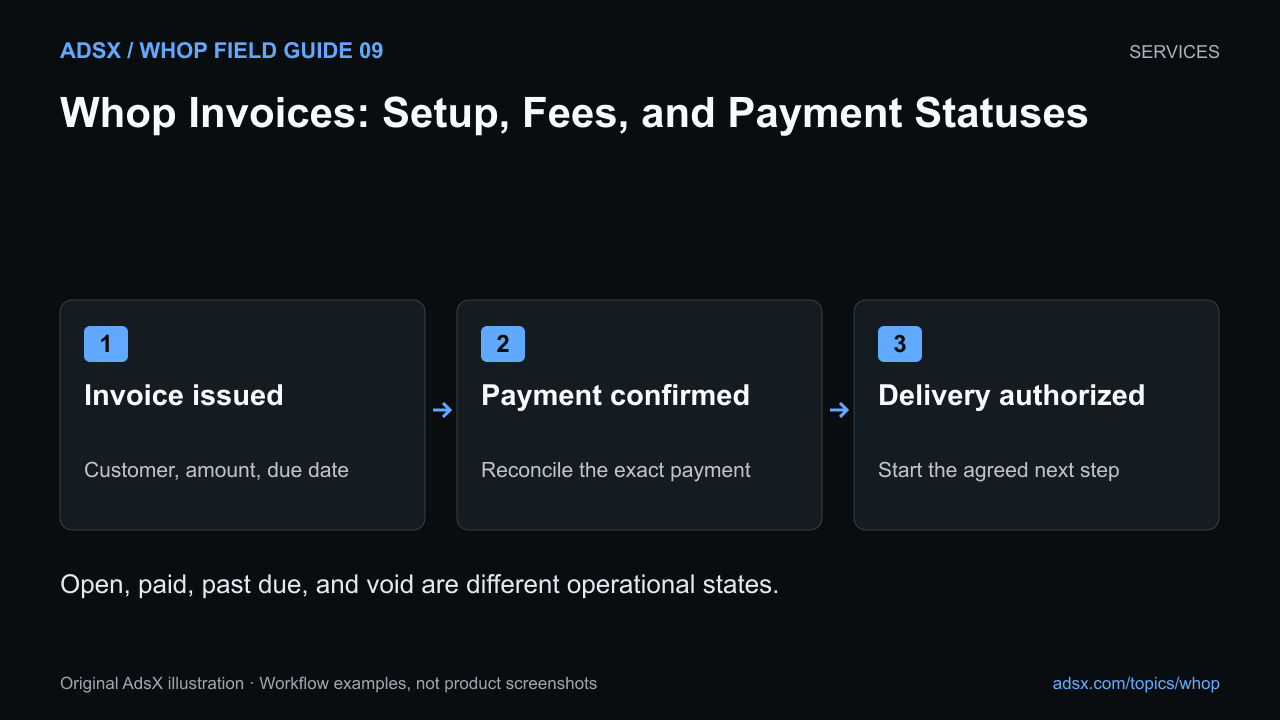
Original AdsX illustration.
When an invoice is useful
An invoice fits a negotiated project, an agreed deposit, or a service with a specific customer and due date. A public product checkout is usually simpler when every buyer receives the same offer at the same price.
Whop’s invoice announcement and walkthrough describes creating invoices from the dashboard. The current invoice documentation provides the fields, fee notice, and status behavior used in this guide.
Prepare the invoice before sending it
In the dashboard, open Payments, choose Invoices, and create an invoice. Confirm the customer’s name and email, description, amount, currency, and due date. Review whether the payment is one-time or recurring and any optional checkout questions.
Make the description recognizable. “May product-image package, twelve final images” is easier for a customer to reconcile than “services.” Reference the agreed scope without putting confidential project details in fields that may appear on a receipt.
Before sending, check the final customer-facing preview. A typo in the address can send the payment request to the wrong person. A wrong currency or recurring setting can create a much larger problem than a late invoice.
Understand the buyer fee
As reviewed October 4, 2026, Whop’s invoice documentation states that buyers pay a 5% service fee on invoices. It also documents an option to pass processing fees to the customer. These are separate settings to review; do not assume a quoted base card-processing rate describes the whole invoice cost.
For illustration, a $1,000 invoice with a 5% buyer service fee would produce a $50 service fee and a $1,050 total before any other applicable charges or taxes. Confirm the actual checkout total and current account terms rather than manually adding every fee listed elsewhere.
If your client has approved a fixed all-in budget, resolve the fee treatment before sending. Our Whop fee guide explains why different payment flows need their own cost review.
One-time and recurring behave differently
A one-time invoice requests the specified payment once. The documentation describes recurring invoices as charging automatically after the first payment, with receipts for subsequent charges. Do not promise that the client will receive and manually approve a new invoice every period if you configure automatic recurring billing.
For a continuing service, make the interval and cancellation process explicit. For a fixed project, decide whether you need a deposit and final invoice or a defined payment schedule. The retainer guide helps connect billing to ongoing work.
Treat statuses as operational information
| Status | Practical interpretation | Sensible next check |
|---|---|---|
| Open | The invoice remains outstanding | Verify recipient, due date, and agreed start conditions |
| Paid | Payment is recorded against the invoice | Confirm the payment details and authorize the agreed next step |
| Past due | The due date has passed without completion | Review the client agreement before changing delivery |
| Void | The invoice is no longer an active payment request | Check whether a replacement or separate refund action is needed |
A void invoice is not evidence that money was refunded. A paid invoice also does not mean funds are already available in your bank account.
Start your Whop business through AdsX’s referral link to evaluate invoicing for your service. Prepare one representative invoice and inspect its preview before sending a real payment request.