To start a coaching business on Whop, define the client problem, package a deliverable coaching process, and connect payment to booking and access. The storefront is the final expression of the offer; it cannot make an unclear offer useful.
Disclosure: AdsX owner Dennis Hegstad is employed at Whop. AdsX may earn a commission from qualifying businesses referred through our signup links. This article uses public sources reviewed October 4, 2026; examples are illustrative unless stated otherwise. Editorial policy.
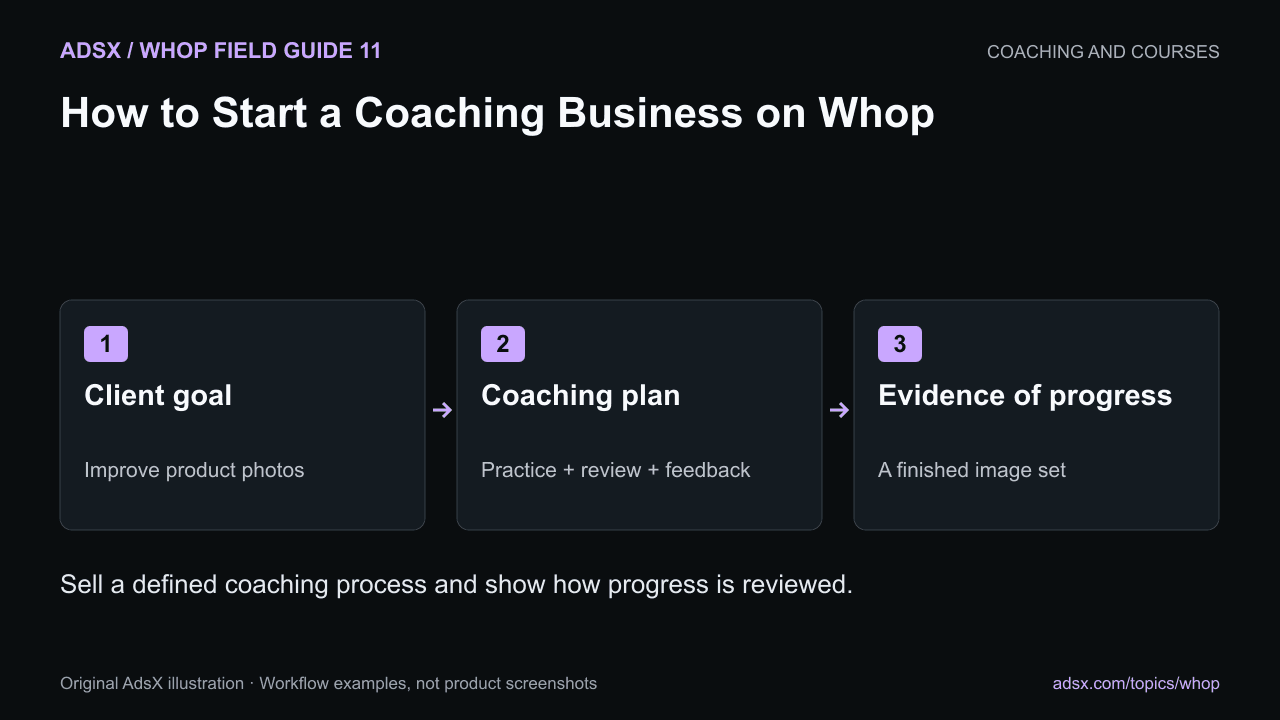
Original AdsX illustration.
Pick a problem you can help someone work through
A focused offer might help a small merchant improve product photography with their existing phone and lighting. That is clearer than promising to “transform their ecommerce business.” It also gives both sides something concrete to evaluate.
Write down the starting situation, the work the client must do, and the evidence you will review. For the photography example, the client supplies three current listing images, completes a practice shoot, and leaves with a repeatable setup checklist. Better images may support the business, but the coach should not guarantee sales growth from those sessions.
Whop’s coaching documentation describes packaging coaching offers and collecting payments. Its coaching-business guide offers broader launch context. Treat success stories as individual examples, not typical earnings forecasts.
Turn the process into a package
Here is an illustrative four-week offer:
| Stage | Coach provides | Client completes |
|---|---|---|
| Before the first call | Brief and preparation instructions | Uploads current images and describes constraints |
| Week one | Setup review and live demonstration | Builds a repeatable shooting setup |
| Week two | Feedback on a practice set | Reshoots one product |
| Week four | Final review and next-step plan | Delivers a finished image set |
Specify the number and length of sessions, feedback limits, support channel, and access duration. If a client misses a session, the package should explain what happens next.
Use the package pricing guide to account for preparation and asynchronous support, not just the time spent on calls.
Create the product and customer path
Set up the product with its actual price and billing arrangement. Add only the apps needed for delivery: perhaps Calendar Bookings, Files, and a place for questions. A course library is optional, not a prerequisite for selling coaching.
Whop University’s official app tutorial gives a visual overview of adding apps. Follow current documentation if your dashboard differs.
Watch the official app setup tutorial.
Check that buying the product unlocks the intended material and that a client can schedule without a surprise extra charge. The booking guide covers appointment details and time-zone checks.
Make the sales page specific
Explain who the package is for and who would be better served by a different option. A beginner with no product ready to photograph may need foundational material before a review session is useful.
Show the process, a sample deliverable you created, and any genuine qualifications relevant to the work. If you use a demonstration project, label it as one. Do not present invented client feedback or a staged example as a customer result.
Learn from a small first cohort
Track whether clients complete the preparation, attend sessions, and produce the agreed work. Ask which instruction was unclear and where they became stuck. Those answers are more actionable than counting how many resources you uploaded.
Review delivery time as well as customer progress. If written feedback takes twice as long as planned, tighten the scope or change the package before adding more clients.
Start your Whop coaching business through AdsX’s referral link. Build one package with a complete customer journey, then improve it using actual delivery experience.