Create a Whop course by choosing one learner outcome, building lessons and practice around it, and connecting the course to the correct paid product. Before launch, check the experience as a learner: purchasing access is only the first step.
Disclosure: AdsX owner Dennis Hegstad is employed at Whop. AdsX may earn a commission from qualifying businesses referred through our signup links. This article uses public sources reviewed October 4, 2026; examples are illustrative unless stated otherwise. Editorial policy.
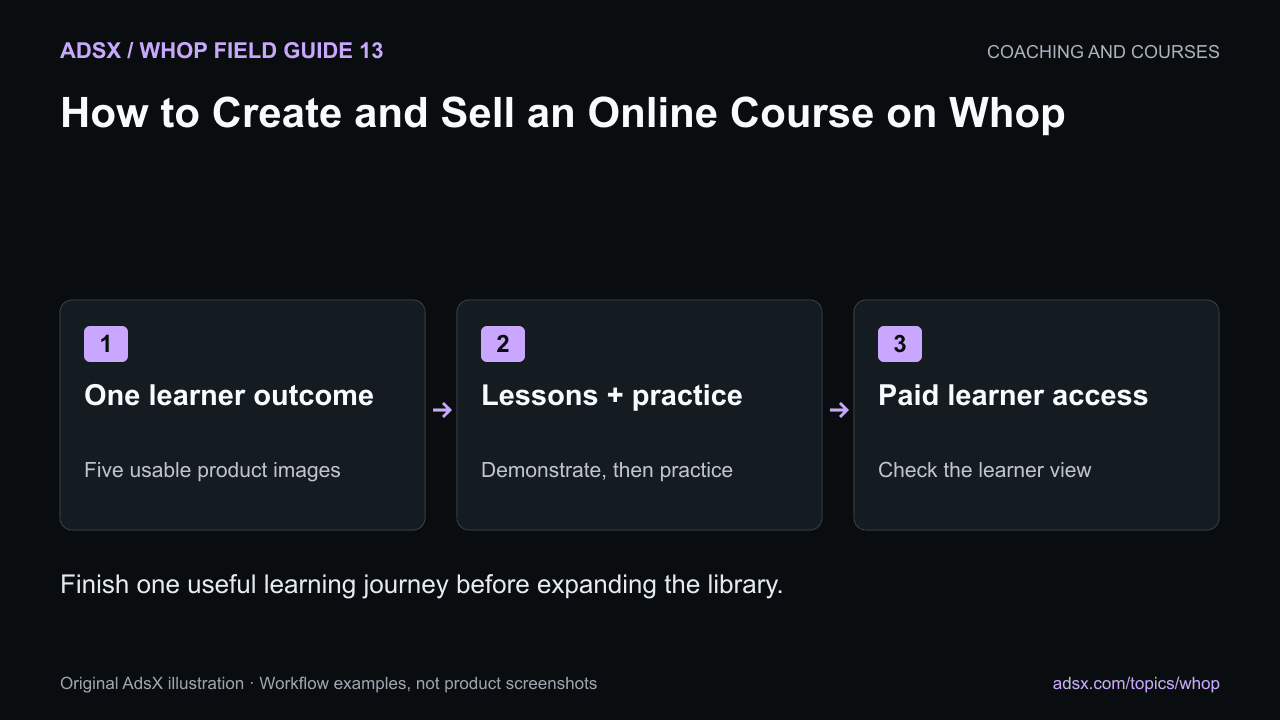
Original AdsX illustration.
Choose a result small enough to teach well
A first course might help a merchant create a consistent set of product photos with a phone. That is easier to structure and evaluate than “everything about ecommerce.”
Define the finished work before recording. In this example, the learner produces five usable images for one product and a repeatable shooting checklist. The course can then explain the setup, demonstrate the process, and give the learner a way to check the result.
Whop’s educational-program documentation describes the Courses app, its module, chapter, and lesson structure, and available learning features. The official course creation guide provides a broader walkthrough.
Build the smallest complete curriculum
Draft the lessons as actions: arrange the light, compose the image, capture the set, and review consistency. Include the materials and examples the learner needs to perform each action.
A short lesson with a useful exercise is often more valuable than a long recording that never asks the learner to do anything. Use the curriculum guide to turn your outline into a sequence of observable tasks.
Whop documents text, video, and assessment options in its course tools. Choose the format that explains the task. A visual demonstration suits lighting; a written checklist may be easier to use while shooting.
Connect content to the purchased product
Create the offer and decide who receives course access, for how long, and whether support is included. Add the Courses app and configure product access deliberately. If you offer several products, verify that a lower-priced purchase does not accidentally unlock everything.
Whop University’s app tutorial shows the general app setup process. It is an overview rather than a complete course-production tutorial, and current interface labels may differ.
Watch Whop University’s app setup overview.
If you include a community, separate its ongoing cost and access period from the course itself. Our course and community bundle guide provides an access matrix for that decision.
Check the learner journey before launch
Use an appropriate preview or authorized learner account to inspect the full path. Confirm that the learner can find the course after purchase, open the first lesson, play the media, download any intended resources, and understand the next task.
Check captions or written alternatives where available. Open the lesson on a phone as well as a desktop. A readable slide in an editing application may become tiny inside a mobile player.
Test the rules you choose. If lessons require sequential completion, confirm that the learner can satisfy the completion condition. If you offer a certificate, describe what it represents; a completion certificate is not professional accreditation.
Launch with a feedback plan
Ask early learners where they became stuck and inspect the work they produce. A high lesson-open count does not necessarily mean someone acquired the skill. Completion data and questions should inform revisions, not an arbitrary schedule of adding more videos.
Keep a short update log when you correct a lesson or replace an outdated resource. Avoid promising indefinite personal support unless the price and capacity support it.
Start your Whop course business through AdsX’s referral link. Build one complete learning journey and verify access before expanding the catalog.