A useful Whop course curriculum is a sequence of things the learner can do, not a list of subjects the instructor can discuss. Work backward from the finished output, then use modules, chapters, lessons, and assessments to support that output.
Disclosure: AdsX owner Dennis Hegstad is employed at Whop. AdsX may earn a commission from qualifying businesses referred through our signup links. This article uses public sources reviewed October 4, 2026; examples are illustrative unless stated otherwise. Editorial policy.
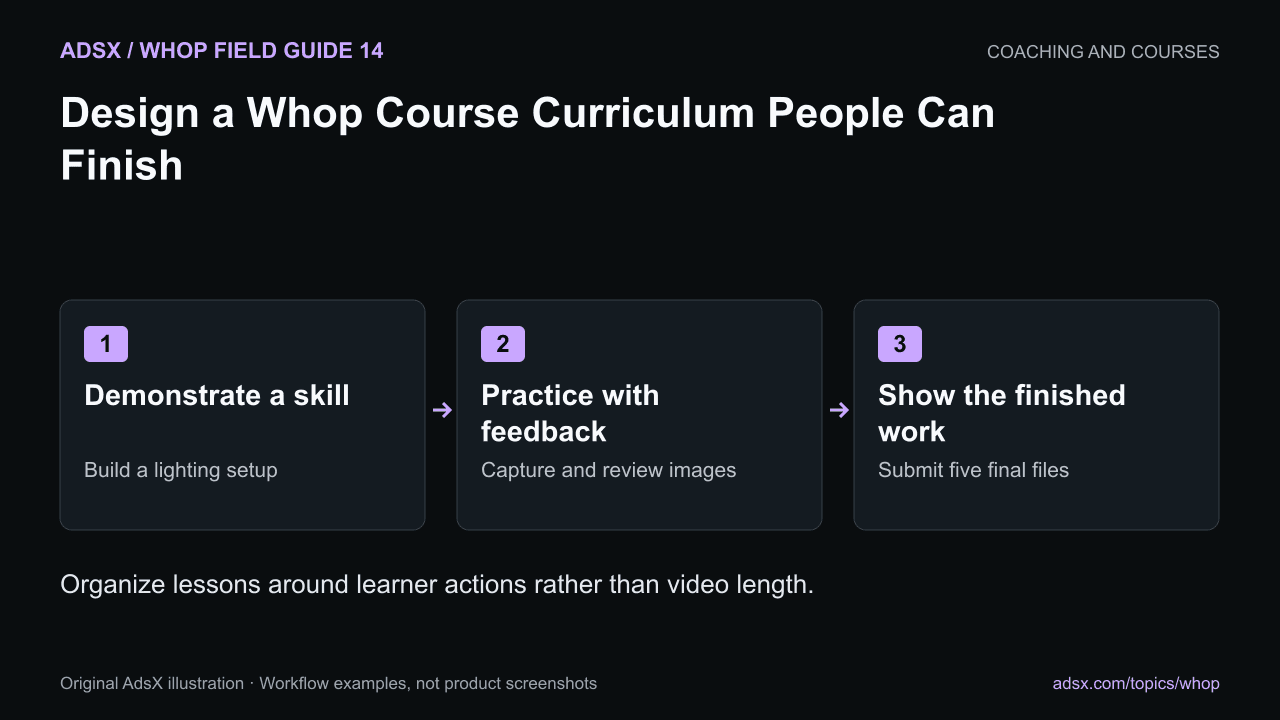
Original AdsX illustration.
Write the final assignment first
For an illustrative product-photography course, the final assignment could be five consistent listing images for one product. The learner submits the images and a short setup record so they can repeat the process later.
That assignment narrows the curriculum. Advanced studio equipment, video production, and advertising strategy may be interesting, but they do not automatically belong in this course. Put unrelated ideas in a future-topic list rather than making the first course harder to finish.
Whop’s educational-program documentation describes its learning hierarchy and assessment options. Its Courses app guide explains the course workspace. The outline below is an original example, not a Whop-provided curriculum.
Build a sequence with visible progress
| Module | Learner action | Evidence of progress |
|---|---|---|
| Prepare the setup | Choose a surface, light source, and stable phone position | A setup photo and materials list |
| Capture the product | Make front, detail, scale, and use-context images | A first image set |
| Review consistency | Compare framing, exposure, and color | An annotated selection of images to reshoot |
| Finish the listing set | Export the selected images in the required dimensions | Five final files and a repeatable checklist |
Within each module, use chapters to organize related work and lessons to explain one step. The structure should help a learner resume after an interruption without searching through a long recording.
Use assessments for the right question
A knowledge check can test whether someone understands a concept, such as why mixed lighting can produce inconsistent color. It cannot prove that their final photographs are usable.
For practical skills, pair a short quiz with a task or review rubric. In the photography example, the rubric might ask whether the product is sharp, the background is consistent, the details are visible, and the exported dimensions match the brief.
Do not imply that Whop automatically judges creative quality. Decide which checks the learner performs, which the platform supports, and which require instructor feedback. Price any manual review into the offer.
Make completion rules serve the learner
Sequential access can help when later work depends on an earlier step. It can also frustrate experienced learners who need one specific reference. Use the documented course settings intentionally rather than locking every lesson because the option exists.
Check the behavior with a learner view. A completion requirement that cannot be satisfied becomes a support problem, not a teaching method. Keep written instructions for any task that depends on an external file or tool.
Budget for maintenance and support
Separate durable principles from interface demonstrations that may age quickly. “Use consistent lighting” is more stable than a recording of a particular editing application's current menu.
Give lessons descriptive titles and keep editable source material so you can replace an outdated step without rebuilding the entire course. If feedback is included, define how many submissions you review and the expected response window. The coaching capacity guide helps estimate that workload.
Use the course setup guide when the curriculum is ready to implement. Create your Whop business through AdsX’s referral link, then build one module and test its lesson-to-practice flow before recording the rest.