A useful first Whop AI prompt starts with what a customer will buy. Colors and layout come later. If the offer is vague, a generated website can make polished promises that the business is not ready to deliver.
Whop's Blueprints guide describes website creation through an AI chat, alongside blueprint, migration and CLI paths. It also describes creating products and pricing as part of the website-building process. That makes the offer brief important: review the commercial configuration as well as the page.
Disclosure: Dennis Hegstad is employed at Whop. AdsX may earn referral compensation when you sign up through our Whop partner link. This guide uses public documentation. The prompts and example below are illustrative, not an executed merchant build.
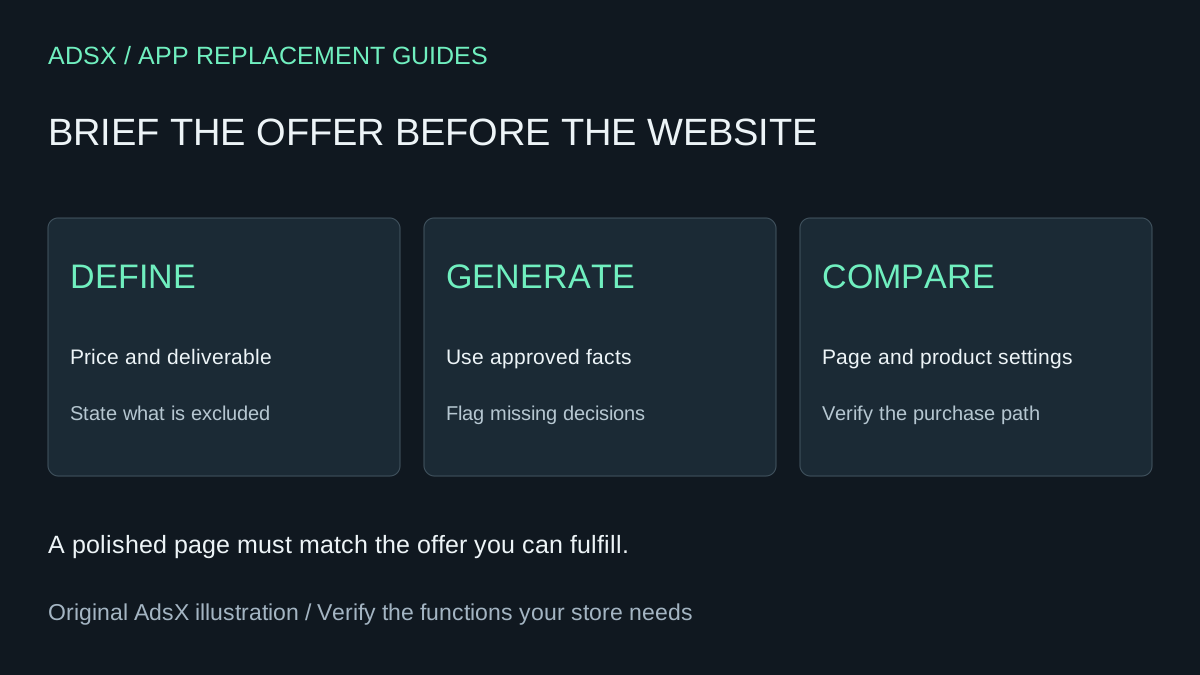
Original AdsX illustration.
Write the offer in six fields
Before opening the builder, record the buyer, deliverable, price, billing type, fulfillment method and exclusions. If any field is unresolved, keep it unresolved in the brief instead of letting the AI choose a business policy.
Here is a hypothetical service example:
| Field | Approved brief |
|---|---|
| Buyer | Independent shop owners seeking product-page feedback |
| Deliverable | A written review of five supplied product pages |
| Price | $149 USD, one-time |
| Fulfillment | Written report delivered through an agreed off-platform channel |
| Timing | Within five business days after complete intake |
| Exclusions | No implementation, ongoing support or guaranteed sales lift |
The amount and timing are invented for this example. They are not Whop prices, an AdsX offer, or advice about what every merchant should charge. A real business should replace them with terms it can fulfill.
Give Whop AI a focused first prompt
Use your approved facts in this original brief:
Build a storefront for [business name] serving [specific buyer]. The offer is [deliverable] for [price and currency], billed [one-time or recurring with interval]. Fulfillment happens through [method] within [timing and prerequisites]. Exclude [items not included]. Use these approved facts and images: [inputs]. Create a clear opening, scope section, process, factual FAQ and purchase CTA. Do not invent reviews, client logos, guarantees, discounts or additional products. Identify missing decisions before configuring them. Show me which product, price and purchase destination the CTA uses so I can review them before launch.
A prompt is an instruction, not proof of compliance. The resulting website still needs review. If the builder creates a recurring plan where the brief specifies one-time payment, correct the configuration before sharing the page.
Review products independently from copy
Whop's product creation documentation distinguishes pricing choices and the apps or content provided after purchase. It also explains that businesses fulfilling off-platform do not need to add apps simply to collect payment.
That does not create your delivery process. For the sample service, the business still needs a reliable way to obtain the five page URLs, track when intake is complete, and deliver the report. Do not treat a payment confirmation as proof that those steps are configured.
Make a short review table with the approved offer on one side and the actual product settings on the other. Compare price, currency, billing interval, included access and any trial. A screenshot of the landing page cannot establish what the checkout will charge.
Use a second prompt to find contradictions
Compare this generated page with the approved offer brief. List every conflicting or unsupported statement, especially price, billing frequency, delivery timing, included work and outcomes. Check each purchase CTA's intended destination against the correct product. Suggest precise corrections without expanding the scope. Separate what you inspected from what still needs an account-level check.
Review the FAQ carefully. Generic copy can quietly add refund terms, turnaround promises or support commitments. Supply those policies explicitly and verify them rather than accepting plausible text.
Choose one useful next action for visitors
For a single-offer page, make the purchase path easy to understand. Keep the CTA label aligned with the offer. If a visitor must speak with you before purchasing, do not present a paid checkout as if it were a free consultation.
If you already have a site and only need to improve its presentation, use our Whop AI revision prompts rather than regenerating the whole business. For a broader platform decision, read the Whop ecommerce guide.
Check before sharing the link
Inspect the page on a phone, open every purchase destination, compare the checkout summary with the approved price and interval, and verify the promised delivery route. Use an appropriate supported test process for any transaction checks; opening checkout alone does not prove a completed payment or fulfillment.
When the offer and platform fit are clear, start building on Whop through AdsX’s partner link. Keep your approved brief with the website so later AI edits have the same factual reference.