A tool choice becomes easier when you describe when the work happens. “Tag an order when a rule matches” is different from “let an employee review a list.” Both might reduce manual work, but they need different execution models. Asking an AI to build an app before making that distinction can add a service you never needed.
This guide compares routes for an existing merchant. It is a decision aid, not a claim that a generated app or workflow has been tested in your store.
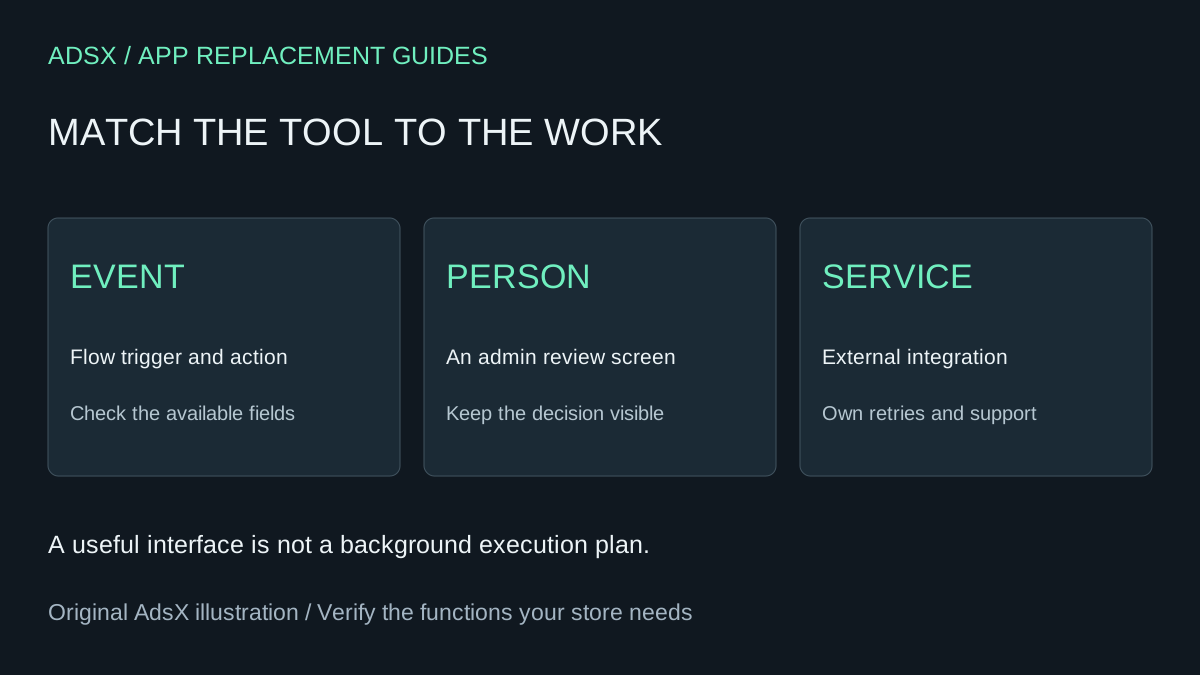
Original AdsX illustration.
Choose an execution model first
| Requirement | Start by investigating | Evidence needed |
|---|---|---|
| Act when a supported store event occurs | Shopify Flow | Available trigger, condition and action |
| Give staff a review screen in admin | Sidekick-generated admin app | Supported data, permissions and review behavior |
| Display information to shoppers | Native theme blocks or theme code | Template compatibility and customer-facing behavior |
| Maintain a specialized external integration | Existing connector or custom app | Authentication, retries, hosting and support ownership |
The last row is not an automatic instruction to build. A maintained paid app can cost less than operating an integration yourself. Start with our app-function replacement guide and list the features actually used.
Flow: work triggered by events
Shopify Flow uses triggers, conditions and actions. Shopify currently lists it as free on Basic, Grow, Advanced and Plus. The Send HTTP Request action requires Grow, Advanced or Plus, and some other capabilities have plan restrictions. Check the specific action, not just whether Flow is installed.
Consider an illustrative order-triage workflow. A merchant wants orders matching an approved condition marked for staff review. Before building, identify the exact event, the available field and the permitted action. Define the result for a matching order, a non-matching order and an order whose relevant field is missing. Do not treat a missing field as a match by default.
Use this planning prompt with an assistant, then verify its answer against the current Flow reference:
Map this task to Shopify Flow: [event, rule, desired action]. Identify the exact documented trigger, condition fields, action and plan requirements. Separate supported behavior from assumptions. Include matching, non-matching and missing-data examples. Do not activate a workflow or modify orders. If a required action is unavailable, explain the gap instead of inventing a connector.
Flow's workflow management documentation describes run logs and retry tools. Review those records after a controlled test. A configured workflow is not evidence that the correct record was changed.
Sidekick: a screen for a person to use
Sidekick app generation is available on Basic, Grow, Advanced and Plus through a desktop browser. Generated apps operate in Shopify admin; they do not become theme widgets or checkout extensions. Generation and refinement also share store-level usage limits.
An internal review queue is a different brief from an automatic background job. For example, a buyer might want to inspect products with incomplete supplier information and decide what to correct. Ask for a read-only view first, with clear handling for missing data. Do not assume that leaving an app screen closed creates a reliable scheduled process.
Our one-prompt catalog QA brief shows a narrow starting point. Adding automatic writes should be a separate reviewed decision, with a way to identify which records changed.
Custom apps: include the operating work
A custom app may fit when a supported native route cannot meet an important requirement. Shopify's AI Toolkit can help a coding agent consult documentation and validate code, but it does not remove the need to design the integration.
Write down who handles credentials, hosting, logs, retries, API updates and incidents. If a supplier system is unavailable, decide whether the action waits, fails visibly or enters a review queue. “Try again” is incomplete when the first request might already have succeeded.
A hypothetical $20 monthly app costs $240 across twelve payments. A four-hour replacement valued at $50 per hour consumes $200 before maintenance or hosting. Just fifteen minutes of monthly maintenance at the same rate adds $150 over a year. These assumptions favor keeping the app; your actual costs may differ.
Make the decision reviewable
Record the job, chosen route, rejected alternatives and unresolved questions in a short brief. Keep the initial version narrow enough that someone can verify its output without trusting the AI's explanation alone. Use the merchant prompt library for requirements and cost prompts, then follow the AI app testing guide before treating a generated result as a replacement.