A good Shopify app replacement starts with the function you actually use. If you pay for a broad marketing suite but only display a static announcement, the replacement problem is small. If the app owns subscription renewals, customer balances, or fulfillment connections, copying its screen does very little of the work.
AI can help write a specification, generate code, and review edge cases. It also makes it easy to build something that looks finished before its dependencies are understood. This guide gives you a practical way to decide whether to replace a function, keep the app, or use an existing Shopify feature. The scenarios and cost figures are original planning examples, not measured savings or tested replacements.
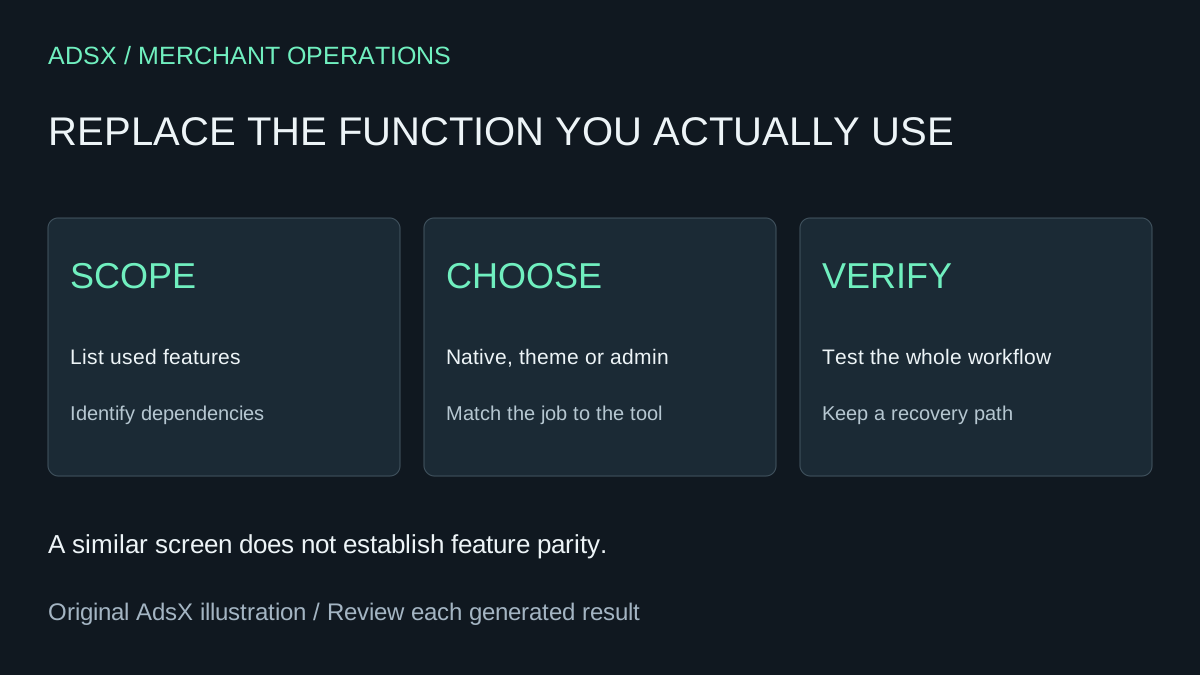
Original AdsX illustration.
Describe the job without naming the app
Write one sentence beginning with “Every time…” or “A shopper needs to…”. For example: “A shopper needs to see the measurements for the selected garment.” That is more useful than “clone my size-chart app.” It identifies the outcome while leaving room for a simpler implementation.
List the features used in the last month, the data stored by the app, and the people who depend on its output. Separate visible widgets from scheduled jobs and external integrations. A storefront screenshot will not reveal a daily stock sync or an export needed by your warehouse.
Use our native features versus apps guide before deciding that new code is necessary.
Choose the implementation by the job
| Job | Candidate approach | What to verify |
|---|---|---|
| Static sizing information | Existing theme settings or a custom theme section | Product mapping, accessibility, mobile layout |
| React to an order event | A supported Flow workflow | Trigger, conditions, available actions and failure handling |
| Review incomplete product records | An internal admin app | Read permissions, catalog coverage and empty states |
| Run recurring billing or maintain loyalty balances | A maintained specialist app or a fully scoped integration | Financial history, retries, exceptions and support ownership |
Shopify Flow uses triggers, conditions, and actions for automation. Whether it covers your job depends on the available actions and your plan. It is worth checking before creating a separate service that someone must host.
Sidekick app generation is an admin-app route. It does not make a customer-facing theme widget. For custom theme work, a coding agent can use Shopify's AI Toolkit to consult the appropriate documentation and validation tools.
Give the AI a replacement brief
Try this original planning prompt with a general assistant, using your own feature inventory:
I use this Shopify app for the following tasks: [tasks]. Its monthly bill is [amount], and it connects to [systems]. Compare keeping it, using existing Shopify features, and building only the functions I use. Separate storefront, admin, automation, and external-service work. List required data, ongoing maintenance, and tests for each option. Do not assume an equivalent screen means equivalent behavior. Ask about missing requirements before recommending removal.
Remove private customer information and credentials before sharing an inventory with a tool. The merchant prompt library includes briefs for requirements, permissions, cost comparisons, and rollback.
Compare the full cost
Suppose an app costs $25 per month. A hypothetical replacement takes four hours to build and review, valued at $50 per hour, then half an hour of monthly maintenance at the same rate. That is $200 initially and $25 monthly before hosting. In this example, subscription savings do not cover maintenance, so there is no financial break-even on those assumptions.
A different merchant may already have the required native feature and need only a short configuration change. That can produce a very different result. Record the assumptions instead of publishing a universal “save hundreds” claim.
Include updates, documentation, staff training, and the person who investigates failures. An app vendor's support and compatibility work are part of what the subscription buys.
Replace one function before removing the app
Use an unpublished theme copy or an appropriate development environment for customer-facing changes. For an internal app, begin with a read-only workflow such as our catalog QA app brief. Compare its results with records you already understand.
Keep the original app available until the replacement passes the actual workflow. Check saved settings, historical data, integrations, and billing separately. Our app removal guide covers cleanup questions; removing a widget is not proof that every subscription or external connection has ended.
The useful outcome is a smaller, dependable store setup. Sometimes that means AI-written code. Sometimes it means using an existing setting, or keeping the app and dropping unused extras.