The most useful first Shopify app does one job that you can check. A catalog QA dashboard is a good candidate: list products with missing descriptions or images, show what is missing, and help a merchant open the right record. It does not need to edit the catalog to be useful.
“One prompt” here means a complete initial brief. It does not mean the first generated version will pass every check or be ready for a live store. The prompt and test cases below are original AdsX examples. We have not run this build in a merchant account, so this is a documented workflow and review plan, not a successful-build case study.
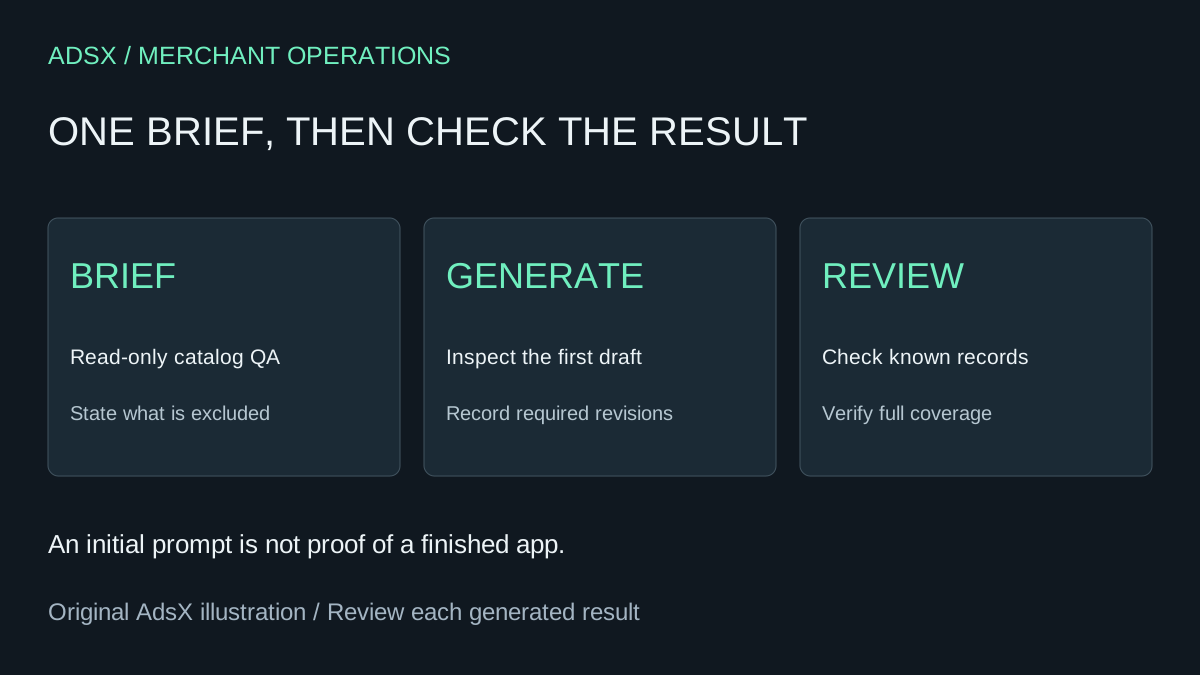
Original AdsX illustration.
Use the right app surface
Shopify's Sidekick app-generation documentation currently lists Basic, Grow, Advanced, and Plus eligibility. Generation uses the desktop admin and has shared usage limits. Generated apps operate inside the admin; they do not extend themes, checkout, or customer account apps. Check the current requirements and permissions before starting.
For this example, the user is a merchant reviewing products. The output is a list of records to inspect. No customer-facing widget, scheduled email, external database, or automatic repair is part of the brief.
Copy the initial prompt
Generate a read-only Shopify admin app called Catalog QA. Its job is to list products missing a meaningful description or a product image. Show the product title, status, and the specific missing fields. Let me filter by product status and open the product record for manual review. Handle the full result set with pagination rather than silently checking only the first page. Treat blank or whitespace-only descriptions as missing, and explain how you handle HTML-only content. Distinguish a loading state, a failed request, no products, and no matching issues. Do not modify products, request write access, or send catalog data to an external service. Before building, state any unsupported requirement. After generating, list the permissions used and the checks I should perform before installation.
This is an original prompt specification, not executable code. The tool may need clarification or produce a partial implementation. Keep the first output so you can compare what you requested with what it actually delivered.
The Shopify products API reference documents product retrieval and pagination. That makes catalog coverage a concrete review question, rather than a vague request to “scan everything.”
Review the first result against known records
Prepare a small set of product examples whose expected outcomes you know. Prefer an appropriate test setup and avoid changing live products solely to manufacture a demonstration.
| Example record | Expected review result |
|---|---|
| Description and image present | No missing-field finding |
| Description absent, image present | Description finding only |
| Description present, image absent | Image finding only |
| Both absent | Both findings on the same product |
| Product outside the selected status | Excluded by that filter |
| No matching problems | Clear success state, not a blank panel |
Also check an item beyond the first page of results. An attractive dashboard that checks only a small initial slice can give false reassurance about the rest of the catalog. If the tool cannot cover the full catalog, it should show the limit plainly.
Refine the failing case, not the whole app
Suppose a blank description is missed because it contains markup but no readable text. A useful follow-up is:
The product in this example has markup but no meaningful description text. Explain the current detection rule, then adjust only that rule. Preserve read-only behavior and the existing filters. Show which test cases this change affects.
That is a proposed repair prompt, not an observed defect in Sidekick. Keep a short record: requirement, initial result, revision, and outcome. Do not rewrite “needed three revisions” as “built perfectly in one shot.”
Decide whether it is ready to install
Review permissions against the read-only requirement, inspect the generated implementation where possible, and verify that errors do not look like clean results. Installation should follow your review, not serve as the test itself.
A checker can identify missing fields; it cannot establish whether a description is accurate, whether a photograph represents the correct variant, or whether an archived product should be restored. Keep those decisions with the merchant.
For more starting briefs, use the Shopify merchant prompt library. If your goal is replacing a paid tool, use the app-function replacement framework to compare ongoing costs and responsibilities. A small internal checker is a useful first app precisely because its limits are visible.