A static delivery notice rarely needs a complex app replacement. Before asking AI to write a new banner, inspect the announcement settings already in your Shopify theme. The useful outcome is the same accurate message, shown to the right shoppers, with less ongoing work.
This guide covers a simple text-and-link bar. It does not promise to replace Hextom’s campaign scheduling, geographic targeting, or every premium feature. The prompts below are illustrative and have not been run against a merchant store.
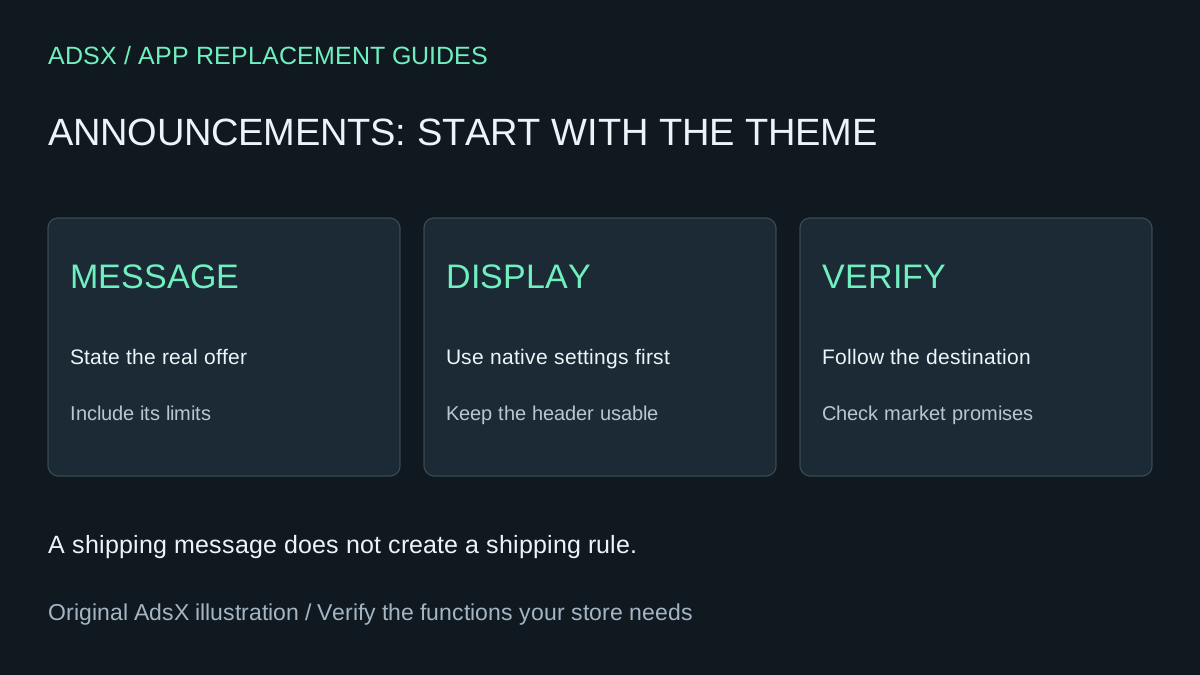
Original AdsX illustration.
Price the feature you actually use
Hextom: Quick Announcement Bar lists a free Basic plan and Premium at $9.99 per month or $99 per year, checked November 1, 2026. Premium includes scheduling and geographic targeting among its features. If you only need a basic bar, compare the free plan with your theme before building anything.
Twelve monthly payments total $119.88; the annual option is $99. Those are alternative subscription budgets, not additive savings. Suppose native configuration and review take half an hour at $40 per hour, and yearly upkeep takes another half hour. With no additional software cost, the illustrative first-year benefit is $79.88 against 12 monthly payments or $59 against the annual plan. An already-paid annual bill is not an immediate refund; check your renewal and cancellation terms.
If you need an extra AI subscription or developer support, subtract that cost. A two-hour custom build alone would consume $80 at the same labor rate. The app-function replacement guide explains how to compare maintenance as well as subscriptions.
Use the theme editor first
Shopify’s announcement bar documentation explains how to look for the feature in the theme editor. It also describes asking Sidekick from the editor to set an announcement’s text and link when the theme supports the feature. Available settings depend on the theme.
Duplicate the theme before custom changes. Check whether your current app shows different messages by market, device, page, or customer. One global message is not equivalent to that targeting.
For example, “Free US shipping over $75” is clearer than “Free shipping” if only US orders qualify. Showing that qualification does not create the shipping rule; the checkout configuration must already implement the promise.
Prompt 1: configure a supported native bar
Use this in Sidekick from the theme editor, adapting the facts and preview target:
In this unpublished theme, check whether the built-in announcement bar supports a text message and link. If it does, prepare the message “[approved message]” linking to [existing policy URL]. Preserve the approved qualification and do not change shipping rules, discounts or checkout settings. Show me the proposed change and preview. Do not publish the theme. If the feature is unavailable, explain the limitation instead of claiming it is configured.
Read the result and verify the target theme before saving. Asking the assistant to use an unpublished theme does not replace checking which theme it actually edited.
Prompt 2: build only the missing display
If your theme lacks the needed simple display, give a coding agent this narrower request:
Inspect this Shopify theme. Propose an editable announcement section with one text field and one optional link, using existing theme styles. Keep it static, accessible by keyboard, and readable at 320px width and 200% zoom. Prevent it from covering navigation or content. Do not add tracking, geolocation, countdowns, external scripts or automatic discount logic. Show the minimal file changes, preview steps and rollback. Work only on the unpublished copy.
Keep Shopify’s AI Toolkit documentation available to the coding tool. Review the generated theme code; a plausible preview does not establish compatibility with your other header features.
Prompt 3: catch incorrect promises
Review this banner text against these approved shipping and promotion rules: [rules]. Identify missing regions, thresholds, exclusions or end dates. Suggest the shortest accurate message and an existing destination link. Do not invent urgency, extend an offer or change its terms. List what must be verified at checkout.
Copy these briefs and related review prompts from the merchant prompt library.
Test the header as a whole
Open the home, product and cart pages on mobile and desktop. Follow the link, use keyboard navigation, and check that a sticky header does not cover the message or the shopping controls. Compare each active market’s promise with the shipping policy and checkout settings. Make sure the app and native bar are not both displaying the same notice.
Keep the paid app when scheduling, multiple campaigns or audience rules save enough staff time to justify the fee. If the native version covers your needs, document who owns future edits and when the notice must change, then use the app cleanup guide to handle removal and billing.
Official setup video
Shopify embeds this announcement-bar walkthrough in the help page cited above. Use it for editor orientation; it is not evidence that the prompts here were executed.
If the embedded player does not load, watch Shopify’s announcement-bar tutorial on YouTube.