If you use Kiwi only to show a few measurement tables, a page-reference metafield and your existing theme may cover the job. AI can help prepare the table, map products to charts, and review a small theme change. That does not recreate Kiwi’s fit recommendations or its management interface.
This guide is for a merchant with approved measurements and a limited catalog. The prompts are original planning briefs, not builds we have executed in a merchant store. Start with the app replacement framework if you have not inventoried the features you use.
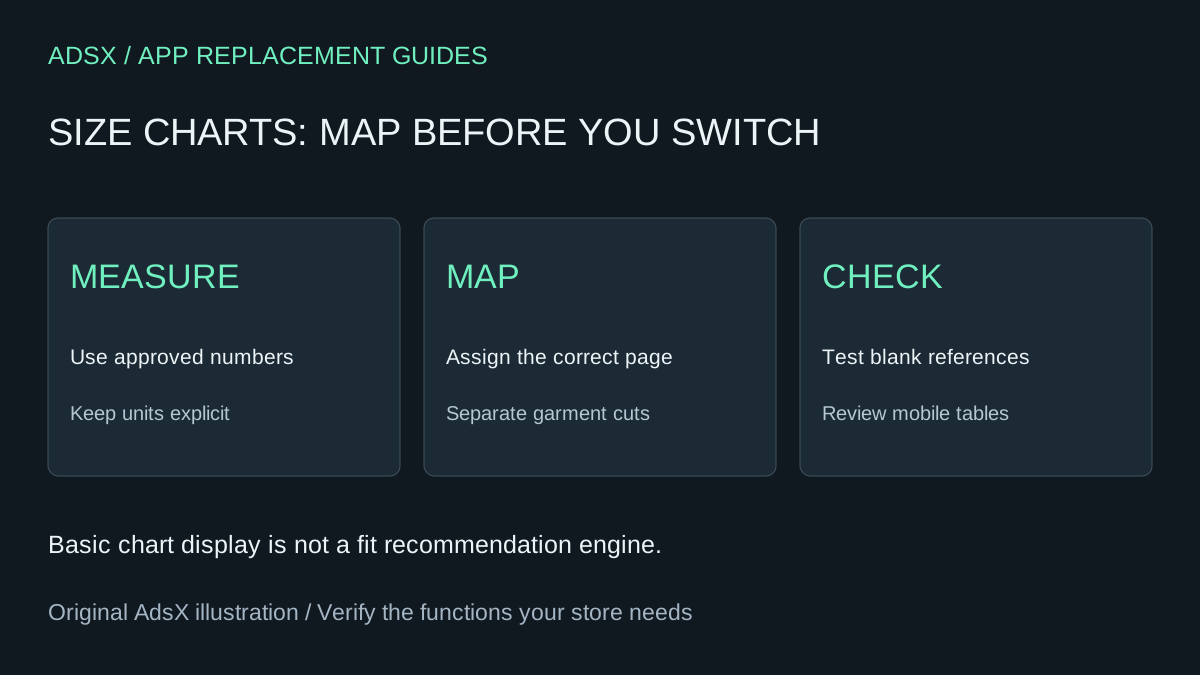
Original AdsX illustration.
What could you save?
The Kiwi App Store listing, checked November 1, 2026, lists Premium at $7.99 per month. Its free plan supports up to three charts with a watermark. A free downgrade may therefore solve your cost problem without custom work. Paid features such as recommendations or automated chart management require a separate fit assessment.
Using 12 monthly payments as a planning convention, removing a $7.99 subscription avoids $95.88 in subscription charges. It is not automatically $95.88 in profit. For an illustrative native setup taking one hour at $40, plus $20 of review time over the year, the first-year benefit is $35.88, assuming no additional tool costs. A three-hour custom implementation at the same rate costs $120 before maintenance—more than that subscription budget. Replace these estimates with your own bill and effort; taxes, billing dates and prepaid commitments can change the result.
Start with the supported theme path
Shopify documents a page-reference size chart setup. In a compatible theme, create a product metafield of type Page, add a chart page, and connect that field to a product-template pop-up. Assign the appropriate page reference to each product. Check the actual theme’s dynamic-source support before proceeding.
One detail matters: Shopify warns that an unfilled page reference can leave a link opening an empty pop-up. Use a separate template for products without charts, or have a developer verify a conditional display. A theme duplicate protects theme files; it does not isolate edits to shared product data or pages.
For an original mapping example, keep the adult tee and toddler tee on separate chart pages. Assign both adult color variants to the adult chart only if their measurements are genuinely identical. Do not infer a child’s measurements by scaling down adult numbers.
Prompt 1: prepare an accurate chart
Use a general assistant with approved, non-sensitive measurements:
Format these approved garment measurements into an accessible HTML table for a Shopify page: [measurements]. Preserve every number, unit, size label and measurement definition exactly. Include a caption explaining whether these are body or garment measurements. Flag missing or contradictory values. Do not estimate sizes, add fit recommendations, or convert units unless I supply an approved conversion rule. Return the table and a list of unresolved questions.
Check every cell against the source before saving it. A neat table with the wrong measurements is a failed replacement.
Prompt 2: map products before changing them
Given this product-handle list and these approved chart page handles, propose a product-to-chart mapping. Explain each rule. Flag ambiguous products and products that should have no chart. Keep adult, child and different garment cuts separate. Output a review table only; do not update Shopify or infer measurements.
Review one product from each rule and every exception. Keep a copy of the existing chart-to-product relationship before changing the app.
Prompt 3: fill a genuine theme gap
Use a coding agent only if the native block does not cover the display requirement:
Inspect this unpublished Shopify theme and its product template. We need a size-chart link sourced from a product page-reference metafield. Prefer the existing compatible pop-up block. If custom code is necessary, propose the smallest change, hide the link when no page is assigned, preserve keyboard focus behavior, and keep the table usable on narrow screens. Show the files, preview steps and rollback instructions. Do not publish, alter product data, or call an external service.
This is theme work, not a Sidekick-generated admin app. See the merchant prompt library for copyable briefs and review prompts.
Prove the replacement before canceling
Check an adult product, a toddler product, a product without a chart, and a chart with long labels. Open and close the pop-up with a keyboard, inspect a narrow screen, and compare the published measurement values with the approved sheet. Confirm that a theme update will not silently drop the customization.
Keep Kiwi if you rely on its recommender, frequent bulk changes, analytics, or support and cannot replace those functions economically. If the simple replacement passes, follow the app removal and cleanup guide, retain your chart data, and confirm the billing change separately. Hiding an app block is not cancellation.