A generated app can look correct while missing half the catalog or changing a field it was supposed to read. Before replacing a paid tool, define what evidence would make the new version trustworthy for your actual workflow.
This guide is a merchant acceptance process, not a security certification or a report of a tested build. The example cases and prompts are original illustrations. The one-prompt app guide covers the initial brief; this article covers the decision to rely on its output.
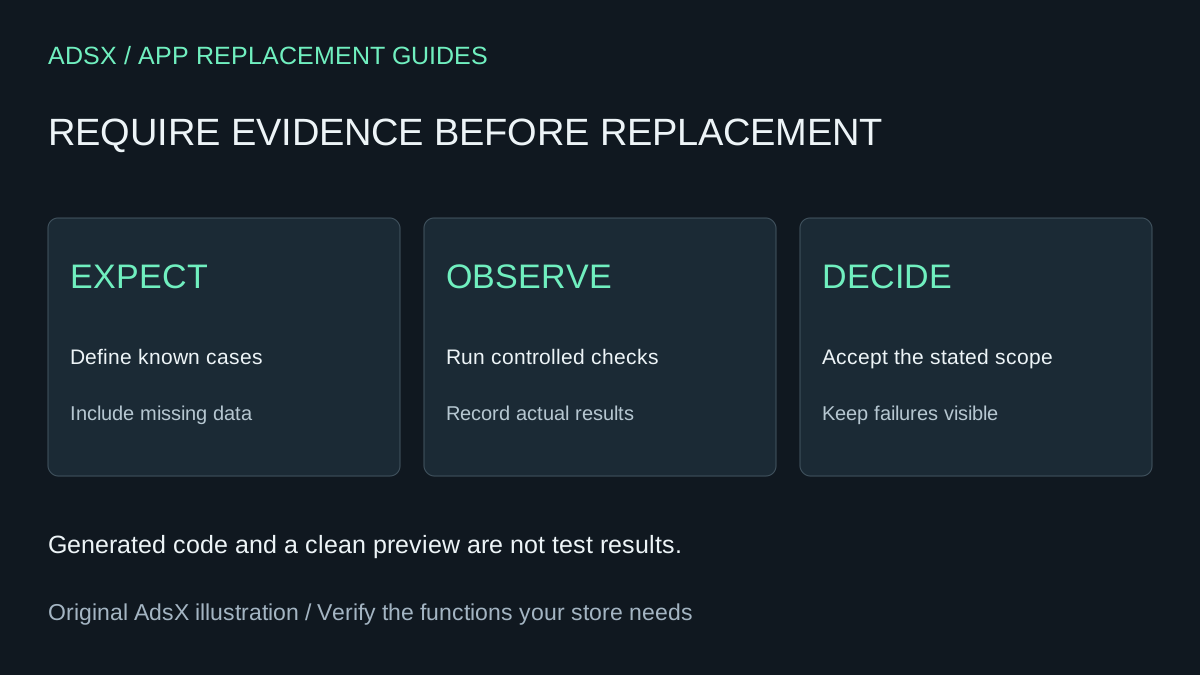
Original AdsX illustration.
Match the test environment to the implementation
Shopify advises testing Sidekick-generated apps before installation and notes that they can change customer-facing data. Inspect the generated plan and permissions, even when the interface is inside admin. An admin-only location does not mean a read-only effect.
For a developer-built app, Shopify dev stores provide a testing environment without affecting a live store. Do not assume every account feature or Sidekick generation capability is available in every test environment. Confirm the route you are using before preparing fixtures.
For theme changes, an unpublished copy can isolate theme edits, but it does not isolate shared product records or policy pages. Write down which data is shared before running any prompt that requests changes.
Define a small set of known records
Suppose the app lists products missing an image or description. Create or select authorized non-sensitive examples whose expected results you know. Include complete records as well as incomplete ones. Otherwise a tool that marks everything as broken might appear successful.
| Case | Expected result | Evidence to keep |
|---|---|---|
| Complete description and image | Excluded from issue list | Product reference and result |
| Missing image | Listed with the image reason | Result and source record |
| Empty or whitespace-only description | Listed according to your definition | Exact input and rule |
| Incomplete record beyond the first page | Still included | Pagination evidence |
| No incomplete records | Clear empty state | Result, not an error screen |
These are proposed cases, not completed tests. The expected answer must come from the source records, not from a second AI agreeing with the first.
Use a prompt that asks for evidence
Review this app brief and implementation. Produce acceptance cases with input, expected output, execution steps and evidence required. Include normal records, missing fields, pagination, permission failure and an empty result. Mark every case not run. Identify any write action in a feature intended to be read-only. Do not execute store mutations or report tests as passed without observed results.
Have the implementer record actual output next to expected output. Keep failed cases visible. A refinement is only complete after rerunning the case that failed and checking nearby behavior that could have changed.
Check failure behavior separately
A loading spinner that never stops is not a useful failure state. Ask what happens when the API refuses access, returns an error, or supplies only a partial set of records. Developers should test these cases with controlled fixtures or mocks rather than breaking a live store's access.
For a read-only tool, failure should not silently turn an incomplete result into “all clear.” For a tool that writes, review confirmation, repeated actions and partial completion. If it updates five records and fails on the sixth, staff need to know which five changed before retrying.
For each proposed write operation, explain how the user previews affected records, confirms the change, recognizes partial completion and avoids duplicate effects on retry. Identify data that cannot be restored by reverting the app code. Propose a controlled test using synthetic records. Do not run it yet.
For externally hosted multi-store apps, request developer evidence that one store cannot access another store's data. That is a different concern from a single-store admin app's layout review and deserves appropriate technical review.
Reverting code is not restoring data
Keep a version reference and a recovery plan. If the app modified a product description, returning to older code does not restore the previous description. Preserve the necessary before-values and establish who can restore them. Do not promise universal undo where the operation has no supported reversal.
For display-only theme replacements, compare the same products before and after the change. Our size-chart guide includes blank-reference and measurement checks; those are different from the catalog app's data coverage tests.
Decide when to keep the paid tool
Use three outcomes: accepted for the stated scope, needs refinement, or unsuitable for this job. A blocked test remains blocked; it does not count as a pass. Include maintenance ownership and recurring costs in the decision, using the prompt library.
Cancel the old tool only after the required behavior, data preservation and billing steps are understood. Keep a written record of what was tested and what was excluded so that the next employee does not mistake a narrow replacement for full feature parity.