An AI-generated comparison table can look complete while comparing the wrong sizes, inventing product benefits, or treating a missing specification as a disadvantage. Before publishing, trace each cell to a product record and make the table answer a real customer decision.
This guide uses two fictional desk mats to show the process. The source brief, flawed draft, and corrected table are editorial examples created for this article. They are not a test of a particular model or real products.
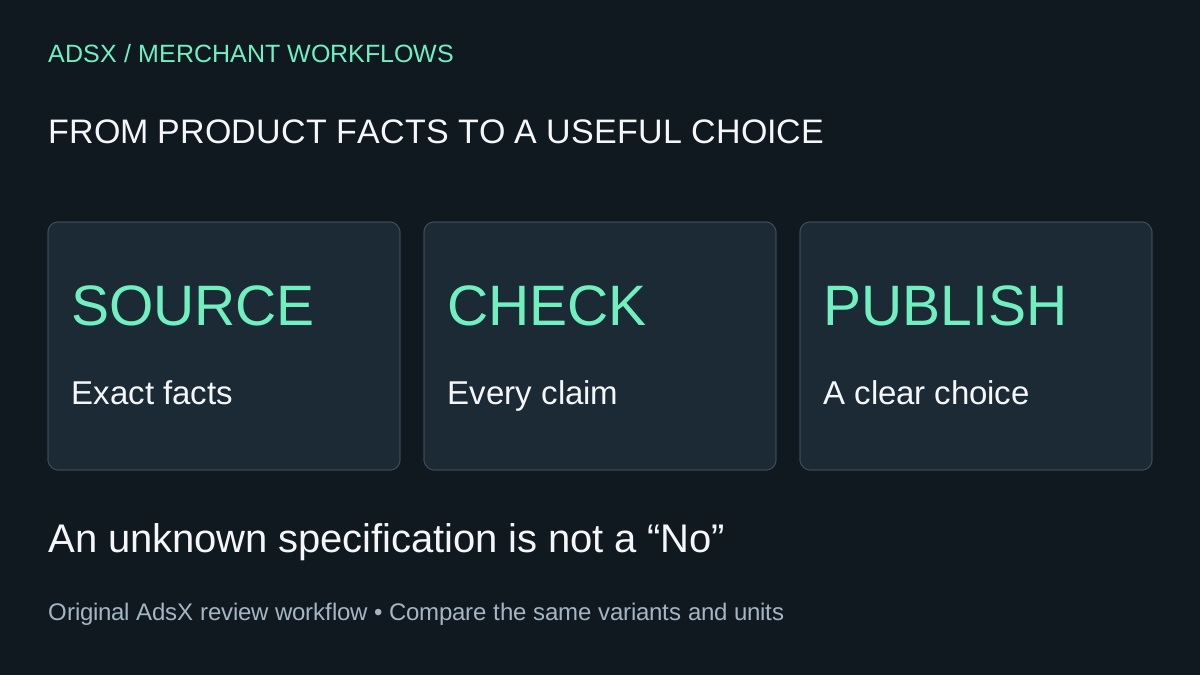
Original AdsX comparison-review illustration.
Choose the question before the columns
A useful comparison starts with something like “Which mat fits my desk and cleaning routine?” It does not start with a model inventing ten features that make one product look better.
For that question, dimensions, material, and care instructions are relevant. A star rating, productivity score, or “premium quality” row would need separate evidence and a defensible meaning. Leave them out when that evidence is absent.
Shopify's AI best-practice guidance recommends specifying the source data, constraints, and desired format, then reviewing suggested changes. Apply that discipline to comparisons whether you use a store assistant or an external writing tool. This workflow does not require installing another app.
Make a source brief with deliberate blanks
Collect the current facts for the exact items and variants being compared. Record who supplied them and when they were checked. In a real shop, “supplier specification version 3, checked October 7” is more useful than “found online.”
Here is our fictional brief:
| Field | Compact mat | Wide mat |
|---|---|---|
| Dimensions | 60 × 30 cm | 90 × 40 cm |
| Surface material | Cork | Felt |
| Cleaning instruction | Wipe with a damp cloth | Spot clean |
| Listed price | $24 | $38 |
| Spill-resistance rating | Not supplied | Not supplied |
| Included accessories | None | None |
The prices are illustrative and in the same currency. In a real comparison, specify currency, variant, sale conditions, and whether the price includes tax where relevant. Do not compare one product's discounted price with another product's list price without explaining the difference.
“Not supplied” is a valuable fact about the evidence. It prevents an empty cell from quietly becoming “No.”
Give the model a narrow drafting job
A reusable instruction could read:
Create a comparison for someone choosing a desk mat by fit and cleaning needs. Use only the supplied facts. Keep dimensions and units unchanged. Write “Not specified” where evidence is missing. Do not infer waterproofing, durability, comfort, certifications, or superiority from materials. After the table, list the unresolved questions. Return a draft only; do not change the store.
That prompt limits the task, but it cannot verify the output. Shopify's product-description guidance explicitly warns that generated copy can add benefits or facts that were not supplied. The merchant remains responsible for published accuracy.
Keep private customer information out of a product-copy brief. Product specifications usually do not require names, order records, conversations, or account credentials.
Review a deliberately flawed draft
Imagine that a draft introduces these rows:
| Draft claim | What the brief actually establishes | Editorial decision |
|---|---|---|
| Compact mat: waterproof | No spill-resistance rating supplied | Remove the claim; ask for evidence if important |
| Wide mat: best for productivity | Size is known; productivity is not measured | Replace with a description of space requirements |
| Compact mat: saves $14 | $38 minus $24 equals $14 under the example prices | Keep only with the same currency and price conditions |
| Wide mat: machine washable | Instruction says spot clean | Correct to the supplied instruction |
| Compact mat: 60 × 30 inches | Source dimensions are centimeters | Restore centimeters; do not silently convert units |
These are different error types. Some require deletion, one requires a unit correction, and another requires checking the conditions behind valid arithmetic. Asking a model to “make it more accurate” does not substitute for making those decisions.
For calculations, recompute the result independently. Our example surfaces are 1,800 and 3,600 square centimeters. The wide mat has twice the area, but that does not prove it is twice as useful. A buyer with only 70 cm of available desk width has a fit constraint that an area ratio misses.
Publish the decision, including its limits
A corrected table can be much shorter than the first draft:
| Decision factor | Compact mat | Wide mat |
|---|---|---|
| Space needed | At least 60 × 30 cm for the mat itself | At least 90 × 40 cm for the mat itself |
| Surface | Cork | Felt |
| Care | Wipe with a damp cloth | Spot clean |
| Example price | $24 | $38 |
| Spill resistance | Not specified | Not specified |
The recommendation might say: “Measure the clear space on your desk first. The compact mat fits the smaller footprint and costs $14 less at these example prices. Choose the wide mat only if its larger footprint fits your desk and the extra surface area serves your setup. Neither brief establishes spill resistance.”
This gives readers a choice without manufacturing a winner. For real products, link directly to the exact product pages and keep the comparison's claims consistent with those pages.
Check the published version and assign an owner
Preview the table on a narrow screen. Column headings must remain understandable, long cells must not hide the recommendation, and any horizontal scrolling should stay inside the table. Put the essential conclusion in ordinary prose so readers do not have to decode a grid to find it.
Also compare the title, body, product page, and any structured product information you maintain. Correcting one sentence while leaving an old price elsewhere creates a new inconsistency. Shopify's product-details documentation explains where product and variant information is managed.
Name the person responsible for rechecking the table when a price, material, variant, or care instruction changes. Keep the original publication date; record a meaningful update only when the content actually changes.
For related work, use the product FAQ review checklist. If the comparison exposes too many almost-identical choices, revisit your first-store product assortment before producing more comparison pages. A clearer catalog often needs less explanation.