A new set of product recommendations gets more clicks, but the merchant still cannot tell whether it helped the business. The useful next step is to compare consistent reports and inspect what happens after discovery, before crediting every recommended-product sale to the change.
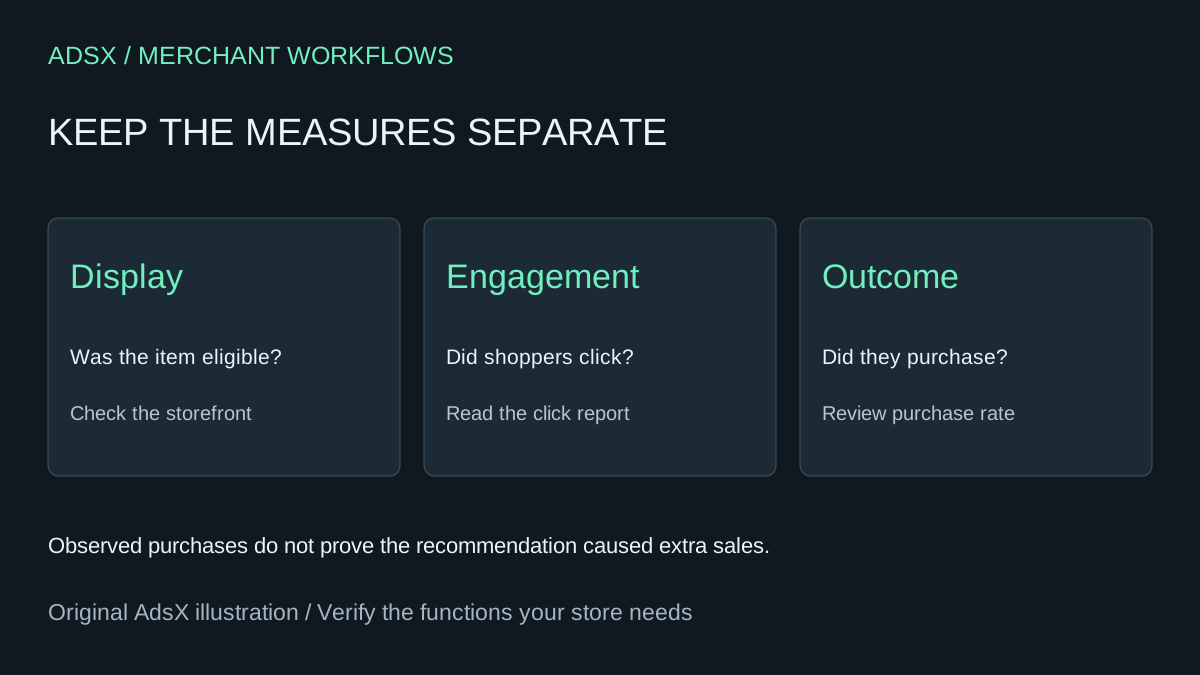
Original AdsX illustration.
Start with the native recommendation reports
Shopify Search & Discovery provides recommendation click rate, purchase rate and a low-engagement report for recommendations on top-selling products. The app summary covers the last 30 days; other date ranges are available through Analytics reports. Record the selected period and the metric definition visible in the report before comparing results. Shopify Search & Discovery analytics
Do not calculate a new rate from unrelated exports and label it Shopify's rate. A click count, a count of customers and a session count can have different denominators. Give the assistant the report's actual numerator and denominator if supplied, or ask it to preserve the reported rate without reverse-engineering missing data.
Compare a stable set of products
Choose a small group of source products with enough activity to review. Record the recommendations, their availability and the dates of changes. If the recommended accessory went out of stock midway through the period, flag that interruption. Shopify applies eligibility rules to recommendation display, so a saved selection does not guarantee continuous exposure. Shopify recommendation requirements
For a fictional review, suppose a merchant sees the reported click rate move from 3% to 4%, while purchase rate stays at 0.6%. That is a one-percentage-point click-rate increase, or roughly 33% relative growth, alongside an unchanged reported purchase rate. It is a reason to inspect product fit, availability and the buying path. It is not evidence of a 33% revenue lift.
Ask AI for a table that keeps baseline and comparison dates, product scope, report names, rates and known interruptions together. Have it distinguish observed differences from hypotheses. If raw counts are available, retain them: a change driven by two additional shoppers deserves different confidence from one repeated across a large sample.
Decide what the review can support
A useful add-on should be compatible with the original purchase and available when the shopper wants it. Inspect the recommendation link, variant selection and mobile presentation before replacing the whole recommendation strategy. Record one proposed change and its rationale, then leave it stable long enough to observe.
If you are deciding whether to keep a paid upsell app, include its incremental fee, implementation work and any placement capabilities the native feature lacks. A before-and-after report alone cannot isolate the app's effect from promotions, traffic changes or seasonality. Treat it as a diagnostic and plan a controlled comparison when the decision warrants one.
Try the worksheet prompt
Illustrative prompt, not execution-tested.
Review supplied Shopify recommendation reports with dates, product scope, reported metric definitions, rates, available raw counts and availability interruptions. Keep click rate and purchase rate separate. Calculate percentage-point and relative changes only where valid. Flag denominator mismatches and small samples. Separate observations from hypotheses; do not infer incremental revenue or causation from a before-and-after comparison.
Copy the prompt from the merchant library. For related work, see Why Shopify Complementary Products Are Not Showing.