An assistant describes every image of a backpack as “premium waterproof leather backpack.” The photos show a fabric bag, and the catalog makes no waterproof claim. A fluent description can still misrepresent the product. Review the image and approved facts together before saving generated alt text.
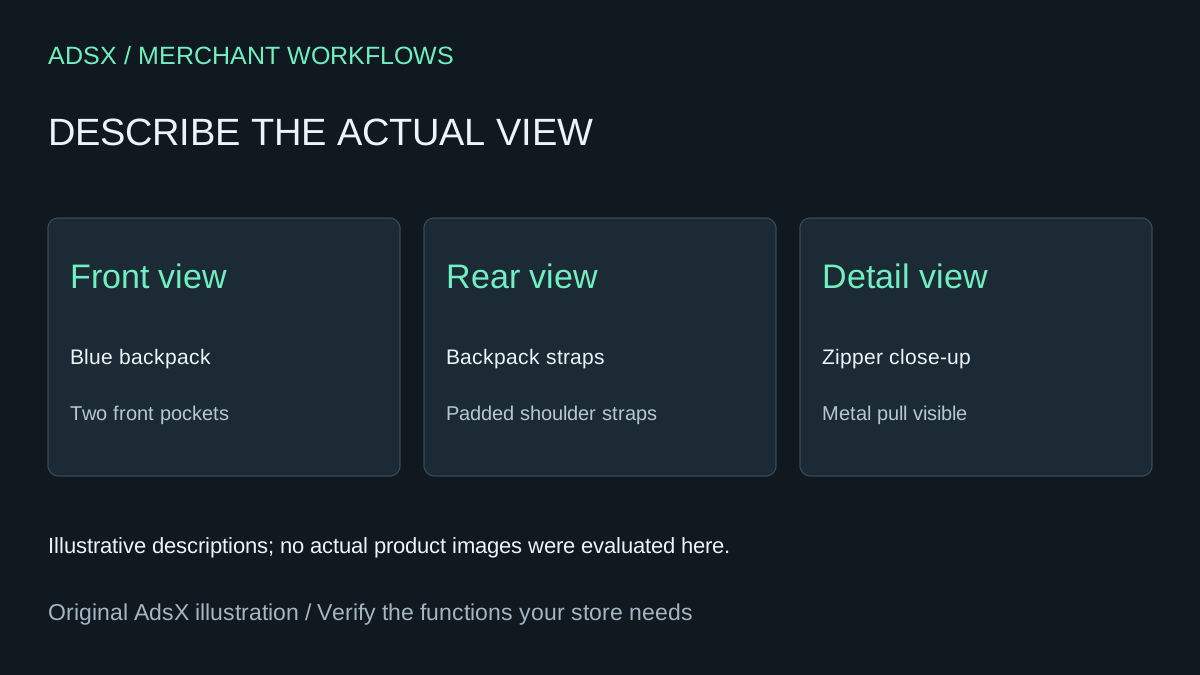
Original AdsX illustration.
Give the assistant the individual image
Create a review sheet with a stable media identifier, product identifier, image view, current alt text and proposed text. Supply the actual image to a tool that can inspect it. A filename such as bag-final-2.jpg and a product title are not enough to distinguish the front, back and detail photographs.
Shopify recommends brief, descriptive alt text and suggests around 125 characters or fewer, within a 512-character maximum. Its media editor may already offer AI suggestions for images without alt text. Review those suggestions as drafts rather than assuming a separate paid app is necessary. Shopify product-media alt text
Separate visible details from catalog facts
For a fictional blue backpack, the front image might justify “Blue backpack with two front pockets.” The rear image could describe the padded shoulder straps if they are visible. Neither image establishes waterproofing, material certification or carrying capacity. Provide approved product facts separately and instruct the assistant to flag uncertainty instead of filling it with marketing language.
Keep each description relevant to what that image contributes. Repeating the complete product title on every photograph can conceal the difference between views. A detail image showing a closure should explain that detail. Shopify's accessibility guidance emphasizes accurate descriptions in the context of the page. Shopify image accessibility guidance
Review a small batch before saving
Compare each proposal with its image and the approved fact sheet. Reject invented features, keyword lists, subjective praise and descriptions that belong to another variant. Preserve media identifiers through the review so sorting the sheet cannot attach the rear-view description to the front image.
Use three review states: approved, revise and insufficient evidence. If the assistant cannot inspect an image or cannot distinguish the feature, keep that uncertainty visible. Have a person check ambiguous details. Save a small approved set and inspect the rendered product gallery to confirm that the intended text reaches the correct image.
This article provides an illustrative prompt, not a completed media audit or a claim of accessibility compliance. Alt text is one part of the customer experience; gallery controls, focus behavior and surrounding content also matter.
Budget for review rather than generation alone
For a hypothetical 100-image batch, two minutes of review per image is 200 minutes. At $30 per hour that is $100 of review labor before setup or edits. Compare that effort with the actual tool quote and the usefulness of its workflow. Native suggestions may cover a small catalog; a bulk tool can still earn its cost through reliable mapping and approval controls.
Try the worksheet prompt
Illustrative prompt, not execution-tested.
Inspect each supplied product image with its media ID and approved product facts. Draft concise alt text describing the specific visible view, aiming for 125 characters or fewer. Do not invent materials, certifications, waterproofing or performance claims. Preserve IDs and distinguish variants and image angles. Return current text, proposed text, visible evidence and uncertainties; mark unviewable images insufficient evidence. Do not save changes or claim accessibility compliance.
Copy the prompt from the merchant library. For related work, see Shopify Image Optimization: Cut Load Times Up to 70%.