An AI-built block can reproduce an app’s product table while still relying on data that the app controls. If removing the app also removes access to those fields, a successful preview can turn into an empty storefront. Check the data dependency before treating the new block as a replacement.
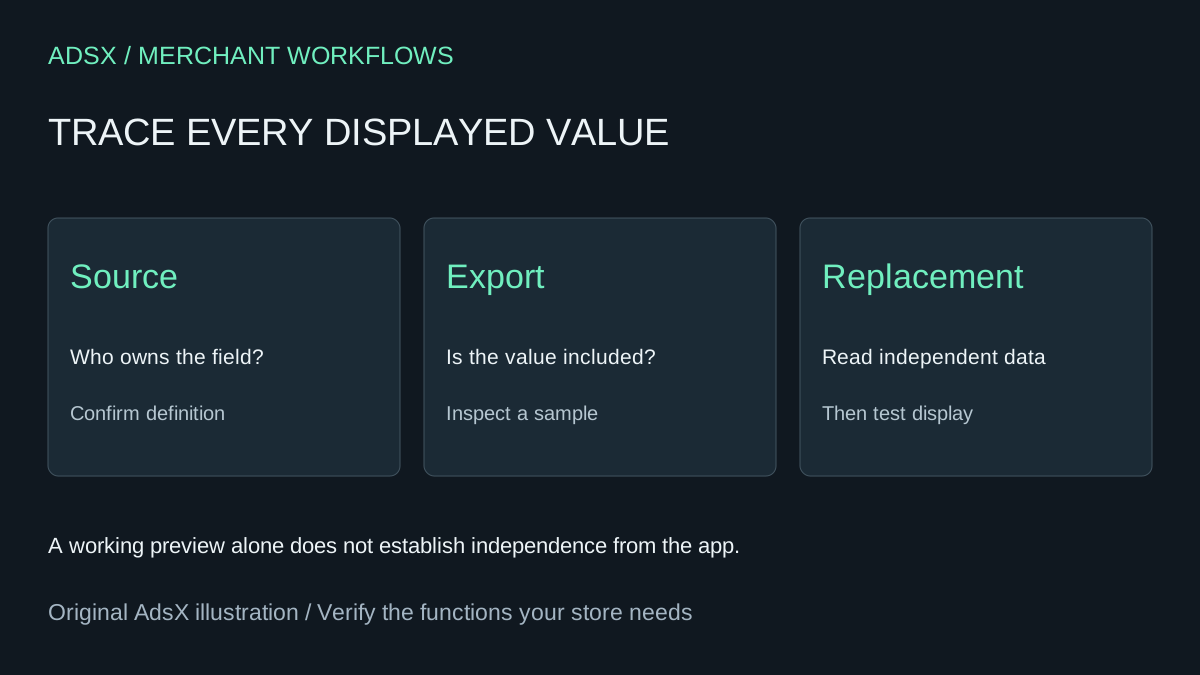
Original AdsX illustration.
Inventory the fields the replacement reads
Start with one product that shows all of the app's features. List each displayed value, its resource, namespace and key, type, and the code or app block that renders it. Add the product or variant identifier used to match records. A screenshot is useful for comparison, but it cannot preserve typed data, references or relationships.
Shopify distinguishes merchant-owned metafields from app-owned metafields and app-data fields tied to an installation. Ownership affects who can manage the definition and values. Do not infer ownership from a friendly label such as “Material” in the admin. Inspect the actual definition or ask the provider to identify the storage. Shopify metafield ownership
Treat uninstall retention as uncertain
Shopify's definition documentation describes cleanup of app-owned definitions and retained values after uninstall, and explicitly does not guarantee how long the values remain. Reinstalling the app is therefore an unreliable backup plan. Capture the data you are entitled and able to export before removing access. Managing metafield definitions
For a fictional lamp catalog, imagine the replacement reads three fields: merchant-owned material, app-owned dimensions, and a diagram stored through the provider. Exporting only product titles and descriptions would leave two dependencies unresolved. Ask the provider whether its export includes dimensions with units and downloadable diagrams, and whether reuse is permitted. Record the answer; no universal export format or retention guarantee is assumed here.
Give an AI assistant the field inventory and sanitized sample exports. Ask it to map each source field to the proposed destination and identify omissions. A proposed destination could be a new merchant-owned metafield, but its type and references must be designed deliberately. Do not automatically turn every value into text to make the import pass.
Prove the replacement can stand on its own
Keep an untouched export with its date and a copy of the original theme. In an unpublished theme, make the replacement read the proposed independent fields. Test products with complete, missing and unusual values. Compare units, links and referenced media with the source. Verify variant-level data stays attached to the correct variant.
Before uninstalling, confirm that every required value has a recoverable source and that the replacement no longer depends on the app's renderer or data access. Keep the billing decision separate from this data test. Include export work, migration review and future maintenance in the replacement budget; an AI-generated display does not make those costs disappear.
Try the worksheet prompt
Illustrative prompt, not execution-tested.
Review a sanitized Shopify field inventory and sample exports before app replacement. For each displayed value, map owner resource, identifier, namespace/key, type, ownership evidence, export coverage and proposed destination. Flag unknown retention, missing assets, broken references and variant mapping risks. Do not assume reinstall restores data or that a product CSV contains every app field. Produce a dependency checklist; do not uninstall apps or alter data.
Copy the prompt from the merchant library. For related work, see How to Uninstall Shopify Apps: Code and Billing Cleanup.