A lamp needs dimensions, material and weight on its product page. Pasting those facts into the shared product template risks showing the same measurements on every lamp. Start with product data, then ask AI to build only the display that your theme is missing.
Original AdsX illustration.
Try the existing theme block first
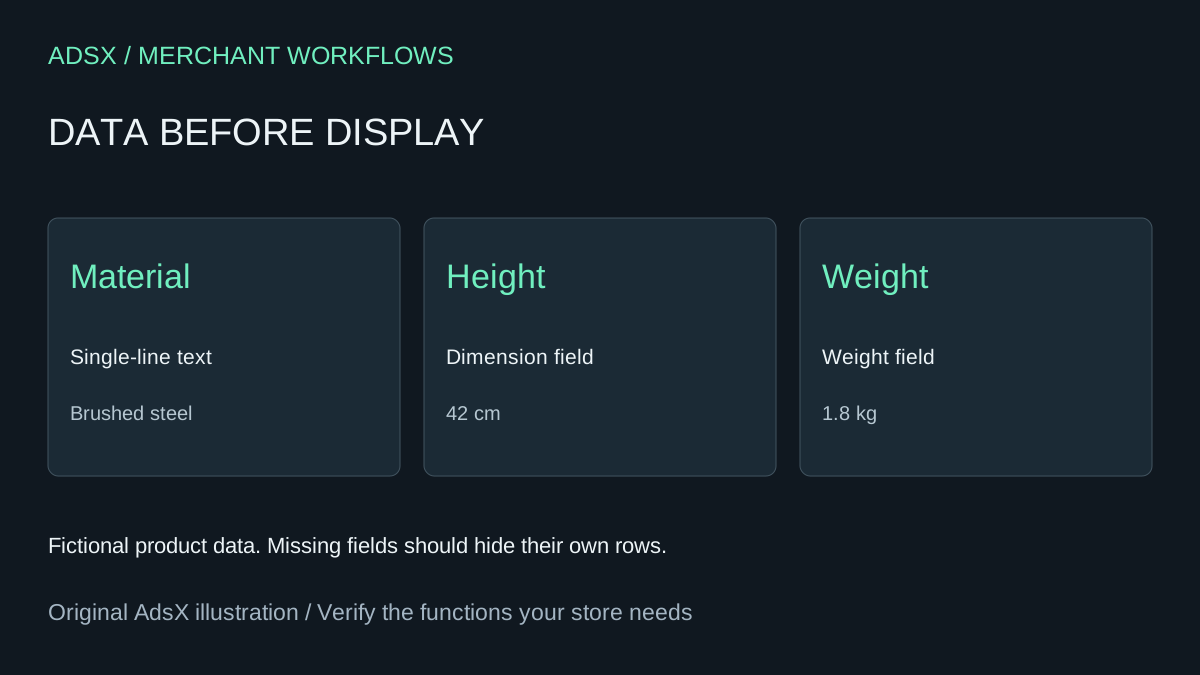
Create product metafield definitions for material, height and weight, then enter verified values on two different products. Use a dimension type for height and a weight type for weight. If the theme offers a suitable block with compatible dynamic sources, connect it there before requesting code. Theme support and setting compatibility determine which fields can be connected. Shopify displaying metafields
For this exercise, use custom.spec_material, custom.spec_height and custom.spec_weight. These are proposed keys, not built-in fields. Confirm that they do not conflict with existing definitions. The fictional lamp is brushed steel, 42 cm tall and 1.8 kg. A second lamp should have different values, with one optional field intentionally empty.
Give the coding assistant a bounded job
Work in a duplicate, unpublished theme. Give the assistant the relevant product section and theme architecture. Ask for an accessible specifications block using a definition list, with a label and value for each populated field. It should suppress an empty row and suppress the whole block when all three fields are empty. It should not install an app, add a database or change checkout.
Shopify's Liquid metafield_tag filter can render typed measurements with their units. Ask the assistant to preserve the measurement representation rather than appending a hard-coded “cm” or “kg” to every value. Product-level data will remain the same across variants; variant-specific specifications require a separately designed variant update behavior. Liquid metafield rendering
Accept the block against a small test matrix
Preview the two products on the same template and confirm their values differ. Test all fields populated, one missing, and all missing. Check that a value entered in inches does not acquire a second centimeter label. At a narrow mobile width, long material names should wrap without horizontal scrolling. Use keyboard navigation and inspect the definition-list structure with accessibility tools.
Run the theme's available checks and review the changed files before publishing. A successful initial generation is only a first build. No merchant theme execution is claimed here, and the prompt below has not been execution-tested.
Compare maintenance with the app bill
This block covers three product specifications. It does not replace an app's comparison tables, bulk imports, localization management or support. As a hypothetical budget, two hours of setup at $40 per hour plus 15 minutes of monthly maintenance totals $200 in the first year. Avoiding a hypothetical $10 monthly app charge saves $120 before those costs, leaving the custom approach $80 more expensive in year one. Substitute your actual app bill and labor estimate; a native theme block may make more sense than either option.
Try the worksheet prompt
Illustrative prompt, not execution-tested.
Inspect the supplied unpublished Shopify theme and implement only a product specifications block for proposed product metafields custom.spec_material (single_line_text_field), custom.spec_height (dimension), custom.spec_weight (weight). Use semantic dl/dt/dd, preserve typed units with suitable Liquid rendering, hide absent rows and the empty block, and scope styles. No JavaScript unless justified, no external dependencies, no checkout changes. Report files changed and tests actually run. Provide checks for two products, missing fields, inches versus centimeters, long text and mobile layout. Do not claim variant-specific updates or production readiness.
Copy the prompt from the merchant library. For related work, see Build a Shopify Product-Care Block With Liquid and Claude Code.