Your team uses red-new for a launch group and red_new for an internal classification. They look different in a spreadsheet, but punctuation is a poor way to keep those purposes separate in Shopify collection matching. A naming cleanup should start with the rules that consume the tags.
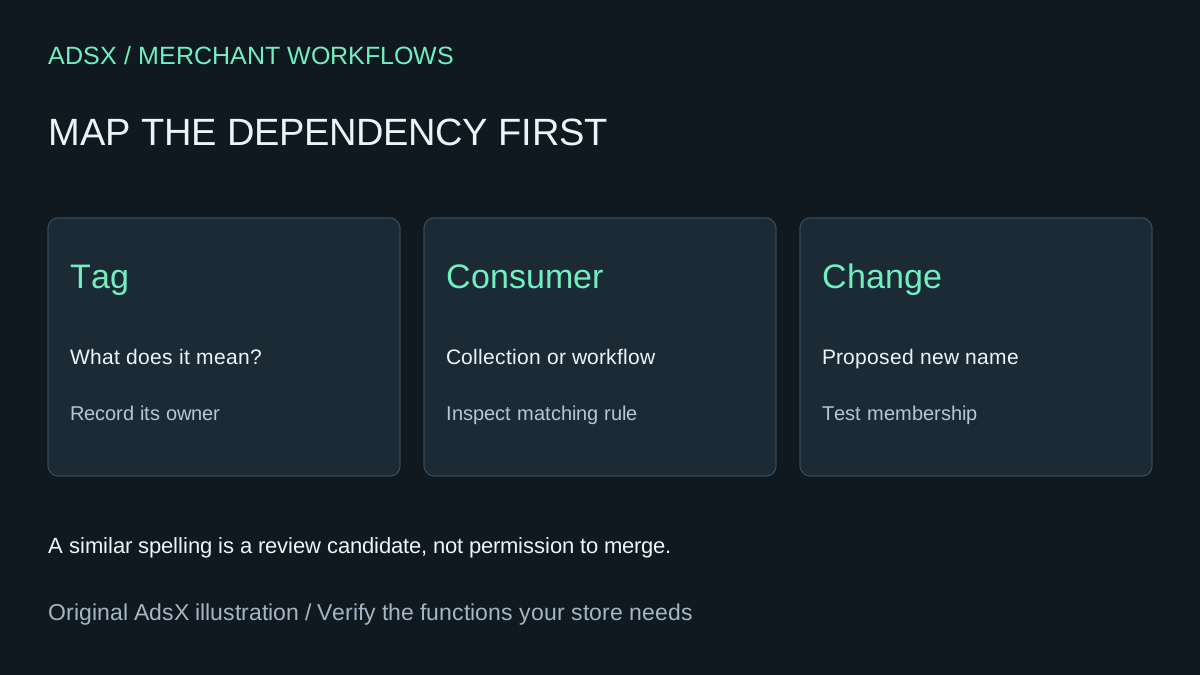
Original AdsX illustration.
Find names that may match unexpectedly
Shopify warns that special characters in product tags can be ignored or treated as equivalent in searches and collection conditions. Its documentation gives red-new and variants using underscores, plus signs or ampersands as an example. Use ordinary letters, numbers and hyphens for a consistent naming convention, but do not assume that changing punctuation creates a distinct classification. Shopify tag formats
Export the exact tag strings and their associated product identifiers. Ask AI to suggest groups that deserve review, preserving the original strings in every row. Similar words can represent different business concepts: sale-ready might refer to merchandising approval, while sale-live refers to the current campaign. A model should not collapse those meanings because their names resemble each other.
List every rule that depends on the proposed change
Record collections, workflows and app configurations that reference each tag. For collections, capture both the matching values and the all-versus-any logic. Shopify documents how tag conditions and multiple conditions affect inclusion. A rename without a corresponding rule review can move products into or out of a collection. Shopify collection conditions
In a fictional catalog, launch-autumn contains 40 products and autumn-ready contains 25. There are 15 products in both groups. Combining them creates a union of 50 products, not 65. That arithmetic still does not establish that the two groups should be combined: the first might be a public campaign and the second an internal approval queue.
Ask the assistant for a proposed canonical name, the source tags, product counts, overlapping identifiers and known consumers. Require a reason for each suggestion. Keep unknown consumers as unresolved rather than treating an incomplete list as proof that nothing uses a tag.
Test membership before removing old tags
Save an untouched export and a snapshot of the affected rules. Review a few products that should be included and a few that must stay excluded. Plan the order of tag and rule changes so there is no unintended gap. Where practical, use an unpublished review collection to compare the expected membership before changing a live collection.
After an approved change, compare product identifiers, not just the count. Two sets of 50 products can contain different items. Confirm workflow behavior separately; matching a collection is not evidence that every app interprets the tag in the same way.
This is a taxonomy review and change plan. It does not require a new app or automatic bulk writes. At scale, account for export, review and rollback work when comparing an AI-assisted process with a paid catalog-management tool.
Try the worksheet prompt
Illustrative prompt, not execution-tested.
Audit exact product tag strings, product IDs and supplied collection/workflow/app consumers. Suggest potential spelling or punctuation collisions without merging them. Preserve original strings and business meanings. For proposed groups, calculate overlap and union by product ID; flag unknown consumers and all-versus-any rule differences. Return a review and rollback plan, not an import file. Do not rename tags or change live collection rules.
Copy the prompt from the merchant library. For related work, see Shopify Products Missing from a Collection: What to Check First.