Whop can handle payments and client access for an AI automation service. The service itself still needs a defined workflow, working integrations, clear client responsibilities, and someone accountable when it fails. A payment page is the start of that agreement, not evidence that the automation works.
A useful first offer solves one observable problem: for example, turning a merchant's approved product specifications into draft comparison copy for review. Selling “AI transformation” leaves both sides guessing about the work and the result.
Disclosure: AdsX owner Dennis Hegstad works at Whop. AdsX may earn a commission from qualifying businesses referred through our signup links. This guide uses public documentation reviewed October 7, 2026. Its package prices and project scenarios are original illustrations, not platform quotes or customer results. Editorial policy.
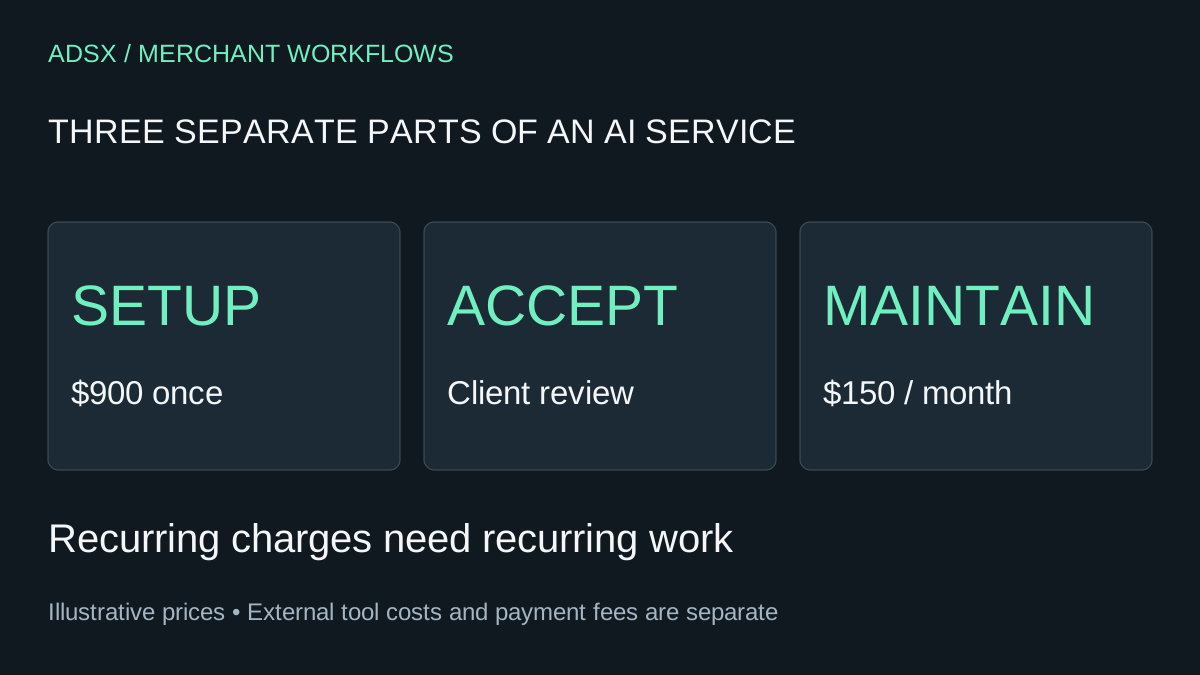
Original AdsX service-delivery illustration.
Decide whether you are selling a service or software access
A service package pays you to diagnose, configure, review, or maintain a client's workflow. Software access pays for use of a product with its own hosting, permissions, usage rules, and support obligations. A template download is a third kind of offer.
This guide covers the first option: work you perform for a client. Whop's agency documentation describes both payment-only arrangements and private client spaces. It does not establish that buying your service automatically installs or operates an external automation.
Whop is worth evaluating when you want checkout and optional project communication in one place. Keep your existing delivery tools when they already serve the client well. If the customer requires procurement controls or a technical capability you have not verified, resolve that requirement before moving the engagement.
Write an offer that can be accepted
Consider a merchant who spends time turning approved product specifications into copy. An illustrative offer could be:
| Scope item | Example agreement |
|---|---|
| Input | One agreed spreadsheet format, supplied by the client |
| Work | Configure a workflow that produces comparison drafts |
| Initial set | Up to 20 named products |
| Output | Draft copy plus a list of missing facts |
| Review | One merchant reviewer approves all customer-facing claims |
| Revisions | One agreed round of workflow corrections |
| Exclusions | Publishing, pricing changes, ad management, and new integrations |
| Handover | Configuration notes, ownership list, and a walkthrough |
This example provides boundaries, not a universal package. A client needing multilingual copy or several source systems is asking for a different engagement. Identify those requirements during discovery instead of silently absorbing them into an unlimited promise.
Use the AI comparison review workflow to see why draft production and factual approval should be separate tasks. No tool should invent specifications just to complete a product page.
Separate setup from ongoing work
Suppose setup costs $900 and an optional maintenance agreement costs $150 per month. Those are illustrative selling prices. The setup buys a defined deliverable; maintenance might cover a monthly review and a stated amount of troubleshooting. State when each charge starts and what happens if the client declines ongoing support.
Whop's checkout-link documentation describes one-time and recurring payments as well as finite installments. Choose a payment structure that matches the agreement. A recurring plan should correspond to recurring work or access, with clear cancellation terms.
Avoid describing an automatic installment as a payment released upon client approval unless you have verified a mechanism that actually enforces that condition. A calendar and an acceptance event are different things. For more detail, see subscriptions versus installments.
Before sending the link, review the checkout amount, currency, schedule, and customer-facing terms. Consult current pricing for the payment methods you intend to accept rather than treating your service price as your net proceeds.
Make usage costs visible
A service that calls an external model or automation tool may incur ongoing charges. Decide whether the client owns those accounts, pays providers directly, or receives a separately agreed usage allowance from you. Do not publish a flat maintenance price while leaving expensive usage undefined.
For the $150 example, a planning calculation might reserve $25 for tools and $60 for an hour of labor, leaving $65 before payment fees, taxes, overhead, and additional support. If support takes two hours at the same labor assumption, only $5 remains before those other costs. Neither calculation is a profit forecast; it shows why scope and incident volume matter.
If the client pays tool providers directly, make that explicit. Do not count the same expense once in the client's tool budget and again as an unexplained service fee.
Set up client access around the project
You can use Whop only for payment and continue delivery in the client's existing tools. If you use a client portal, make project materials accessible only to the intended people, and check the view from a client account before relying on the separation.
Document who owns the store, automation, model-provider account, and source files. Use appropriate account invitations or access controls rather than asking clients to paste passwords or API keys into a shared project chat. Collect only information the workflow needs, and agree on retention and deletion for any customer data involved.
A hidden checkout link is not proof of private file access. Inspect the product and app access configuration separately. Our client portal guide covers that handoff in more detail.
Define acceptance with failure cases
For the example copy workflow, agree on a small test set before building. Include an ordinary product, a product with missing dimensions, contradictory source facts, an empty input, and a provider error. Expected behavior could be to produce a draft, flag uncertainty, or stop safely for review.
Acceptance should answer specific questions: Does the output preserve units? Does an unknown material remain unknown? Is a failed request visible? Can the operator retry without duplicating work? Who authorizes publication?
Do not promise a percentage time saving or revenue increase without evidence. Measure the client's existing process first, then compare equivalent tasks after implementation. Even a faster draft may require substantial review.
Close the engagement deliberately
At handover, review account ownership, operating instructions, known limits, and the support end date. If maintenance is purchased, define the response window and escalation process. If it is not, explain what the client is responsible for maintaining. An exported configuration alone may not let a new operator recover from a failed integration.
Check Whop's business restrictions against what the automation actually does; calling it an AI service does not establish eligibility. This article is not approval for a particular business or activity.
If the payment and client-space model fits the engagement, create your Whop business through AdsX's referral link. Start with one bounded service whose acceptance criteria you can explain. Add broader packages after delivery evidence shows where clients need more help.