Whop adaptive pricing can show a one-time checkout in a buyer's local currency. The useful question is not simply whether the switch is on. It is whether the buyer sees the expected total, understands the currency, and has an eligible way to pay.
According to Whop's adaptive pricing documentation, the feature is configured per checkout link and is off by default. It applies to one-time payments; recurring subscriptions keep the original checkout currency. The documentation was reviewed October 23, 2026. We have not activated the feature or measured its conversion impact.
Disclosure: Dennis Hegstad works at Whop. AdsX may earn compensation from qualifying Whop referrals through our partner link. This guide uses public information and an illustrative review process.
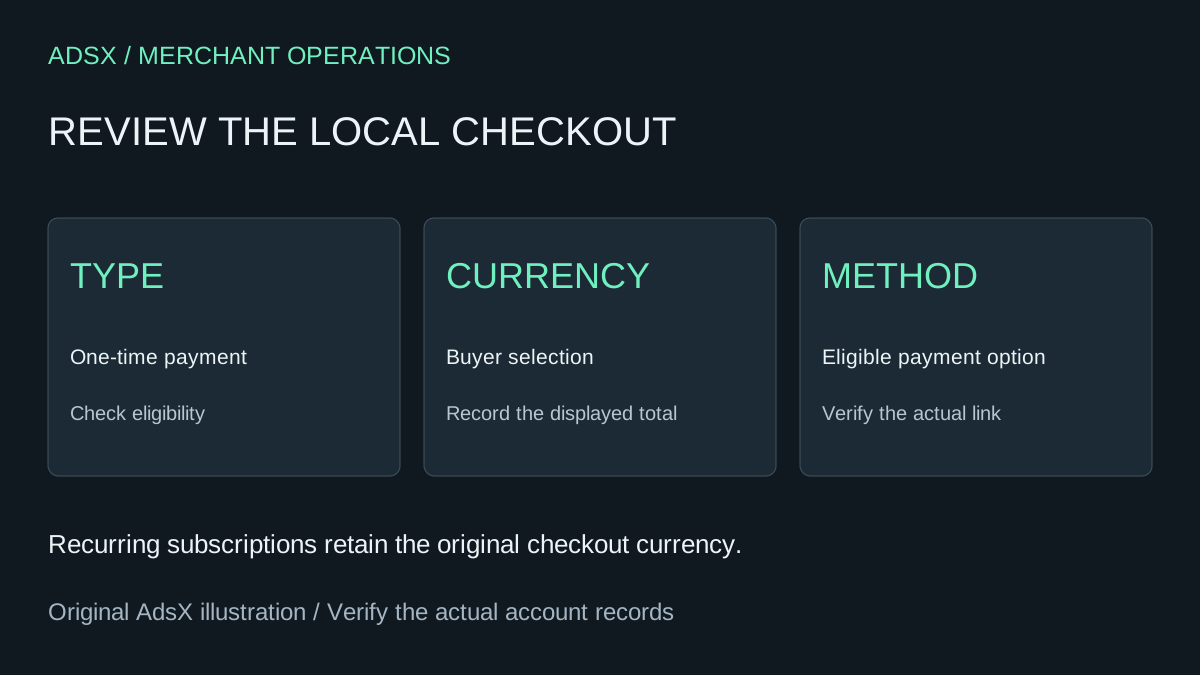
Original AdsX local-currency checkout illustration.
Start with one eligible offer
Choose one one-time checkout link whose buyer journey you can describe clearly. Record its product, original amount and currency, included deliverables, and where customers find it. Do not begin with a collection of links whose ownership or pricing is uncertain.
Whop says it uses the buyer's IP region for localization. Buyers can switch back to the original currency, while unsupported regions see the original amount and currency. In the link settings, the documented control is Accept local currency payments. Save the setting for the specific link you intend to use.
Keep subscription links in a separate review list. An international subscriber should not be promised localized recurring billing merely because another one-time offer uses adaptive pricing.
Compare the amount customers actually see
The documentation states that enabling adaptive pricing adds no seller fee, while the buyer's displayed local amount includes a conversion fee. It does not specify that fee's size on this page. Do not fill that gap with an estimated percentage presented as fact.
Use a dated review record with the original price, displayed local total, currency, and purchase context. A bare number such as “149” is ambiguous when the product page and checkout may use different currencies. Marketing copy should make clear what the advertised amount represents.
For a fictional $80 workshop, create two observations: the localized checkout and the original-currency option. Record actual displayed values during authorized testing instead of converting $80 using a search-engine exchange rate. A market exchange rate alone does not establish the customer's checkout price or final bank charge.
Diagnose payment-method availability separately
Whop's local payment method documentation lists several eligibility conditions: buyer geography, checkout currency, amount limits, pricing type, and whether the merchant disabled a method. A currency change therefore does not guarantee every regional payment option will appear.
| Review case | Evidence to record | Avoid assuming |
|---|---|---|
| Supported buyer region | Displayed currency and total | Every buyer sees the same converted amount |
| Buyer selects original currency | Selected currency and resulting methods | Method availability stays identical |
| Expected method is absent | Region, currency, amount, pricing type, link settings | The integration is necessarily broken |
| Subscription offer | Original recurring currency | One-time localization covers renewals |
This matrix is a proposed QA procedure, not a record of tests AdsX performed. Use legitimate account tools and provider-supported testing; do not make purchases just to populate a table.
Measure outcomes without attributing everything to currency
Whop describes potential payment-acceptance and cost benefits. Those claims are not evidence that your store will improve by a particular percentage. Compare complete periods with similar products, prices, acquisition sources, and buyer regions.
For example, a campaign that attracts more existing customers can improve observed checkout conversion even if the currency experience has no effect. Record campaign and offer changes so a later review can explain those differences.
Keep checkout completion, refunds, processing costs, and merchant contribution separate. Our Whop cost guide shows why the amount remaining after one processing fee is not net profit. The tracking-links guide helps separate campaign traffic from paid outcomes.
Give support a usable answer
Support should be able to identify the link, selected currency, amount charged, and payment method before explaining a difference. Avoid promising that a later exchange-rate movement will change a completed order. If the records do not explain the amount, escalate with the transaction reference through the provider's authorized support channel.
If Whop fits your offer, create a Whop business through AdsX's referral link, then review one checkout against the actual buyers you intend to serve. Retain the observations so the next pricing change starts from evidence rather than memory.