A fixed starter kit and a “choose any three” offer can look similar in a marketing banner while requiring different commerce behavior. Before replacing a paid bundle app, decide which offer you actually sell. An AI-generated product page cannot supply missing bundle, inventory or checkout functionality.
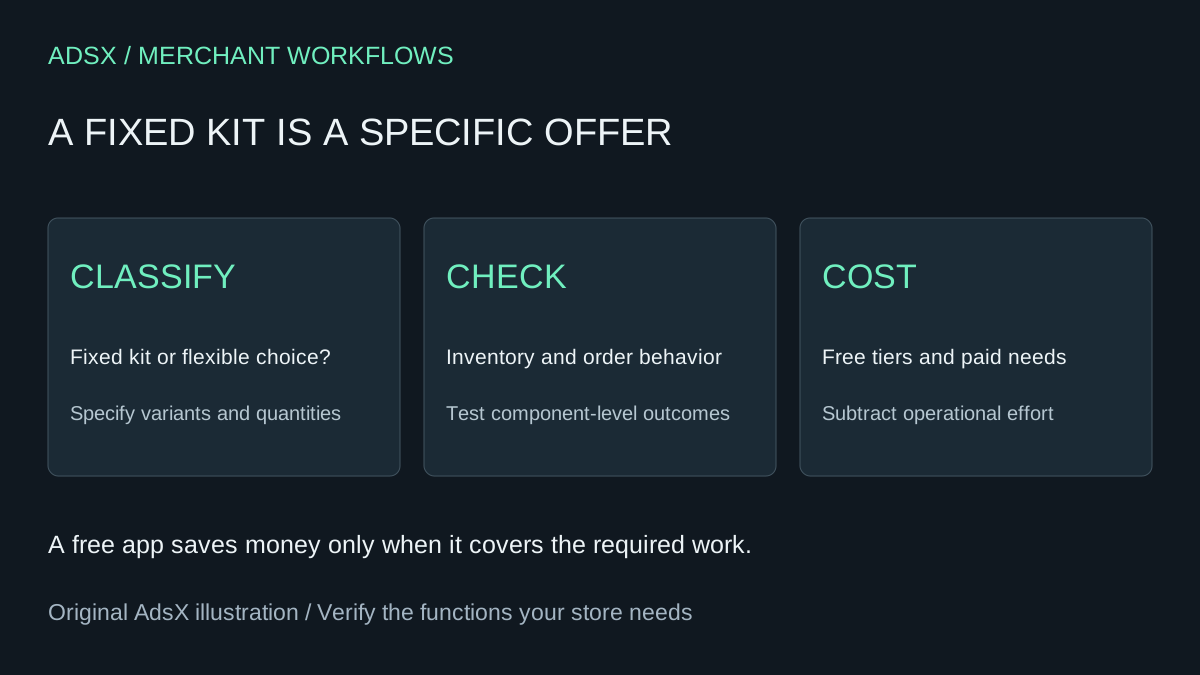
Original AdsX illustration.
This guide evaluates a predetermined kit or multipack using Shopify Bundles. It is a build brief and selection workflow, not a tested migration or a claim that every Bundler offer can move to the native app.
Classify the offer before comparing prices
Imagine a gardening kit containing one trowel and two seed packets. The products and quantities are fixed. A second offer lets a customer choose any three packets from twenty varieties. That flexible selection is a different requirement, even if both are called bundles internally.
Shopify's bundle eligibility guide distinguishes fixed bundles, multipacks and mix-and-match offers. It directs fixed bundles and multipacks to the free Shopify Bundles app, available across Shopify plans, and says the app does not support mix-and-match. It also identifies incompatibilities such as subscription purchase options and nested bundles. Validate your exact offer before treating the free app as an alternative.
Write down the component variants, required quantities, customer choices, selling channels and fulfillment requirements. List exclusions, including whether the offer must support a subscription or a custom item. If a required behavior is unsupported, stop the replacement plan there rather than trying to hide the gap in storefront copy.
Ask AI to produce an acceptance brief
Use a general assistant to organize verified requirements. Keep the output separate from any live product configuration:
Turn this fixed kit into a Shopify bundle evaluation brief: [components].
List the exact variant identifiers, required quantities and customer choices.
Flag anything that makes this mix-and-match, a subscription or a custom item.
Separate storefront presentation from inventory, checkout and fulfillment.
Produce test cases for an available kit, scarce component and partial return.
List missing information rather than inventing supported features.
Do not change products, prices, inventory or publish the offer.
The assistant should expose ambiguities. “Two packets” is incomplete if customers can select any packet type. “One tool” is incomplete if different sizes affect the component variant. Resolve those details with the catalog owner before creating a candidate bundle.
Verify the operational record, not only the product page
The Shopify Bundles documentation documents component limits, option and variant limits, individual component SKUs in orders, and weight calculation from the components. It also notes that component price changes do not automatically update the bundle price. Check these behaviors against the systems that will actually fulfill and support the order.
For the fictional kit, suppose tracked stock is 10 trowels and 14 seed packets, with two packets required per kit. The component calculation allows seven complete kits: the smaller of 10 and 14 divided by two. That example assumes the component settings participate in availability calculation; it is not a guarantee of location-specific fulfillability.
| Case | Acceptance evidence |
|---|---|
| All components available | Correct quantities and variants reach the order |
| One component becomes scarce | Availability changes as expected |
| A component price changes | Parent bundle price and savings wording are reviewed |
| Fulfillment is split | Staff understand each component's status |
| One item is returned | Support can explain the applicable item-level outcome |
Our bundle price-change checklist covers ongoing price maintenance. Keep this initial replacement decision separate from that recurring task.
Compare Bundler's free tier first
The Bundler listing includes a free tier, Premium at $9.99 monthly and Executive at $19.99 monthly. The paid tiers include different capabilities, including mix-and-match in Premium and bundle analytics in Executive. Review the complete current plan details and your actual configuration; prices were checked November 10, 2026.
If a merchant needs only functions already available on Bundler's free tier, changing platforms is not the only route to reducing a bill. Determine whether a supported downgrade preserves the offer before rebuilding it elsewhere. Do not assume the new app will import the old app's configurations automatically.
Twelve hypothetical $9.99 payments total $119.88. Three setup hours at $30 cost $90, leaving $29.88 before maintenance, migration issues or other tools. At six setup hours, labor alone exceeds the avoided subscription cost. If the paid feature is genuinely needed, calling its removal a saving ignores the lost capability.
Release one offer with an owner
Choose one low-complexity kit for evaluation and record the current offer so it can be restored. Compare product presentation, cart, checkout, order details and staff handling in an authorized test process. Document the result rather than claiming a successful one-shot build because the first page rendered.
Keep the paid app when flexible offers, reporting or operational integration justify it. Use the native app when the verified fixed-kit requirements fit and the ongoing ownership cost is acceptable. The merchant prompt library and full-cost worksheet help make that choice explicit without promising a complete app replacement.