Changing the price of an item inside a Shopify bundle does not necessarily change the bundle's price. If a promotion promises a specific saving, that creates two review tasks: check the amount customers pay and check whether the advertised saving still matches the current offer.
Shopify's Bundles documentation says component price changes, including imports, do not automatically update the bundle price. This guide focuses on that maintenance problem in Shopify Bundles. Other bundle apps can behave differently.
The examples are fictional and exclude tax, shipping, and payment fees. Public documentation was reviewed October 21, 2026; we have not changed or tested a merchant's prices.
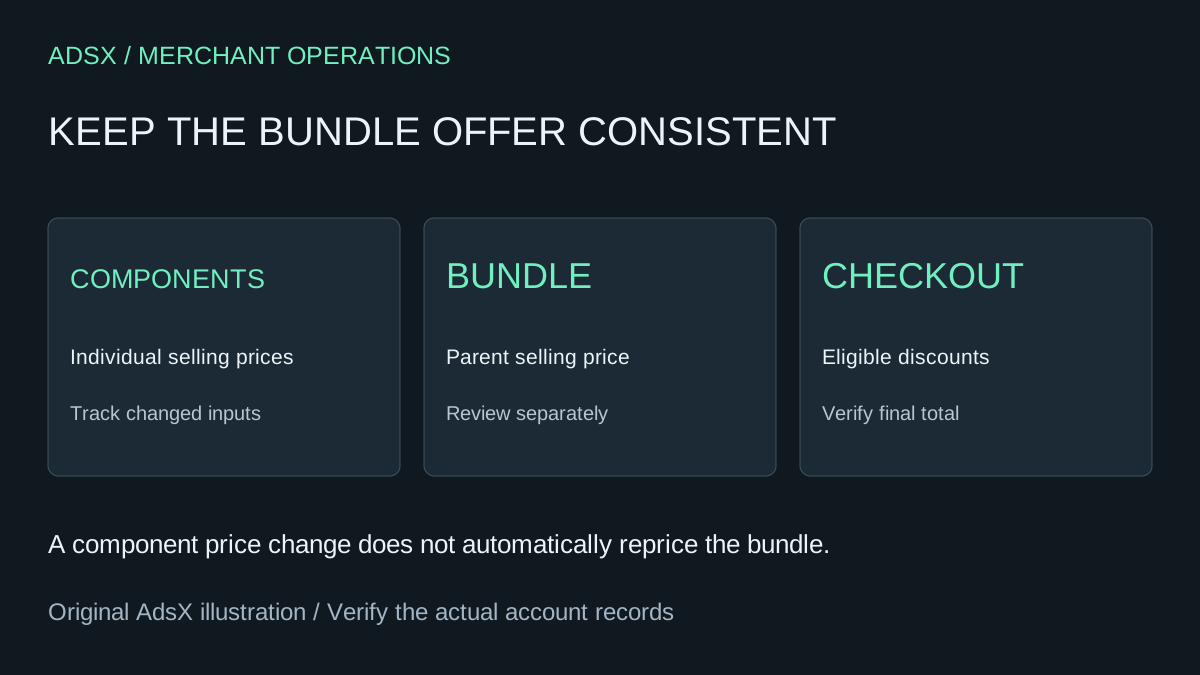
Original AdsX bundle-pricing illustration.
Keep three values in the offer record
Record the individual selling prices, the bundle selling price, and any extra checkout discount. Keep product costs in a separate column. A retail price increase does not prove a supplier cost increase, and a supplier cost increase does not automatically mean customers see a higher price.
A fictional desk kit contains one notebook and one pen:
| Value | Before a component price change | After the change, before review |
|---|---|---|
| Notebook sold separately | $24 | $28 |
| Pen sold separately | $12 | $12 |
| Separate-item total | $36 | $40 |
| Bundle selling price | $30 | $30 |
| Difference from separate items | $6 | $10 |
The unchanged $30 bundle now differs from the separate-item total by $10 rather than $6. Whether to retain that price is a merchandising decision. Do not assume the bundle should increase, or that an old savings label remains the best description.
Use real, applicable prices when describing savings. If another offer discounts the individual products, compare the offer customers can actually buy rather than relying on an obsolete reference amount.
Make the price-change owner responsible for bundles too
Before a catalog price import, identify bundles containing affected variants. Build a review list with the parent product, selected components, current bundle price, proposed price, and any active promotion.
An import owner may correctly update every individual SKU while never seeing a bundle's product page. Put bundle review into the change handoff so that responsibility does not disappear between merchandising and operations.
For each affected bundle, choose one outcome: retain the price, change the price, or pause the offer until its economics are resolved. Record the reason and reviewer. Use the catalog import checklist for the import itself; the bundle review is an additional dependency check.
Test the discount against the parent product
Shopify says product- or collection-specific discounts must include the parent bundle product; selecting only components does not apply the discount to the bundle. Its documentation also explains that a bundle discount is calculated at the parent level and allocated across components by weighted price.
For our example, suppose an eligible 10% promotion applies to the $30 bundle. The predicted merchandise total is $27. That is an extra $3 reduction from the bundle price, not 10% off the $40 separate-item total.
Write that prediction before testing. Then inspect the actual cart, discount label, and order detail. If the result differs, check the selected discount products and conditions before changing prices to compensate.
Shopify's discount-combination rules govern whether additional offers can combine. Our discount test matrix helps cover excluded carts and other active offers. A single successful code entry does not validate the full campaign.
Review margin using costs, not the savings label
Now suppose the fictional kit's component cost rises from $14 to $18. At a $30 selling price, the amount left before other expenses falls from $16 to $12. With the extra 10% promotion, that amount falls to $9.
Those are planning calculations, not a complete profit measure. Add fulfillment, payment costs, returns, app costs, and acquisition spending where applicable. A larger advertised saving can coexist with a weaker business result.
Give the person approving the promotion both views: what the customer pays and what remains after costs. If a price must change, recheck product-page copy, ads, and any scheduled offer that describes the old amount.
Verify one changed bundle before closing the task
Use a representative variant selection and save the expected price, observed price, applied discount, and review time. Check mobile as well as desktop. Where customers can choose components, include a selection affected by the recent change rather than only the default option.
Confirm that support can identify the purchased components and explain the amount charged. Keep historical order records intact; today's price review should not rewrite what an earlier customer agreed to pay.
If you are still choosing a bundle implementation, start with the bundle-app comparison. Once the app is selected, maintain the offer as its own product with a price owner and a repeatable review whenever its inputs change.