A Shopify backup is useful only if you know what it contains and how you would recover from the mistake you are worried about. Downloading a theme or exporting products is a sensible step, but neither should become an unexplained checkbox labeled “the store is backed up.”
Start with the failure you want to recover from: a damaged theme, an accidental catalog edit, missing content, or a wider store migration. Different failures need different recovery methods. This guide uses public documentation reviewed October 20, 2026 and a fictional recovery exercise; we have not restored a merchant store.
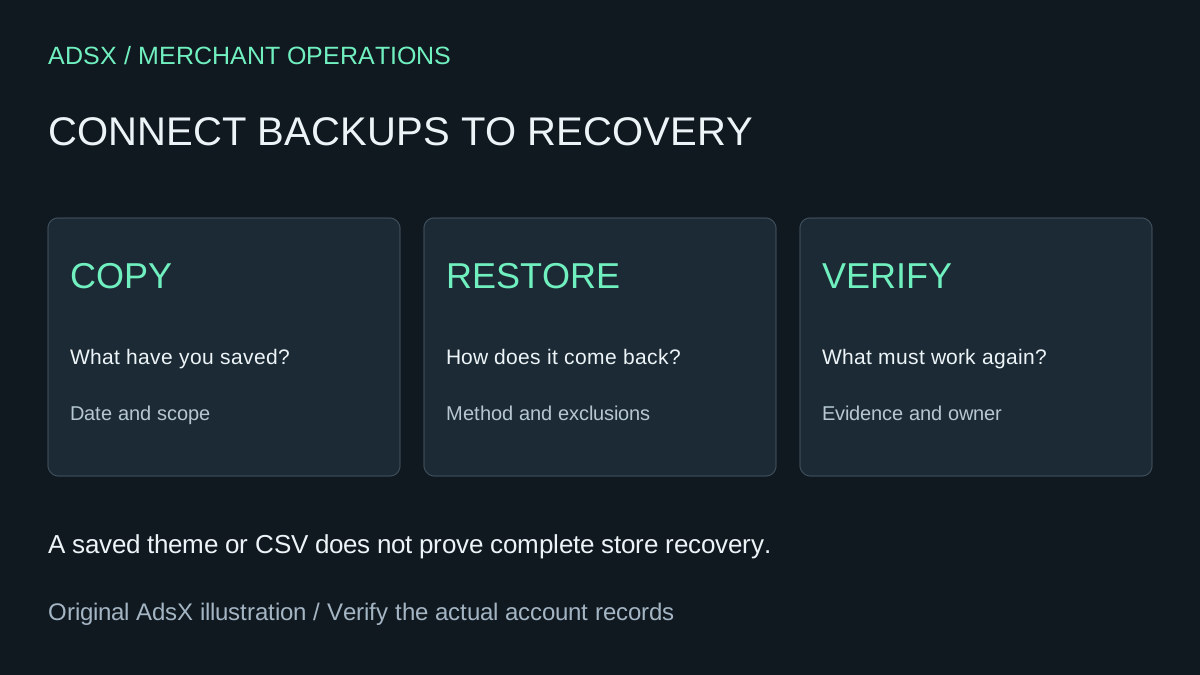
Original AdsX recovery-planning illustration.
Separate a saved file from a recovery method
Shopify's backup and duplication guidance describes CSV exports and theme copies, while explaining that some store information needs manual recreation. An export's existence does not establish a supported import path for every field or resource.
For each important part of your store, write down the copy you retain, the recovery method, and the last time you checked it. Name the person who can perform the recovery. If that person is unavailable, an unreadable folder of exports is unlikely to help the next operator.
Use a table like this as a planning template:
| Store area | Copy or evidence to retain | Recovery question |
|---|---|---|
| Product catalog | Dated export and media inventory | Which fields can be restored without overwriting newer work? |
| Theme | Known-good theme version | Can the layout and required integrations be restored? |
| Pages and navigation | Content and structure record | What must be recreated separately? |
| Apps | Provider, configuration, export options | What does the provider's recovery process cover? |
| Store settings | Approved settings record | Who can reconstruct and verify the setup? |
| Customer obligations | Appropriate operational records | How will open work remain accurate? |
Keep sensitive exports in access-controlled storage. A backup should not become a public spreadsheet of customer records or gift-card values. Define retention and access according to your business requirements.
Know what a theme download leaves out
Shopify's theme download guide says theme downloads exclude products, collections, menus, pages, blog posts, images, and other files in Content > Files. It also explains that a purchased theme's license applies to its original store.
That distinction matters during a recovery exercise. Suppose a fictional homewares merchant has a theme ZIP from Friday and edits product descriptions on Monday. Uploading the Friday theme is not a plan for reversing Monday's catalog changes.
Match the saved material to the incident. For a layout problem, compare the affected theme and integrations. For a catalog problem, identify the exact records and fields changed. Avoid replacing unrelated areas simply because one broad restore option feels faster.
Check transfer limits before planning a duplicate store
The duplication guide lists important limits: orders cannot be imported through the Shopify admin, and issued gift cards, discount codes, saved custom reports, and traffic data do not transfer through the ordinary duplication process. Apps and settings also need attention.
Do not use a store duplicate as an assumed substitute for every recovery requirement. If the purpose is to hand over a business, first review the ownership handoff checklist. Changing ownership and recreating a store are different operating decisions.
If a provider offers broader restoration, ask precisely which objects, relationships, and settings it handles. Request an explanation of partial restores and exclusions. “Backs up products” leaves unanswered whether images, variants, references, and newer edits survive the recovery you need.
Run a narrow recovery exercise
Consider a hypothetical change to 40 product descriptions. Before that change, record the affected product identifiers, save the relevant export, and define a sample that covers the kinds of products being edited.
The acceptance condition is specific: the selected description returns to the intended text while price, stock, images, and unrelated recent edits remain correct. Record the recovery duration and anything that required manual intervention. Do not call the exercise a success merely because an import finished.
Use an approved environment or a carefully authorized small test. Never overwrite a live catalog just to prove that a backup file exists. Our first-catalog CSV guide explains why a limited import and field review belong before a wider operation.
Choose a backup app from the recovery requirement
A backup app can be worth evaluating when manual exports do not meet the business's recovery needs. Compare coverage, restore granularity, retention, access controls, support, and cost. Ask how recovery works if the store or app access itself becomes unavailable.
Use the app permissions checklist alongside that evaluation. We have not tested or ranked a backup vendor here, and no app partnership is implied.
Finish with a short record your team can use: what is protected, what is excluded, who acts, and how to verify recovery. Review it when a major app, catalog workflow, or theme change makes the old assumptions unreliable.