Before promoting two Shopify discounts together, build the cart you expect a customer to buy. Record the eligible items, the discounts that should apply, and the total you expect to see. Then compare that prediction with checkout.
This is more useful than testing whether a code is accepted in isolation. An individual discount can work while the advertised combination fails for a particular cart, customer, or channel.
The examples below are invented planning cases, based on public Shopify documentation reviewed October 20, 2026. They exclude tax and do not represent a live store test.
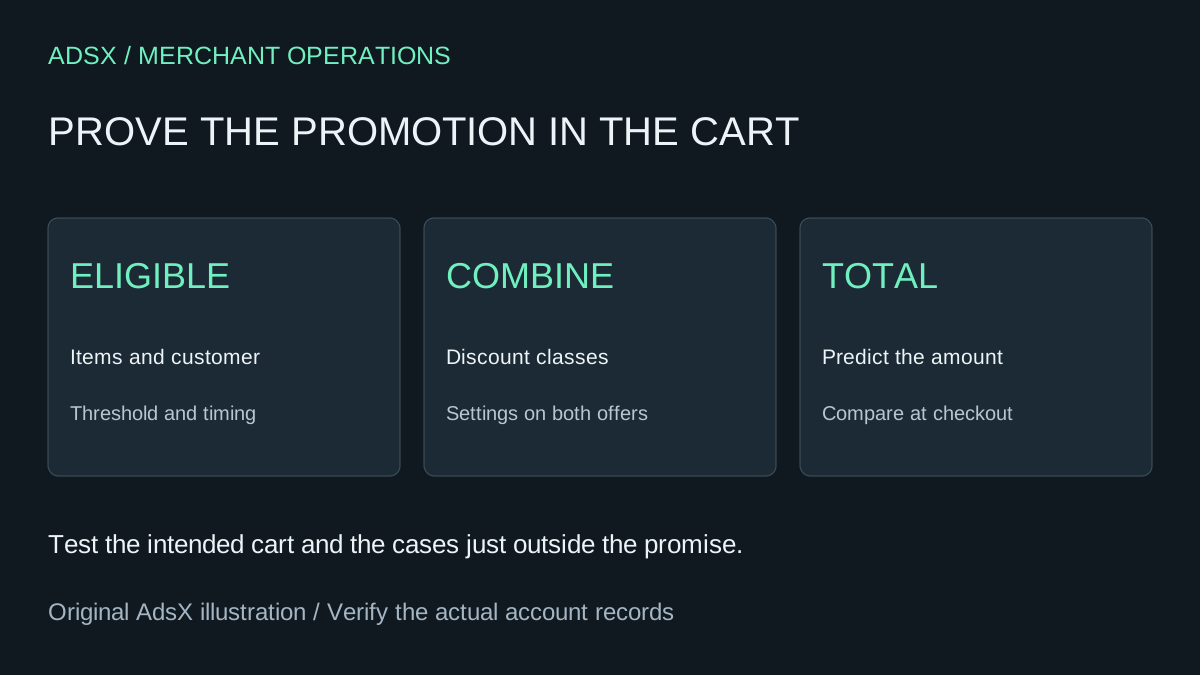
Original AdsX promotion-testing illustration.
Identify the class of each discount
Shopify's combination guide distinguishes product, order, and shipping discounts. Each discount must allow the intended combination. Some combinations have eligibility requirements, and combining multiple product discounts on the same item requires Shopify Plus.
Create a brief offer record before changing settings. Include the code or automatic offer, its class, qualifying items, minimum requirements, eligible customers, active window, and intended channel. Give the campaign owner a copy so the promotional language matches the configuration.
For example, “20% off the jacket plus 10% off the order” is a different promise from “30% off everything.” A banner that compresses those statements into the same claim creates confusion even if checkout follows the configured rules correctly.
Work through one cart by hand
Assume a fictional eligible cart contains an $80 jacket and a $20 cap. The jacket has a 20% product discount, and an eligible 10% order discount is configured to combine with it.
Shopify applies product discounts before order discounts; shipping discounts follow. Using that order, our illustrative merchandise calculation is:
| Step | Calculation | Result |
|---|---|---|
| Original merchandise | $80 + $20 | $100 |
| Jacket discount | $80 × 20% | $16 saved |
| Revised subtotal | $100 − $16 | $84 |
| Order discount | $84 × 10% | $8.40 saved |
| Merchandise after discounts | $84 − $8.40 | $75.60 |
If shipping is $8 and a qualifying shipping discount removes it, the illustrated total remains $75.60 before tax. Without that shipping discount it would be $83.60. The merchandise savings are $24.40, not a blanket 30% reduction.
Use your actual prices and eligible items. This example is a prediction to verify, not evidence that any particular store qualifies for the configuration. Review margin after discounts, shipping, and other costs with the ROAS calculator before using the offer in acquisition campaigns.
Build a small acceptance matrix
Choose cases that expose the boundaries of the promise. A useful test set includes more than the ideal cart:
| Scenario | What to record |
|---|---|
| Intended qualifying cart | Expected discounts and final total |
| Cart below the threshold | Which offer should remain unavailable |
| Eligible and excluded products together | Which lines receive savings |
| Different customer eligibility | Whether the offer still applies |
| An existing automatic promotion | Which combination actually wins |
| Campaign start and end boundaries | Whether the offer is active |
Shopify's discount FAQ says expiry follows the end date, end time, and timezone displayed in the admin. Record that timezone in the campaign brief. An offer ending at midnight in the store's settings may not match what a customer in another region assumes.
Keep screenshots or sanitized results with the cart inputs. If someone changes a threshold after approval, rerun the affected cases rather than treating yesterday's screenshot as current evidence.
Diagnose a mismatch in a consistent order
First confirm that the items and customer meet the offer's conditions. Next check the active window and combination settings on both discounts. Then look for other offers affecting the result. Shopify says the better discount applies when discounts cannot combine.
Check the intended sales channel too. The combination guide limits supported channels; do not assume an offer verified in the online store behaves identically in every external checkout.
Change one cause at a time and record why. Creating another code immediately can hide the original problem and leave extra promotions active. If a customer reports a different total, ask for the cart and relevant conditions before concluding that the calculation is wrong.
The test-order checklist provides the broader checkout review. Add this matrix to it when an offer changes the economics of the purchase.
Separate built-in settings from custom logic
Many promotion checks are configuration work. If the business needs logic beyond the supported settings, give a developer the same cart cases and expected results. Our Shopify Discount Function tutorial covers a separate implementation path; installing custom logic still requires merchant-facing acceptance checks.
Before launch, have the campaign owner approve the actual customer promise and the person responsible for store margin approve its cost. Keep a clear way to stop the offer if checkout diverges from that promise.
A promotion is ready when the qualifying customer gets the stated deal, excluded cases behave predictably, and the team can explain the total without guessing.