Before upgrading Shopify customer accounts, list what customers actually do after signing in. Order history is only part of the experience. Subscription management, loyalty balances, return requests, and custom links can depend on apps or legacy theme work that needs a separate migration decision.
This guide uses public documentation reviewed October 19, 2026. The acceptance matrix is an illustrative planning tool; we have not upgraded or tested your store.
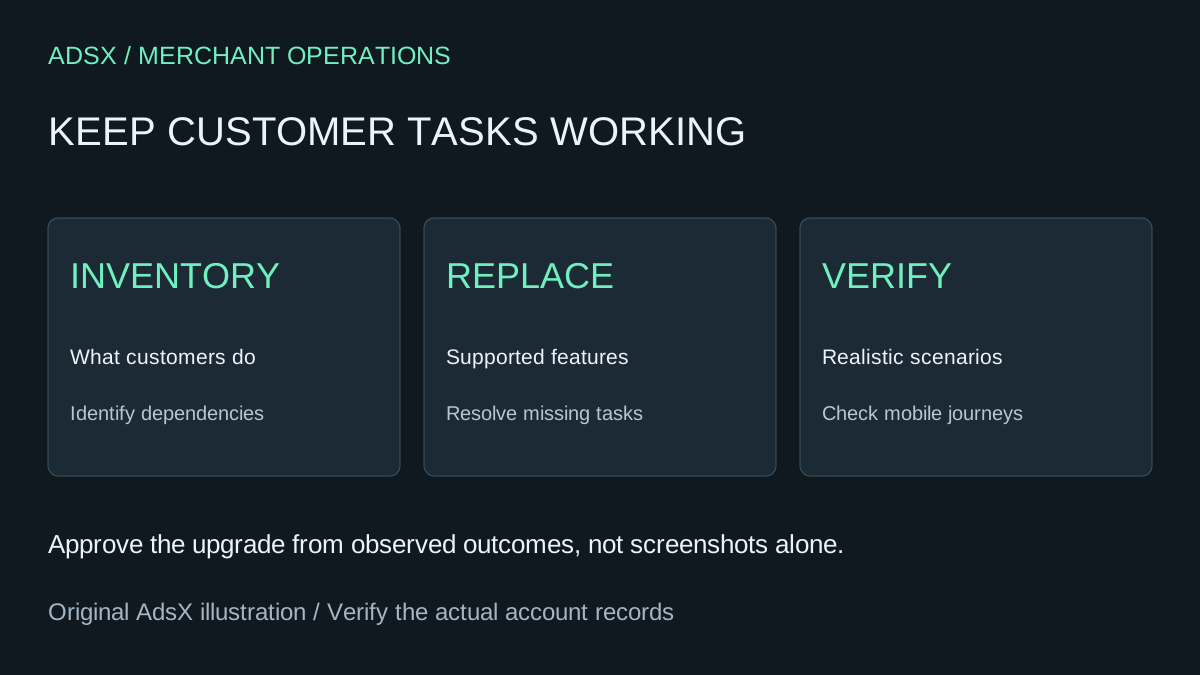
Original AdsX explanatory illustration.
Inventory tasks rather than screenshots
Start with the account pages and support requests your customers use today. For each important task, record how it works, which app or customization supplies it, and who owns the replacement decision.
A fictional coffee store might create this inventory:
| Customer task | Current implementation to inspect | Acceptance condition |
|---|---|---|
| Find an earlier order | Account order history | Correct customer's orders appear |
| Manage a subscription | Existing subscription app link | Customer reaches the appropriate management flow |
| Use a loyalty benefit | App or custom account element | Eligible balance or action is understandable |
| Request help with a return | Existing return workflow | Customer can find the correct next step |
| View store credit | Supported account feature | Balance and checkout use are verified |
Keep the matrix focused on behavior. Recreating every old visual detail can consume time without preserving the task that matters. Conversely, a polished account homepage can still leave a customer unable to manage a recurring purchase.
Map each feature to a supported replacement
Shopify's customization-options guide groups solutions into built-in features, compatible apps, custom extensions, and headless approaches. Use that guide to identify the supported route for each task rather than assuming a legacy theme modification will appear in the new experience.
Choose the simplest adequate replacement. If an existing supported feature solves the need, document it. If an app is required, verify compatibility and cost. If custom development is necessary, give it a clear acceptance condition before committing to the upgrade schedule.
For store-credit behavior, use the store credit versus gift-card guide to keep the two instruments distinct. “Customer can see a balance” is not the same test as “customer can apply the intended balance to an eligible checkout.”
Audit dependencies that are easy to miss
Shopify's upgrade guide warns about custom sign-in experiences, legacy-account workflow triggers, and segments using the legacy account-status filter. It also distinguishes publishing the new checkout/account configuration from completing the account upgrade.
Make a separate dependency list for custom login modals, account links, automation, and segmentation. A redirected standard account URL does not prove that a custom sign-in form elsewhere in the theme is compatible.
Ask the person responsible for each dependency to state its expected behavior after the change. If nobody owns an old automation, inspect its purpose before recreating or removing it. An unused customization and a quietly essential workflow can look equally obscure in a theme file.
Avoid relying on an old search snippet for rollback or integration behavior. Recheck the current official guidance for your plan and setup when scheduling the change.
Preview the replacement with realistic customer cases
The upgrade guide describes duplicating the configuration, preparing replacements, publishing that configuration, and previewing the new account URL before completing the upgrade. Follow the current documented sequence and account-specific controls rather than assuming a saved draft is already what customers see.
Define a small set of test customers or approved test scenarios. Include someone with order history, someone using a subscription, and someone eligible for a feature you are preserving. Do not test by borrowing a real customer's login or exposing their records to an unrelated reviewer.
For each scenario, record the starting page, expected action, observed result, and any unresolved issue. Inspect mobile as well as desktop. A link can exist in the configuration yet be difficult to find on a small screen.
The test-order checklist helps organize the purchase portion of the review. Keep sign-in and post-purchase account tasks as explicit additions rather than assuming a successful order proves them all.
Make the go-live decision from evidence
Classify problems by their effect on customers. A missing cosmetic element might be acceptable for launch; an inaccessible subscription-management flow usually needs resolution first. Name the person who approves any remaining compromise.
Record the previous configuration, the approved new experience, and the official recovery options available at the time. Do not promise an unlimited rollback window without verifying current terms. Give the support team concise instructions for the customer questions most likely to arise.
After the upgrade, verify the live navigation and the preserved tasks again. Review early support cases for a specific pattern instead of treating every question as proof the entire migration failed.
A successful upgrade means customers can complete the work they came to their account to do. Use that standard to decide what to retain, replace, and improve.