When Shopify assigns an order to an unexpected location, reconstruct the decision before moving the routing rules around. The nearest warehouse is only one possible priority. Stock, eligibility, and earlier rules can make another location the intended result.
This guide uses public Shopify documentation reviewed October 18, 2026. The two-location example is fictional; we have not changed a merchant's routing configuration.
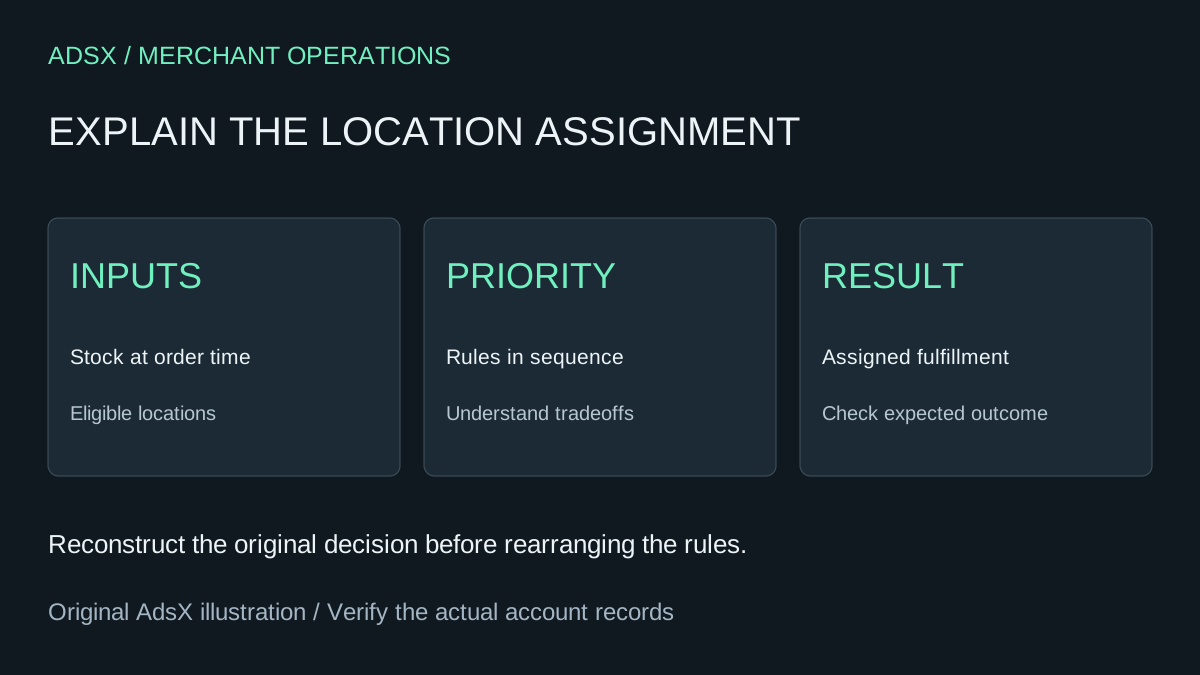
Original AdsX explanatory illustration.
Start with the order and its original inputs
Write down the order time, destination, items, quantities, and assigned fulfillment locations. Then record what inventory and configuration were in place when the order arrived. Today's stock screen can differ from the situation the routing system evaluated.
Shopify's routing setup and troubleshooting guide says routing applies when a store has at least two fulfillment locations. It identifies online-order eligibility, verified location addresses, destination-zone coverage, and stock at the time of purchase as inputs to investigate. It also warns that routing does not prevent overselling.
Use a small investigation record:
| Evidence | What to capture |
|---|---|
| Order | Reference, time, destination, and basket |
| Candidate locations | Which locations could fulfill online orders then |
| Inventory | Available items at each candidate when the order arrived |
| Strategy | Rule order and any later configuration changes |
| Outcome | Assigned location or split fulfillment |
Keep this record private if it includes customer information. A public troubleshooting post needs the configuration pattern, not the customer's address.
Read the rules in sequence
Shopify's order-routing explanation says each rule operates on the results of the previous rule. Its default sequence minimizes split fulfillments, favors the destination market, and then considers the closest location. Distance is measured in a straight line, not driving time.
That sequence matters. “Closest” does not necessarily overrule a preference already established by an earlier rule. Review the strategy actually saved in your store rather than assuming it matches the default.
Think of the rules as a series of questions your operations team should be able to explain. Which objective comes first? What happens when two locations satisfy it? Which rule resolves the remaining choice? If two people give different answers, document the intended policy before editing the configuration.
Work through a two-location basket
A fictional stationery business has a central warehouse and a neighborhood shop. Both are eligible locations in the customer's market. The shop is nearer, but the basket contains a notebook and a pen set.
| Location | Notebook available | Pen set available | Complete basket? |
|---|---|---|---|
| Central warehouse | 8 | 5 | Yes |
| Neighborhood shop | 3 | 0 | No |
With the documented default priorities, favoring the warehouse for this basket is consistent with minimizing splits. The shop's proximity does not supply its missing pen set. This is an illustrative application of the rules, not a prediction for every live order; other eligibility and configuration details still matter.
Now suppose both locations have the complete basket. The closer-location rule can become relevant after the earlier criteria are satisfied. If the observed result still differs from your expectation, check the actual location inputs and tie-breaking configuration instead of changing several settings at once.
Separate allocation from the shipping charge
A location assignment answers where fulfillment work goes. A checkout shipping rate answers what the shopper is charged. They interact, but they are not interchangeable controls.
If the complaint is an unexpectedly high shipping total, use the combined shipping-rate guide to inspect that calculation. If the complaint is that the wrong team received the order, continue the routing investigation. Rewriting a rate to solve a warehouse-allocation issue can create a second problem without resolving the first.
Shopify documents cases where no single location can complete an order and a split remains necessary. Do not promise that a split-minimization rule eliminates every split shipment.
Change one policy and verify the tradeoff
Choose the operational objective explicitly: fewer packages, preferred warehouse handling, or proximity. Record the previous strategy, the proposed change, and the baskets that should behave differently. Include a basket that should stay unchanged so the review can catch unintended effects.
Use your normal test-order workflow and inspect the resulting assignment. If the test does not establish the intended behavior, keep investigating rather than declaring success because the settings saved.
For the next ordinary orders, compare expected and actual assignments alongside split packages and handling effort. The useful outcome is a routing policy the team understands and can operate, not a rule list that merely looks simpler.