If Shopify moves your store from shipping profiles to shipping options by market, review the migrated setup before changing it. Start with the people who manage shipping, the products each option covers, and the checkout choices customers actually receive. An automatic migration still deserves a practical acceptance check.
This is an upgrade review, not a guide to diagnosing an existing profile’s combined charge. Use our combined-rate guide for that earlier system. Public documentation was reviewed October 16, 2026; the store example below is fictional.
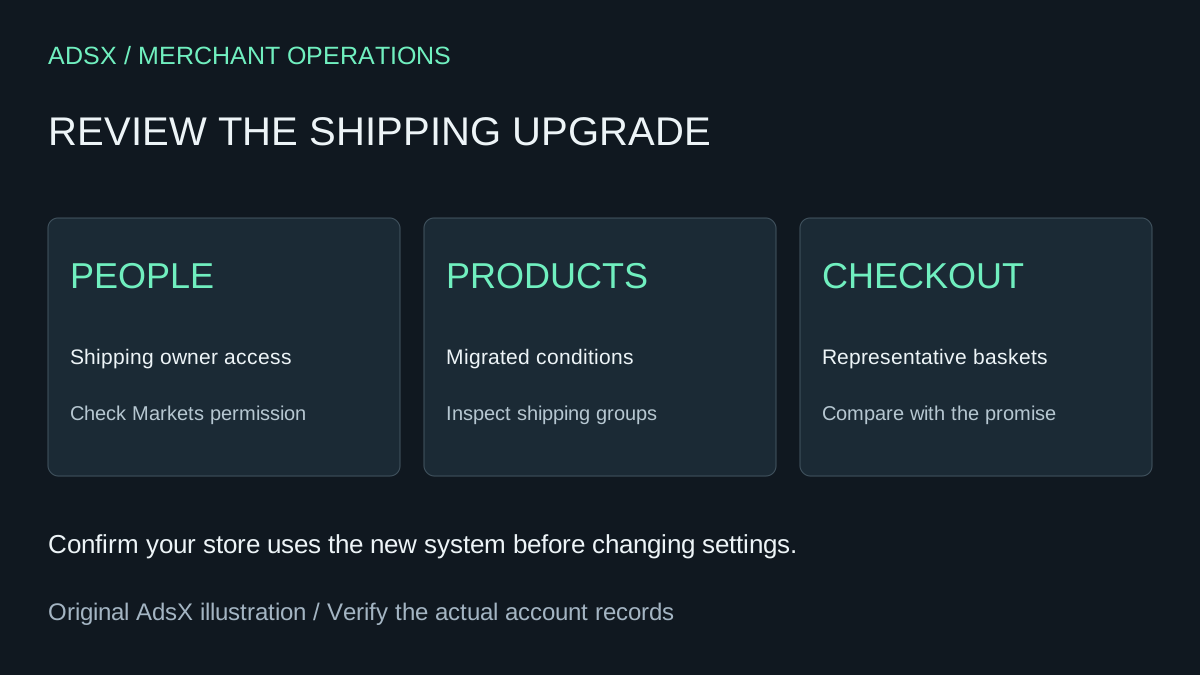
Original AdsX explanatory illustration.
Confirm that the upgrade applies to your store
Shopify’s upgrade documentation labels shipping options by market as early access for selected stores. Under Settings > Shipping and delivery, check whether the account still shows profiles or a Shipping options section organized by market. Stores move gradually, and existing settings remain until the upgrade.
After migration, shipping is managed in Markets. Staff responsible for it need the Markets permission; Shopify says it is not automatically granted through existing roles. Product groups from profiles become unpublished collections with a [Shipping] prefix that support rate conditions.
Treat those collections as configuration until you understand their purpose. A cleanup based only on an unfamiliar name can remove something an operating workflow depends on. First identify which shipping option references a collection and which products it contains.
Make an owner-and-coverage record
For a fictional stationery store, the shipping owner might maintain three groups: flat paper goods, boxed notebooks, and fragile desk accessories. The acceptance record should connect each group to a real variant and intended destination.
| Check | Example evidence | Person responsible |
|---|---|---|
| Staff can manage shipping | Shipping operator can open the relevant market settings | Store owner |
| Product group is complete | Representative notebook variants appear in the intended condition | Catalog operator |
| Region is covered | A destination used by actual customers has an appropriate option | Shipping operator |
| Customer promise agrees | Checkout wording matches the delivery policy | Customer-support owner |
These are proposed review fields, not a Shopify-generated report. Save observations with a date. If a teammate reports a missing setting, establish whether the cause is permissions or missing configuration before recreating rates.
Understand what the new structure means
Shopify’s shipping-options overview separates markets, customer-facing shipping options, and the rates inside each option. Rates can have product and location conditions. Child markets can inherit options, and overlapping markets can contribute multiple choices to checkout.
For flat or order-amount rates inside one option, the highest matching rate applies. Weight-based and carrier or app-calculated rates are calculated per shipment and can add together. Do not judge all rate types with the same arithmetic.
For illustration, assume the stationery store has one Standard option with a $6 flat rate for paper goods and a $9 flat rate for notebooks. A basket matching both within that option would use $9 under the documented rule. This example does not establish what happens with a separately configured option or a carrier-calculated shipment. Inspect the structure before comparing totals.
Review regional inheritance deliberately
Start with destinations you actually serve. For each, record the market or markets that apply, whether shipping is inherited, and the choices shown at checkout. A second Standard option may reflect overlapping coverage rather than a duplicated product.
Do not delete an inherited option merely because its name resembles another one. Work out where it comes from and which other destinations depend on it. A change intended for one region can affect children that inherit the configuration.
For the stationery store, choose one ordinary domestic address and one address in a region with special treatment. Keep the basket identical while changing the destination. That makes it easier to identify a regional difference without also changing the products under investigation.
Run a compact acceptance matrix
Use one item from each group, then a mixed basket and an order near a configured price or weight boundary. For every case, write the expected service, displayed charge, delivery wording, and any absence of a usable option. Our package-weight guide helps review the inputs behind weight-dependent choices.
Include an item that relies on a shipping app if the store uses one. The upgrade documentation directs merchants with missing or incorrect app rates to review compatibility and any account banner. A successful ordinary basket does not prove that the app-dependent basket works.
These checks can usually begin by reviewing checkout without placing a real order. Use the store’s authorized test-order process if deeper payment and fulfillment validation is needed. Do not create customer charges just to obtain a screenshot.
Keep corrections small and explainable
If a product is absent from a condition, correct that mapping and repeat the affected baskets. If staff cannot reach the settings, review their role. If checkout offers no usable delivery option, capture the precise basket and destination for investigation. Change one cause at a time so the result remains interpretable.
Shopify documents an account-specific opt-out window for switching back, and warns that doing so removes shipping changes made after the upgrade. It is not a harmless preview toggle. Review that consequence and preserve your change record before considering a rollback.
Close the review when representative products, regions, staff access, and delivery promises all agree. Use the shipping setup guide for the broader operating process, then leave a stable configuration long enough to observe actual orders.