An unlisted Shopify product is useful when you want to share a product link without putting the item throughout your storefront. It is not a password or a customer-eligibility rule. Decide whether your goal is quieter discovery or restricted purchasing before choosing the setting.
This guide plans a direct-link launch using public documentation reviewed October 17, 2026. The example is illustrative, not a report of a tested merchant launch.
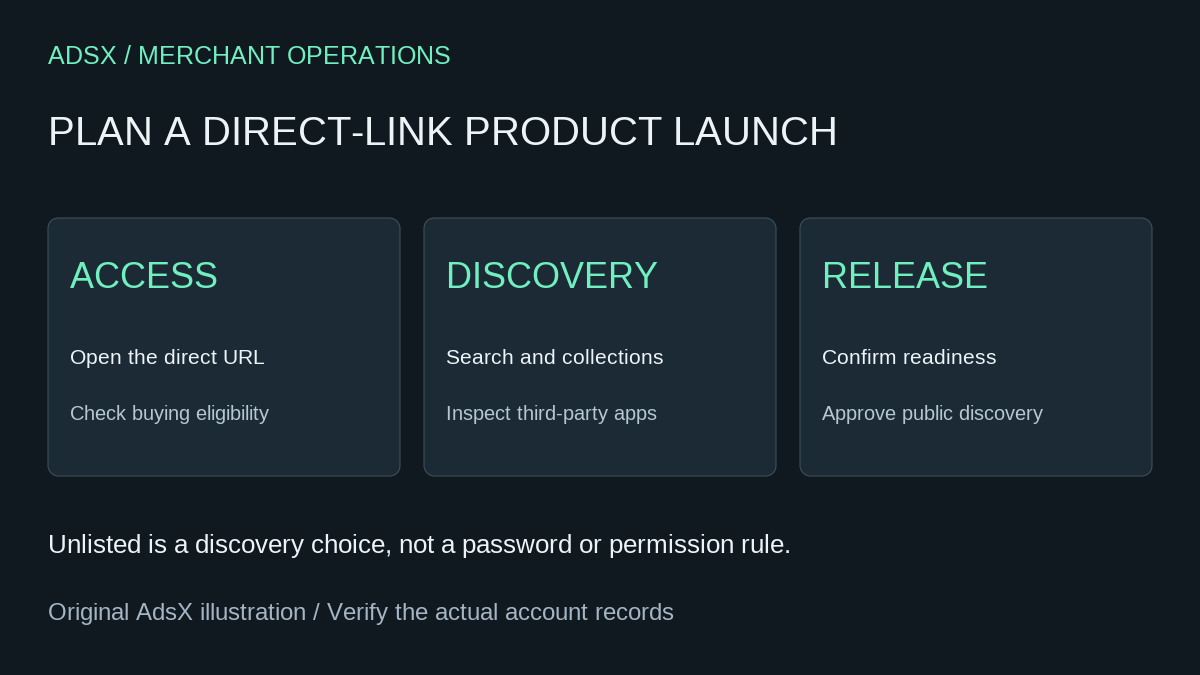
Original AdsX explanatory illustration.
Decide what you are trying to hide
Shopify's product-status documentation says an unlisted product remains accessible through its URL. It is excluded from Shopify-powered collections, search, recommendations, Shopify Catalog, and the sitemap. Its URL stays the same, and customers can still add it to a cart from the product page unless that behavior is customized.
A practical distinction follows: less discoverable does not mean confidential. Anyone receiving a forwarded URL may reach the page. If only approved customers should buy, establish an appropriate eligibility mechanism and verify it independently of the listing status.
Write one sentence defining the launch before making changes. For example: “We want returning customers to see a new notebook before we place it in our main collections.” That objective supports a direct-link approach. “Only customers in this approved list may purchase” adds an access-control requirement that unlisted status alone does not answer.
Build a small launch record
For a fictional notebook launch, record the following before sharing the link:
| Decision | Example |
|---|---|
| Offer | One limited-color notebook, with its own product page |
| Audience | Returning customers receiving the direct URL |
| Discovery goal | Keep it out of ordinary storefront browsing initially |
| Inventory promise | Offer only the quantity actually available for this launch |
| Public-release trigger | Owner approves the page, inventory, and support readiness |
| Owner | One person responsible for status changes and final checks |
A date alone is a weak release trigger. If stock has not arrived or the page still has an incorrect delivery promise, a scheduled announcement can create avoidable support work. Assign someone to decide whether the conditions are met.
Our private-mode launch guide covers opening a whole storefront. This checklist concerns one product inside an otherwise operating store.
Inspect more than the product page
Shopify's search-behavior guidance warns that an incompatible third-party search app can still return unlisted products. A setting in the product editor is therefore not enough evidence about every discovery surface.
Review the actual storefront paths a shopper uses. Search for the product name, a distinctive phrase, and its category. Check relevant collection pages and recommendation blocks. If an app powers those experiences, confirm its handling of unlisted status with the app's documentation or support.
Also review links you control: navigation, homepage features, old campaign landing pages, and editorial posts. Manually sharing the URL in a prominent place can defeat your own quiet-launch goal even when automatic discovery behaves as intended.
Shopify documents limitations for third-party sales channels and notes that apps without support for the status may display the product as Active. Do not interpret an app's label as proof that your complete publishing configuration matches the intended audience.
Check the buyer's journey
Use a fresh shopper session to inspect the direct link, product options, stock message, and delivery description. A staff preview can hide problems a visitor will encounter. Follow your normal test-order procedure before launch; our Shopify test-order checklist helps organize that work.
Include a forwarded-link case in the review. If a person outside the initial audience can view and buy, decide whether that is acceptable. If it is not, solve the purchasing restriction before distributing the link. Do not describe the offer as exclusive to verified buyers merely because the page is unlisted.
For a small launch, keep the initial offer simple. Adding several bundles, discount rules, and destinations makes it harder to tell which configuration caused an unexpected result. Verify the core journey, then expand deliberately.
Make the public transition explicit
When the product is ready for ordinary discovery, review status, channel availability, collections, navigation, and stock together. Recheck the visible store after the change. Keep the original URL where possible instead of creating a second product solely for the public phase.
Record when you changed the launch state and what you checked. That gives your team a useful reference when a customer asks why a product appeared in one place before another. Search-engine visibility can lag publication changes; a status change is not proof of crawling or ranking.
A direct-link launch works best when it has a clear purpose, a short verification list, and a named owner for the transition. Use it to control how you introduce a product, while treating permissions and purchase eligibility as separate decisions.