A customer segment can have a sensible name and still select the wrong people. “Recent subscribers” might mean people who subscribed recently, customers who created an account recently, or subscribed customers who recently placed an order. Those are different audiences. An AI-generated query cannot resolve an ambiguous business brief by looking convincing.
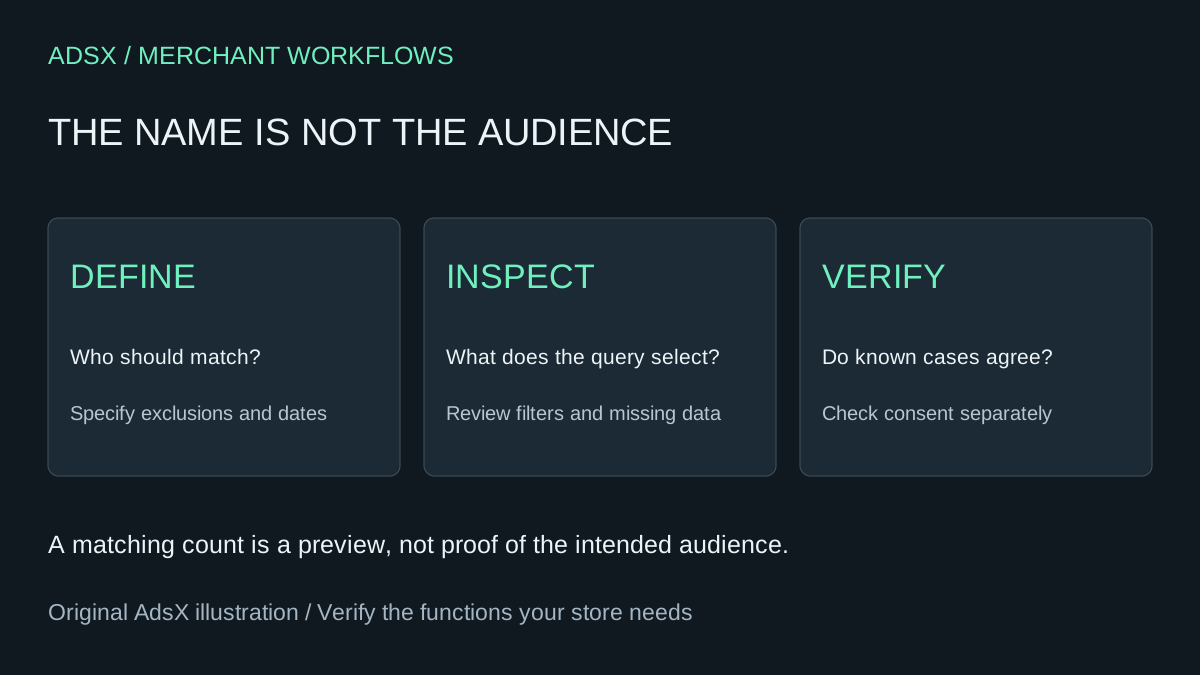
Original AdsX illustration.
Use Sidekick to draft a segment, then review the selection rule and several known cases before connecting it to a campaign. This is a segment-validation workflow, not an instruction to send email or change anyone's consent. The example and prompt are illustrative; AdsX has not executed them in a merchant account.
Write the audience rule before opening the assistant
For a fictional gardening store, the brief might be: “Customers currently subscribed to marketing email whose last order was more than 90 days ago.” That is more precise than “inactive customers,” but it still needs decisions. Should people who never ordered qualify? Is the cutoff inclusive? Does the campaign concern all customers or a particular market?
Write those decisions in a short acceptance note. A useful first version says what should happen to a known recent buyer, an older buyer, someone without an order, and someone without a current subscription. Keep this note separate from the generated query so you can compare them without letting the output redefine the task.
Shopify's segment creation guide documents asking Sidekick for a ShopifyQL segment from a plain-language description. It displays a matching count and lets you open the result for review and saving. The count is a useful preview, not proof that the audience matches your intent.
Give Sidekick the exclusions as well as the goal
Try this brief in the supported customer-segment workflow:
Draft a customer segment for this audience: [business definition].
Include only customers currently subscribed to marketing email.
Define the date cutoff as [exact intended boundary and store context].
For customers with no orders, use this rule: [include or exclude].
Explain every filter, operator, date assumption and missing-value behavior.
Do not infer subscription consent from a purchase, account or customer tag.
Return cases that should match and cases that should not match.
Do not send a campaign, change customer records or alter consent.
If you use a general AI assistant outside Shopify instead, provide the definition and synthetic examples rather than uploading your customer list. It can help critique the logic, but it does not thereby gain access to Shopify's query editor or verify that a field is supported.
Treat subscription status as a field, not a guess
The official filter reference defines email_subscription_status and its supported values. The documented subscribed condition is email_subscription_status = 'SUBSCRIBED'. Pending and not-subscribed states are distinct. Use the editor and current reference to validate any generated syntax rather than copying an invented field name.
A purchase does not establish marketing permission. Neither does membership in a customer segment. Review the sending platform's final eligibility and suppression behavior separately; a query is not a substitute for that process. If another platform owns part of your email workflow, confirm what actually synchronizes before treating the Shopify count as the number of deliverable recipients.
| Review case | Intended result for the example | Evidence to inspect |
|---|---|---|
| Subscribed, older qualifying order | Included | Current status and qualifying order date |
| Subscribed, recent order | Excluded | Last order is inside the cutoff |
| Older order, not subscribed | Excluded | Current marketing status |
| Pending subscription | Excluded | Pending is not subscribed |
| No order history | Follow the explicit brief | Missing-value behavior |
| Order exactly at cutoff | Follow the explicit boundary | Operator and date interpretation |
Use records you are authorized to inspect. A few correct members do not prove the whole segment, but one incorrect boundary case can reveal a flawed rule immediately.
Save a definition you can recognize later
Shopify describes segments as dynamic groups: customers enter or leave as their data meets or stops meeting the criteria. Therefore, a saved segment is not a frozen list. Record the query, review date, count and business purpose. Recheck the audience when it is used, particularly if the underlying definition or integration has changed.
Name the segment for its actual rule, such as “Subscribed, last order over 90 days,” instead of “Great customers.” Give it an owner who knows why it exists. If a later edit broadens the audience, repeat the negative cases rather than checking only whether the query still runs.
Count the value without inventing subscription savings
This native workflow may avoid buying a tool solely to assemble a simple audience. It does not replace email delivery, suppression management, attribution, or every specialist customer-data feature. If your paid platform remains necessary for those jobs, the subscription saving from moving one segment is zero.
For a hypothetical team, reducing a recurring list-preparation task from 45 to 20 minutes saves 25 minutes per run before review overhead. That is a planning assumption, not an observed Sidekick result. Record actual time and errors before using it in a business case.
Continue with the merchant prompt library, Shopify Forms replacement guide, and email automation planning. The segment is ready when the rule and evidence agree, not when the assistant gives it a polished description.